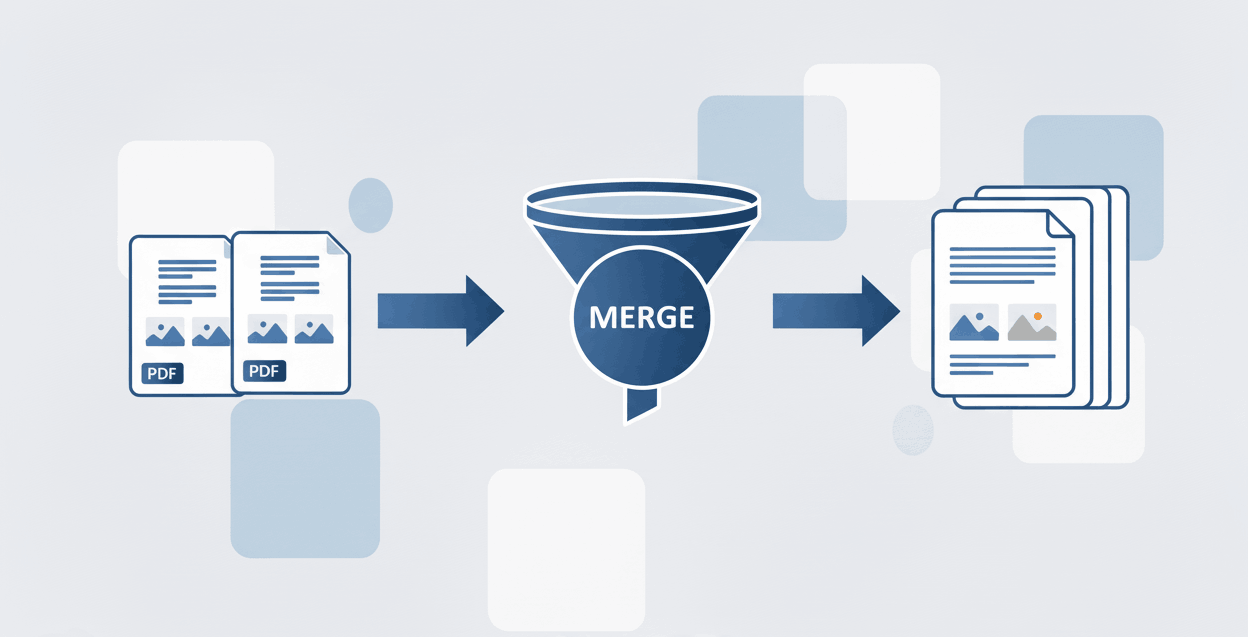
How to Merge PDF files?
Combine multiple documents and append pages securely into one file.

Quick Summary: Looking for a way to break apart pages in a PDF? Our zero-upload online tool allows you to separate a PDF into multiple files, divide documents by specific ranges, and extract individual pages securely. Unmerge your PDF files instantly in your web browser without downloading any software.
Select the exact pages you need and effortlessly extract pages from a PDF to create a new, refined document.
Easily divide PDF pages and break up large reports into smaller, more manageable separate files.
Uncombine PDF files securely. Our zero-upload technology processes everything locally on your device.
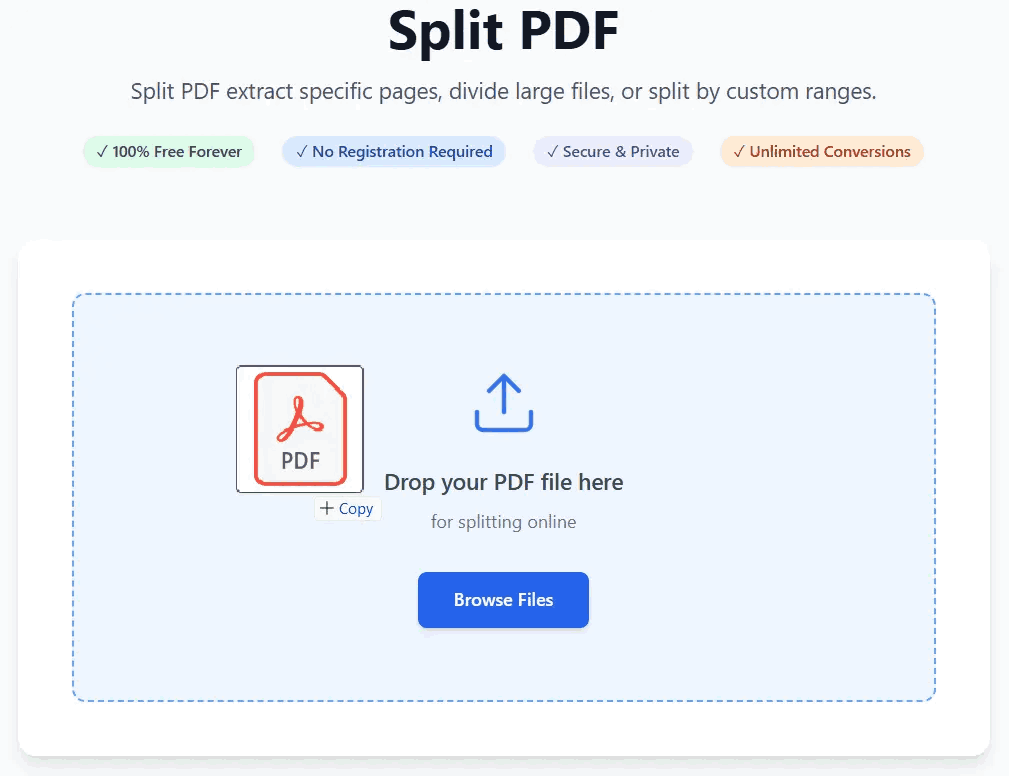
Do you need to know how to split a PDF into multiple files? Our advanced PDFSolving tool makes segregation intuitive:
Users frequently ask us "how do you separate pages in a pdf?" for a variety of critical workflows:
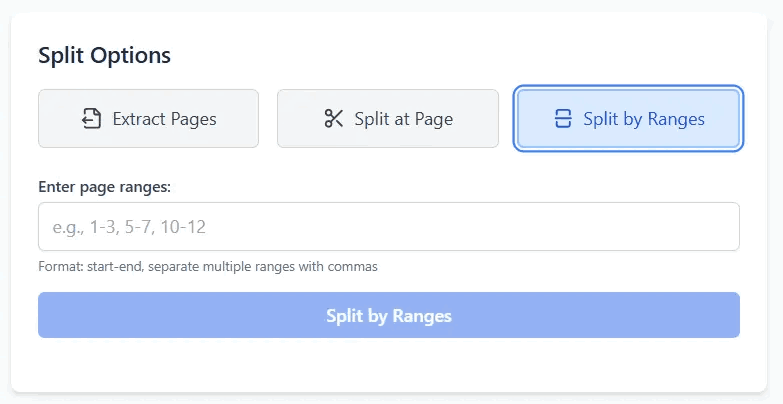
When searching for "how to separate a pdf into separate pages", most users stumble upon traditional online converters that upload their private documents to remote servers. This is a massive privacy risk for sensitive files like legal contracts or medical records.
With PDFSolving, we use powerful client-side processing. This means whether you want to uncombine PDF files or extract pages from a PDF free of charge, the mathematical splitting process happens completely inside your computer or smartphone's memory. Your files are never exposed to the internet.
You can easily separate pages from a PDF for free using PDFSolving. Simply upload your document, choose the pages you want to break apart or extract, and download the new files instantly.
Yes, if you have previously combined documents and need to reverse the process, our tool allows you to uncombine PDF files by splitting them at specific page intervals or selecting individual sheets.
No specific desktop software like Adobe Acrobat or Mac Preview is required. Open our browser-based tool on your Mac or Windows PC, and you can cut pages out of a PDF seamlessly online.
Use our zero-upload PDF splitter. Because the extraction process happens locally in your device's web browser, your sensitive data is perfectly protected and never uploaded to remote servers.
Learn tips and tricks for managing your documents efficiently.