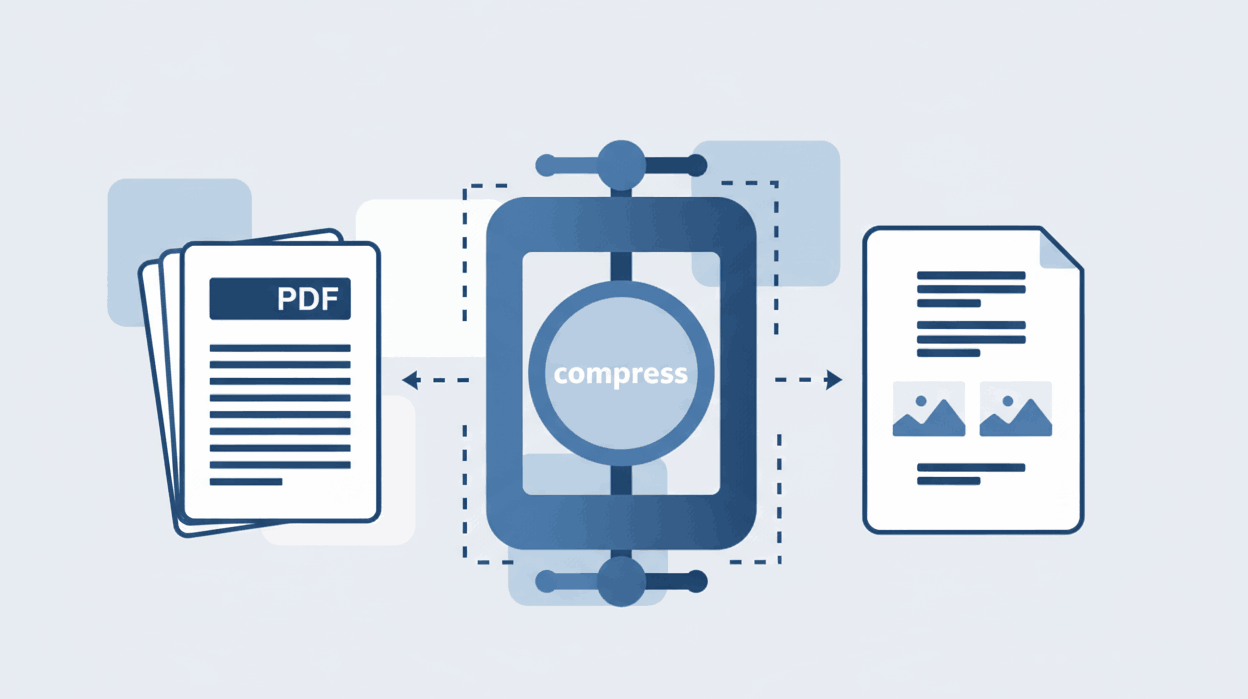
How to Compress PDF files?
Reduce document file size significantly without losing visual quality.

Quick Summary: Converting PDF files into editable Word documents has never been easier. Our secure, browser-based tool allows you to convert PDF to DOCX format while preserving original fonts, layouts, and tables accurately. Zero uploads guarantee that your private documents remain secure on your device.
Our intelligent converter maps fonts, paragraphs, and tables so your Word file looks exactly like your original PDF.
Your documents are strictly processed within your local browser. Say goodbye to unsafe cloud server uploads.
Download a clean, fully editable Microsoft Word file ready for modifications without text jumbling.
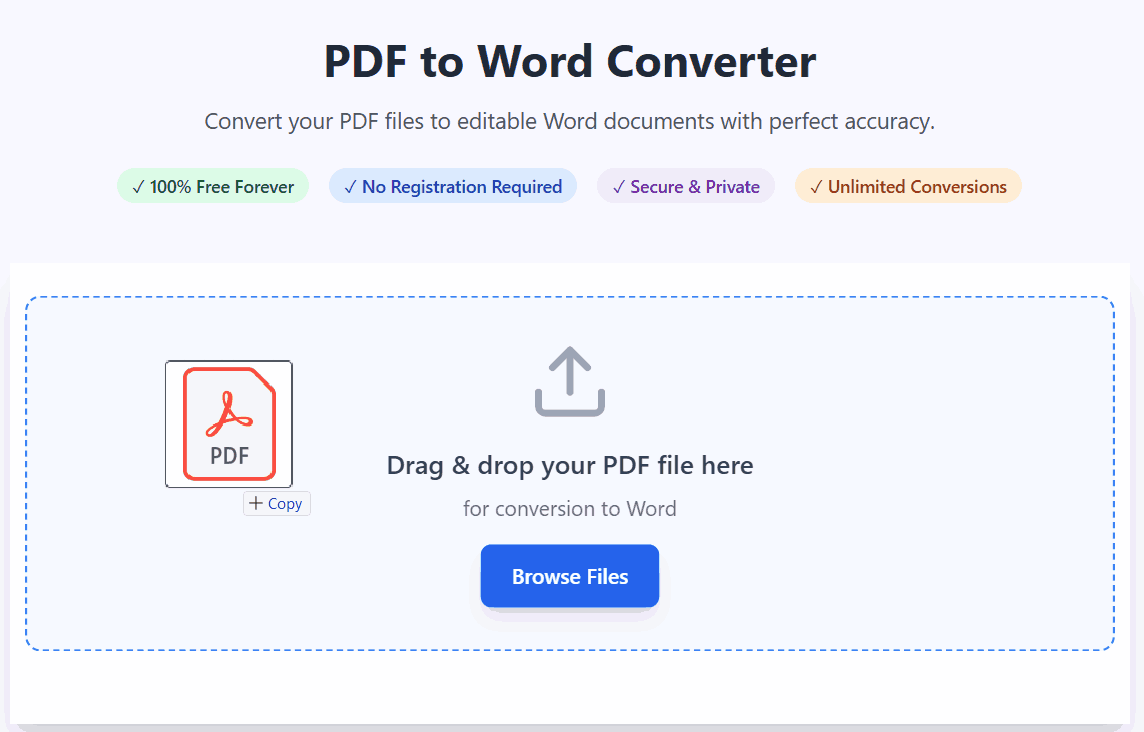
Stop wasting time retyping data. Follow these simple steps to turn static PDFs into editable Word documents:
Many basic converters simply paste text into a Word file, completely ruining the document's design. Our converter uses an advanced AI layout recognition engine.
Whether your PDF features complex data tables, multi-column articles, embedded images, or foreign languages (including Arabic, Chinese, and Hindi), our tool ensures that both LTR and RTL text directions are formatted perfectly in the final DOCX file.

Yes! Our advanced converter meticulously analyzes the PDF structure to ensure fonts, paragraphs, and tables are preserved exactly as they appeared in the original file.
Absolutely. The output is a fully editable Microsoft Word (.docx) file. You can easily modify the text, delete images, format tables, or add new content using any word processor.
Yes, we prioritize your privacy. With our zero-upload technology, files are processed locally within your browser and are never sent to external servers, making it ideal for legal and financial documents.
No software installation is required. You can access our robust PDF to Word converter online for free via Chrome, Safari, Edge, or any modern web browser across all devices.
Learn tips and tricks for managing your documents efficiently.