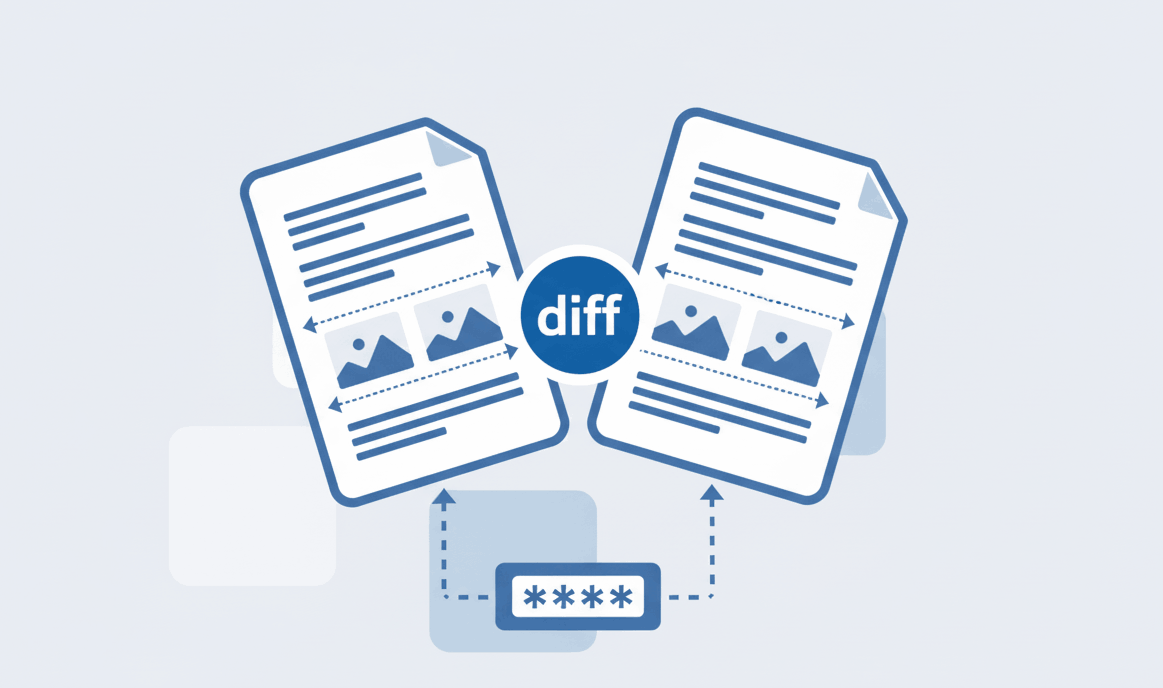
How to Compare Two PDF files online?
Learn how to easily spot text and format differences between two PDF files using our secure online tool.

Reduce your PDF file size without losing visual quality. 100% private, zero-upload browser-based compression makes our tool the safest choice for your documents.
Your files never touch our servers. We use advanced client-side processing to compress your PDFs directly inside your browser.
Our smart compression algorithm reduces file size drastically while keeping images and text crisp and readable.
Because there is no uploading or downloading from a remote server, your files are compressed instantly.
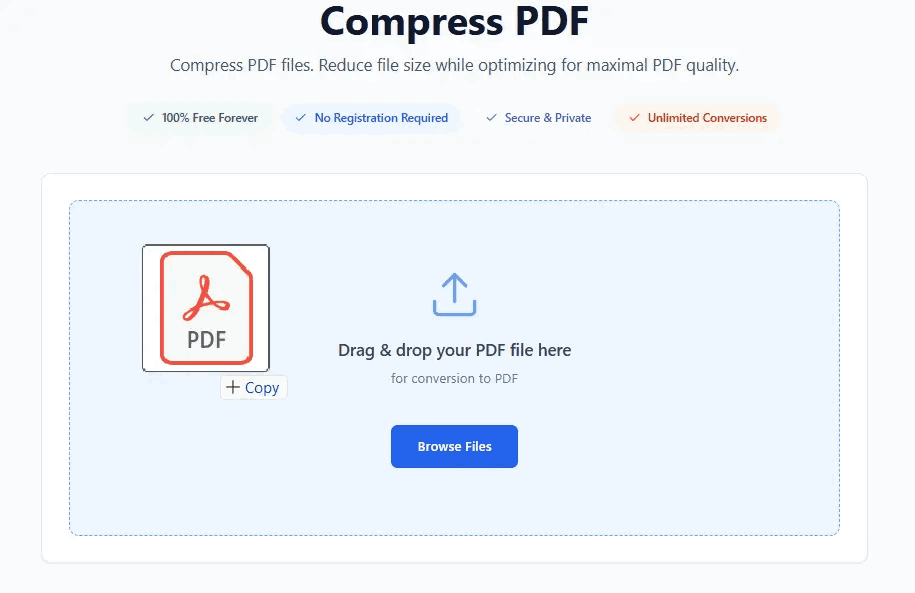
Follow these 3 simple steps to securely reduce your PDF file size:
We understand that different documents have different needs. PDFSolving offers three distinct compression modes to give you full control over file size and quality:
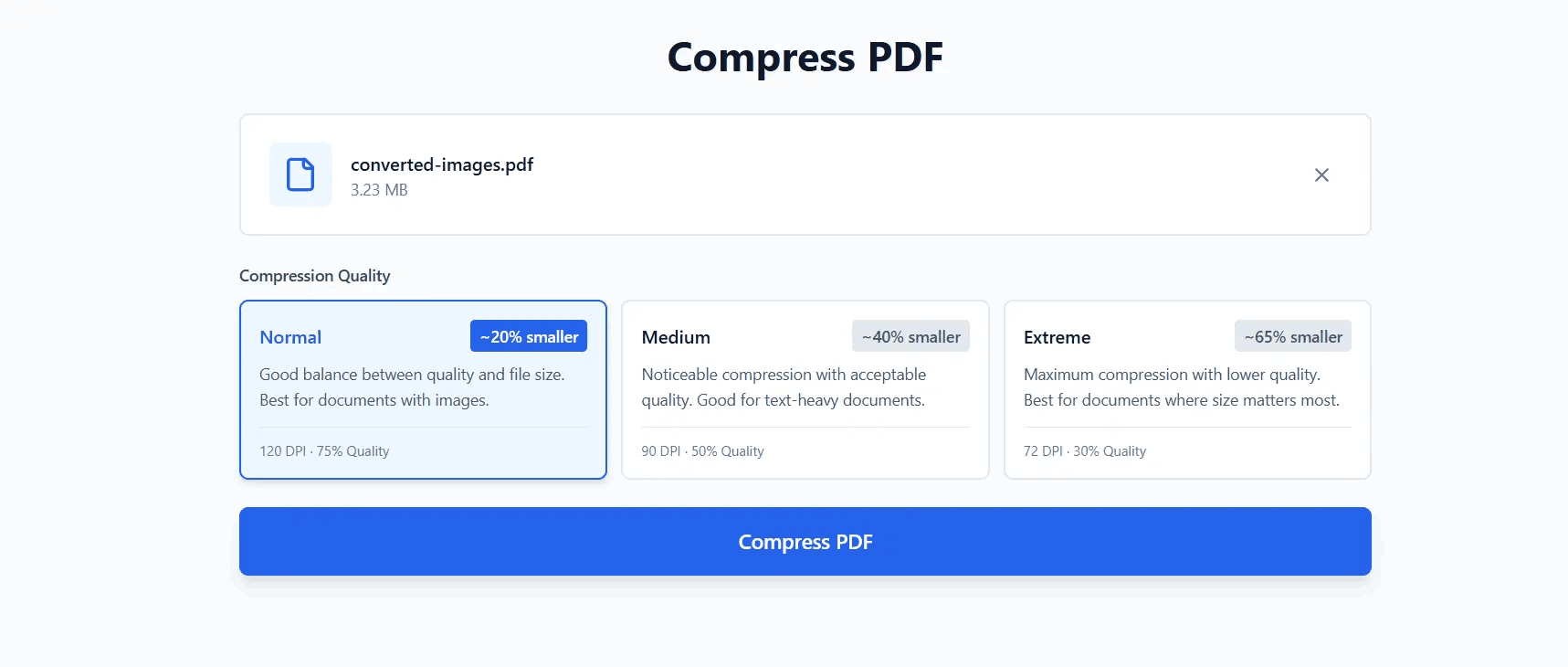
Our smart algorithm optimizes images and removes unnecessary background data, significantly reducing file size while keeping text sharp and images visually intact.
Upload your file to PDFSolving and select the 'Extreme' compression mode. This applies maximum optimization to shrink the PDF to the smallest possible size for strict web upload limits.
Yes, PDFSolving is 100% safe. We use Zero-Upload technology, meaning your file is compressed locally inside your web browser's memory and is never sent to or stored on our external servers.
You can compress files up to 50MB with unlimited pages. Since the processing uses your device's memory, you don't have to worry about traditional server limits.
Learn tips and tricks for managing your documents efficiently.