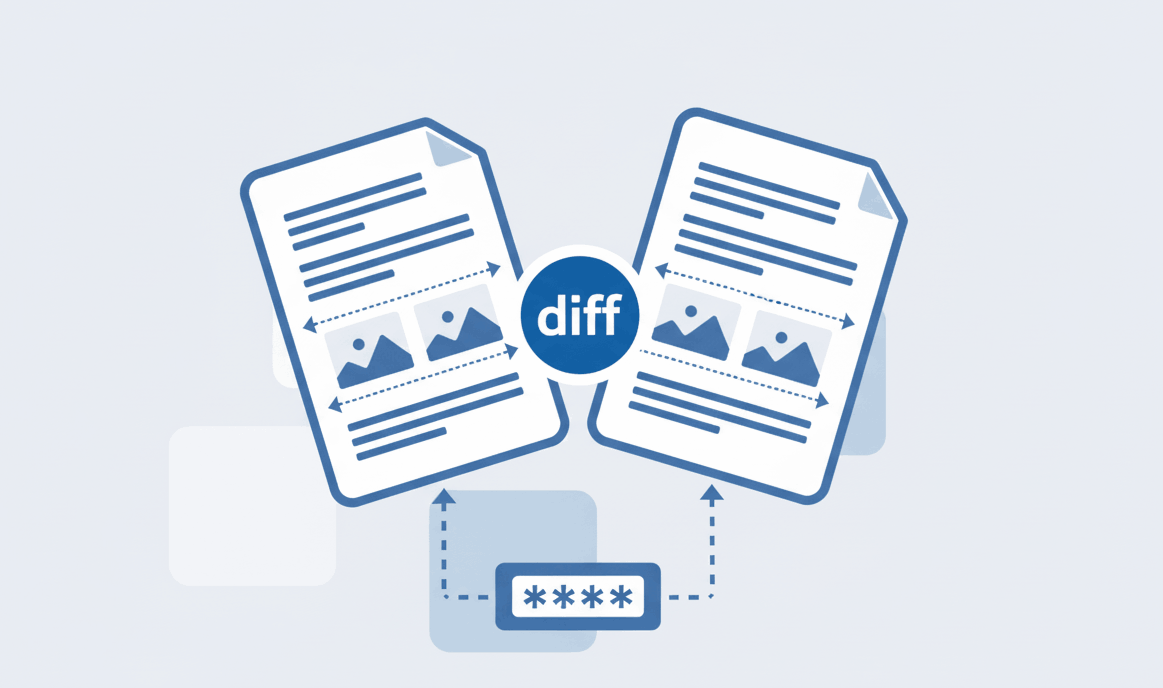
How to Compare Two PDF files?
Spot text and formatting differences between documents instantly.

Quick Summary: Need to remove white space or resize your document? Our browser-based PDF cropper allows you to trim margins and adjust page dimensions instantly. Since we use a zero-upload architecture, your private files remain strictly on your local device.
Easily draw a selection box to trim unwanted white space, headers, or borders from your PDF document.
Your files are never sent to a remote server. The cropping tool processes everything securely in your browser.
Select your crop area once and seamlessly apply the exact same margins to all pages in your document simultaneously.
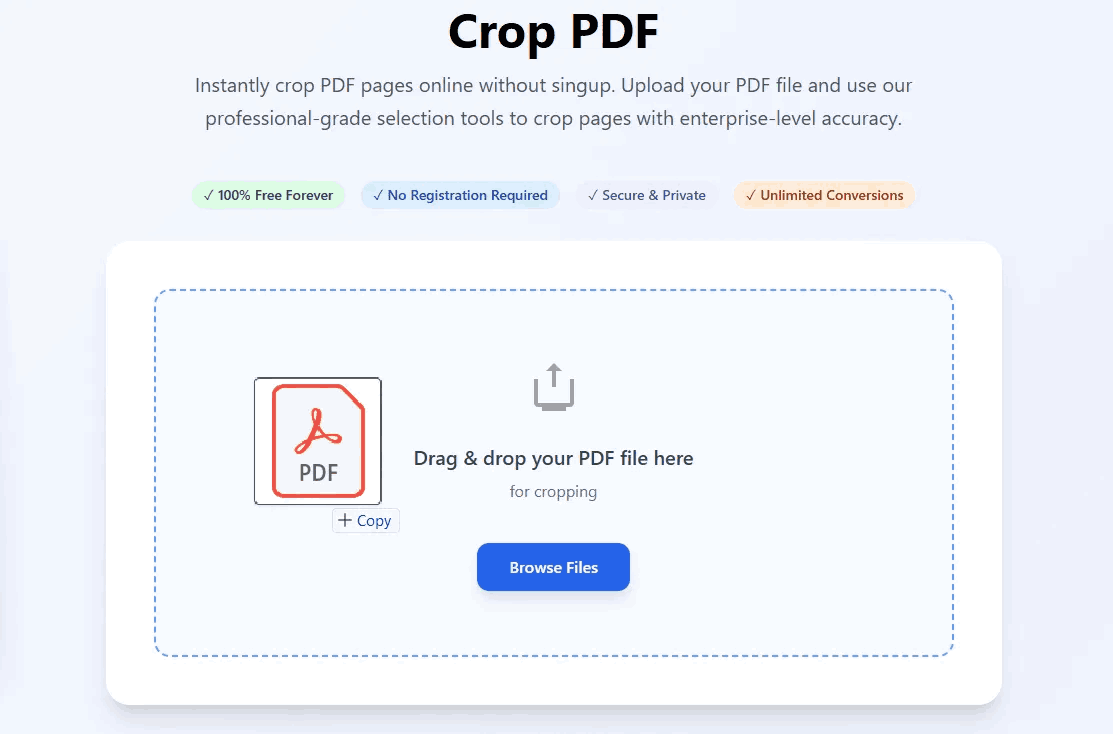
Our advanced, mobile-optimized tool makes document resizing completely intuitive. No software needed.
Unwanted white margins can make documents difficult to read, especially on mobile devices or smaller screens like tablets and e-readers. By trimming these borders, you optimize the document's layout.
Additionally, if you are preparing a document for professional printing, standardizing the page dimensions is crucial. Using PDFSolving gives you an interactive, visual interface to ensure perfect margins every single time, securely and locally.
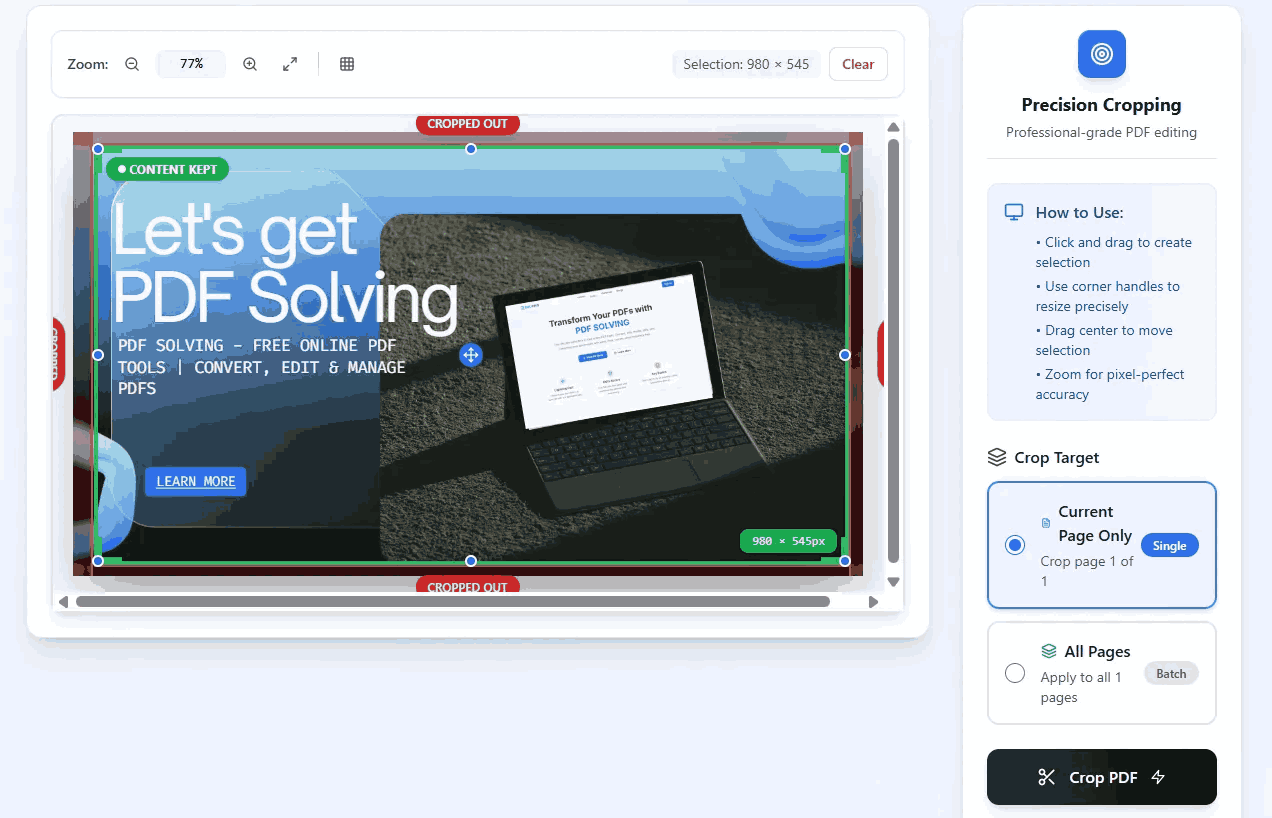
Cropping a PDF allows you to trim unwanted margins, remove white space, or adjust the visible area of the page without altering or deleting the actual textual content inside the box.
Yes, our tool provides a batch processing feature. You can define a crop area on a single page and automatically apply that exact dimension to all pages in the document simultaneously.
Absolutely. Our platform operates on a zero-upload policy. The cropping process happens entirely in your local web browser, meaning your private files are never stored on external servers.
Cropping only changes the visible dimensions of the page; it hides the data outside the box rather than deleting it. To significantly reduce file size, use our dedicated PDF Compressor tool after cropping.
Learn tips and tricks for managing your documents efficiently.