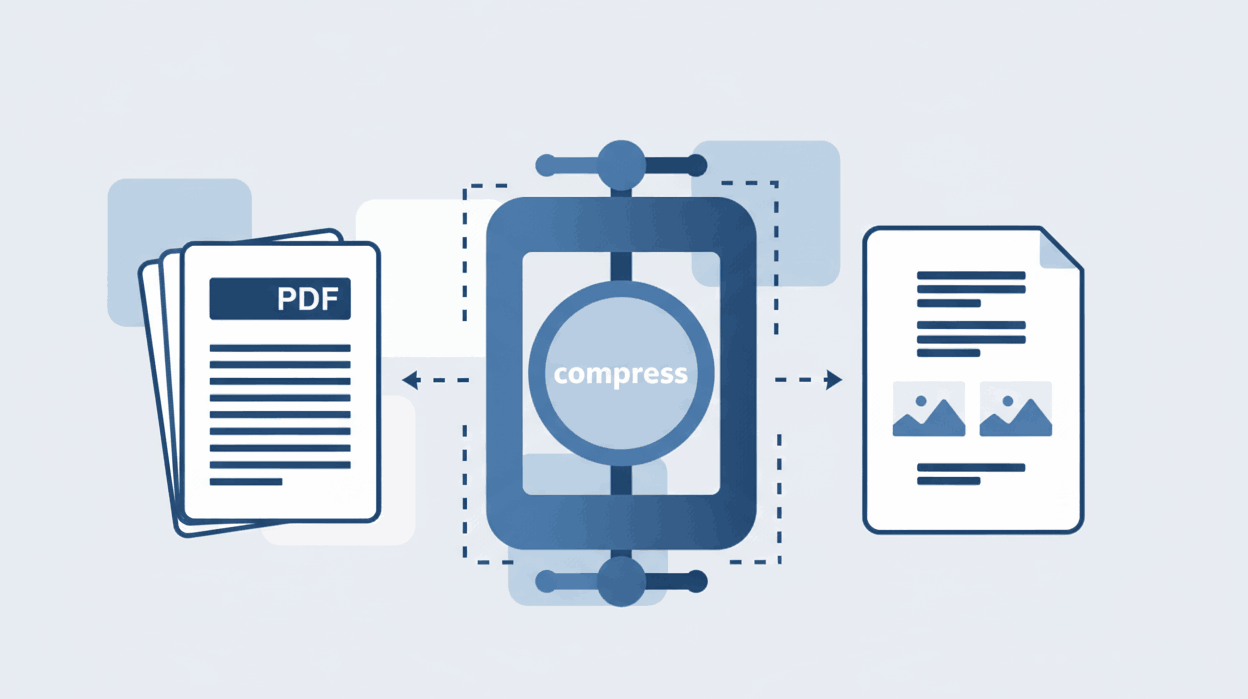
How to Compress PDF files online?
Learn how to drastically reduce your PDF file size without losing quality for easy email sharing.

Instantly find text and format differences between two PDF documents. Zero upload required—our advanced diff tool processes everything securely in your browser.
Easily identify additions, deletions, and modifications in text between two versions of a document.
No waiting for uploads or server queues. Our tool compares files locally for lightning-fast results.
Your PDFs are never uploaded to any server. Read and compare sensitive contracts with absolute security.
Our PDF diff tool makes finding changes incredibly simple. No registration or software installation is required to compare your documents.
Go to the Compare PDF tool. Upload your original PDF in the first box and the modified version in the second box. You can simply drag and drop them.
Click the compare button. Our advanced algorithm will instantly analyze both documents side-by-side, highlighting the exact differences in text and layout.
Review the color-coded changes on your screen. You can then download a detailed comparison report highlighting all the modifications for your records.
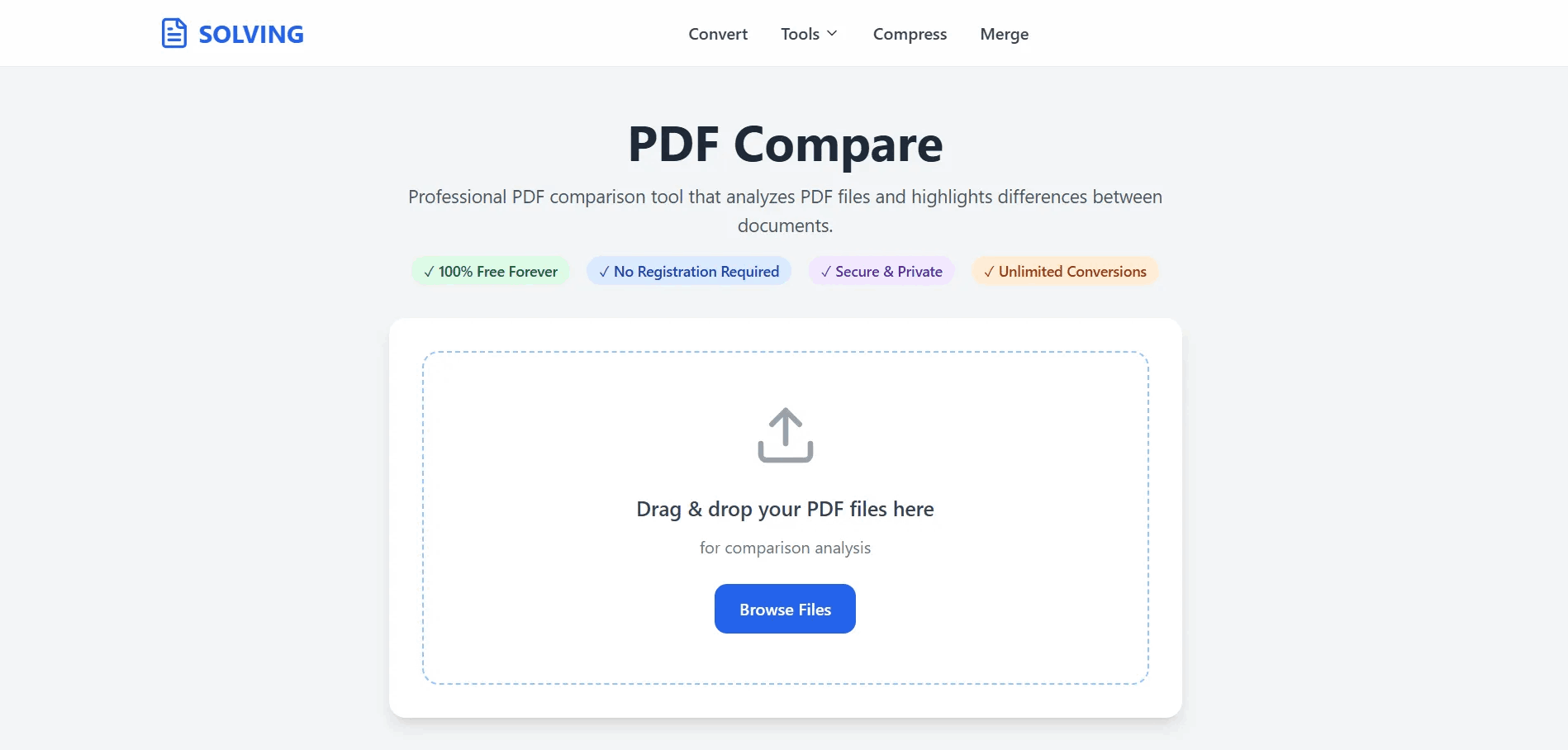
PDF Comparison is the process of automatically analyzing two different versions of a PDF document to find exactly what has changed between them. Instead of reading line-by-line manually, a PDF diff tool uses algorithms to spot added text, deleted content, and formatting modifications.
This tool is essential for lawyers reviewing contract revisions, editors checking proofreads, or anyone who needs to ensure that no unauthorized changes were made to a final document. PDFSolving provides this feature completely free, running directly in your browser to ensure your sensitive data remains private.
Yes! PDFSolving provides a completely free online tool that lets you upload two PDF files and displays them side-by-side, highlighting every text difference instantly.
Our tool uses color-coding to make reviewing easy. Typically, deleted text from the original file is marked in red, while new text added to the modified file is highlighted in green.
Absolutely. Unlike other platforms, PDFSolving uses Zero-Upload technology. Your files are processed entirely within your web browser's memory and are never transferred to our servers.
No software installation is required. You can access the full power of our comparison engine directly from Chrome, Safari, Edge, or any modern browser.
Learn tips and tricks for managing your documents efficiently.