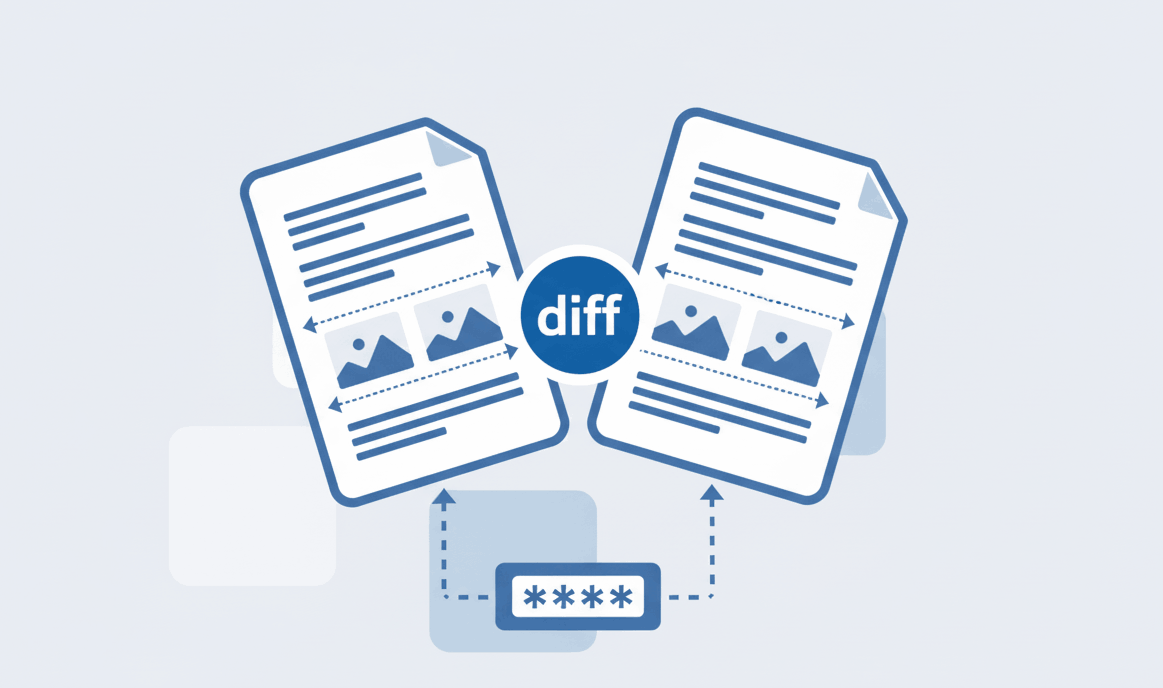
How to Compare Two PDF files?
Spot text and formatting differences between documents instantly.

Quick Summary: Learn how to securely combine multiple PDF files into one document instantly. Our browser-based tool allows you to join, append, and unify PDFs with zero server uploads. Whether you use a Mac, iPhone, Android, or PC, you can concatenate files seamlessly and safely.
Merge unlimited PDF documents for free. Easily append new reports or join scattered invoice pages together.
Your files are safely concatenated inside your local device's memory. They never reach external servers.
Works flawlessly across Mac, iPhone, Windows, and Android natively via Safari, Chrome, or Edge browsers.
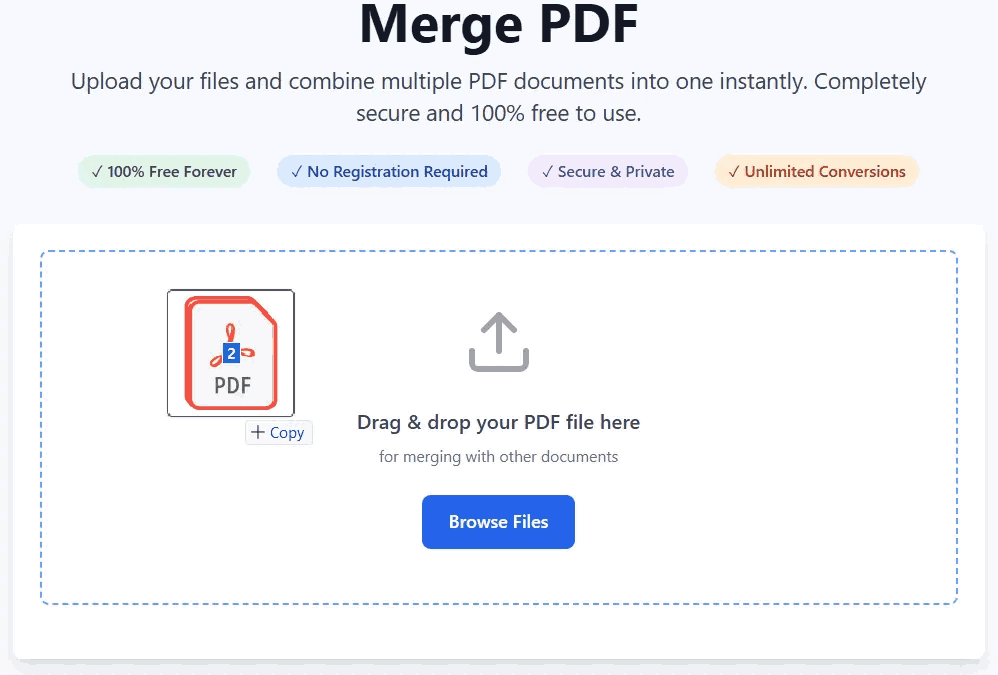
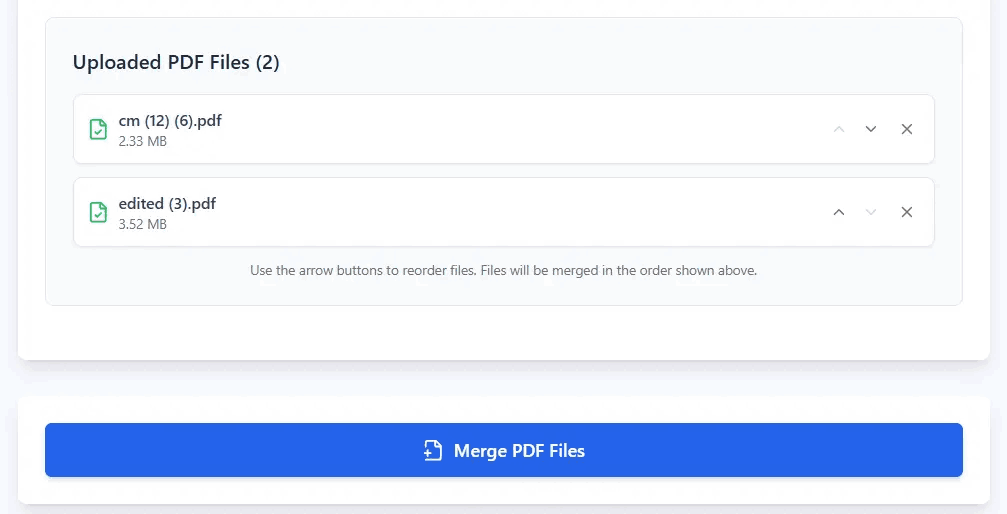
Stop struggling with messy files. Here is the step-by-step guide to put multiple PDFs into one unified document:
The need to merge PDF files arises in countless daily tasks. Here is how our versatile tool empowers your workflow:
A common question is: "how to combine pdf files on iphone" or "how to merge pdfs on mac without Preview app?".
With PDFSolving, you do not need to install complicated software or use clunky built-in apps. Our zero-upload architecture is entirely browser-based. You can seamlessly scan multiple pages into one PDF on Android, or select files directly from your iPhone's files app using Safari. It provides desktop-level power directly in your mobile browser.
You can merge unlimited PDF files for free using PDFSolving. Simply upload your documents, arrange the order, and click merge. There are no hidden fees or arbitrary file size limits.
Our client-side processing engine mathematically concatenates your PDF files without compressing or downgrading the internal data, ensuring the final document retains 100% of the original quality and resolution.
Yes, absolutely. With our unique zero-upload technology, all files are fused together locally inside your device's memory. Your highly sensitive legal or financial files are never uploaded to any external server.
You do not need Apple's Preview app or any App Store downloads. Open Safari or Chrome on your Mac or iPhone, navigate to our website, select your files, and unify them instantly right in your browser.
Learn tips and tricks for managing your documents efficiently.