
How to Extract Pages from PDF
With Ease (Free & Secure)
Quick Summary: Want to know how to extract pages from PDF with ease? Our free, browser-based tool allows you to select and pull specific pages from large PDF documents instantly. Thanks to our zero-upload technology, your files are never sent to remote servers, ensuring 100% privacy and zero wasted mobile data (MBs).
Extract Instantly
Visually select the pages you need. Pull one page or an entire chapter from a massive PDF smoothly.
Save Mobile Data
Since your document is not uploaded to the web, you save 100% of the upload and download internet data.
Zero-Upload Privacy
Extracting sensitive pages? Rest assured, everything is processed locally in your device's memory.
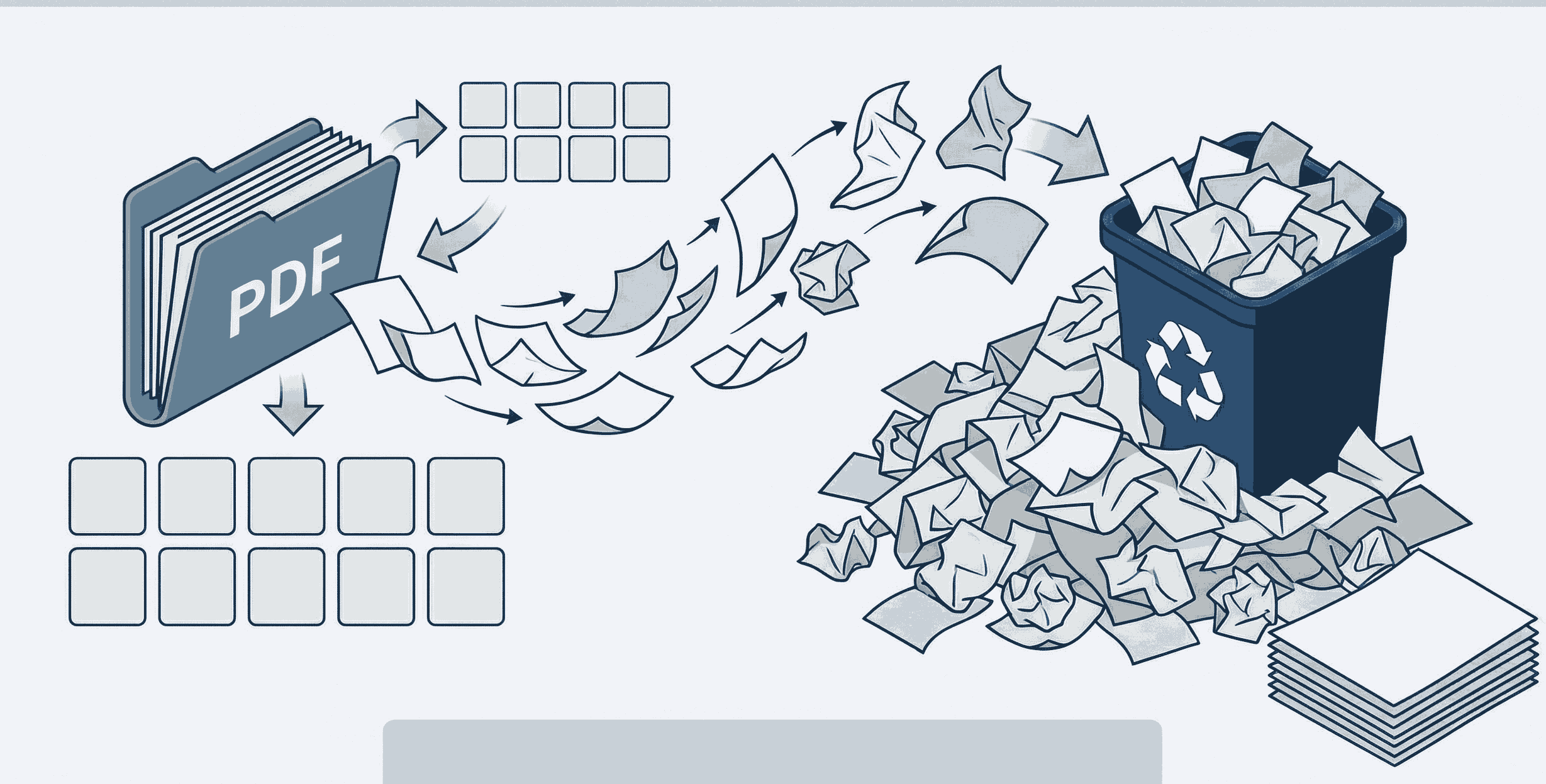
How to Extract Pages from PDF Free (Step-by-Step)
You don't need complex software to pull a page from a PDF. Follow these simple steps to separate your pages:
- 1. Upload Document: Open the Split PDF tool. Drag and drop your file. It loads instantly right in your browser.
- 2. Select Pages: You will see thumbnails of all pages. Simply click the ones you want to extract, or type in a custom range (like 2-5, 8).
- 3. Extract & Download: Hit the extract button. Your selected pages are perfectly segregated and ready to download as a new file.
Why Extract Pages from a PDF Document?
Whether you are a student, teacher, or businessman, knowing how to separate PDF pages can make your life easier:
- Email Restrictions: Is your 200-page report too large to email? Extract only the 5 crucial pages to reduce file size.
- Targeted Studying: Teachers can pull a specific chapter from a heavy digital textbook and share just that section with students.
- Confidentiality: Businessmen can extract public pages from a larger contract while leaving the confidential pages behind.
Frequently Asked Questions
❓ How to extract pages from PDF free?
You can use PDFSolving's Split tool to select and extract specific pages from your PDF file completely for free. There are no paywalls, watermarks, or hidden daily limits.
❓ How to pull a page from a PDF document safely?
The safest way is to use a client-side tool. By using PDFSolving, your browser does the extraction locally. Your sensitive file is never sent to or stored on our servers.
❓ Can I extract multiple pages at once?
Yes! You can easily click on multiple page thumbnails or input a custom page range (like 3-7, 12, 15) to extract several pages simultaneously into one new, clean PDF document.
❓ Will this process waste my mobile data (MB)?
Not at all. Since you are not uploading the heavy PDF file to the internet, you do not waste any megabytes (MB). The file is processed directly inside your phone or computer's memory.
Explore More PDF Guides
Learn tips and tricks for managing your documents efficiently.
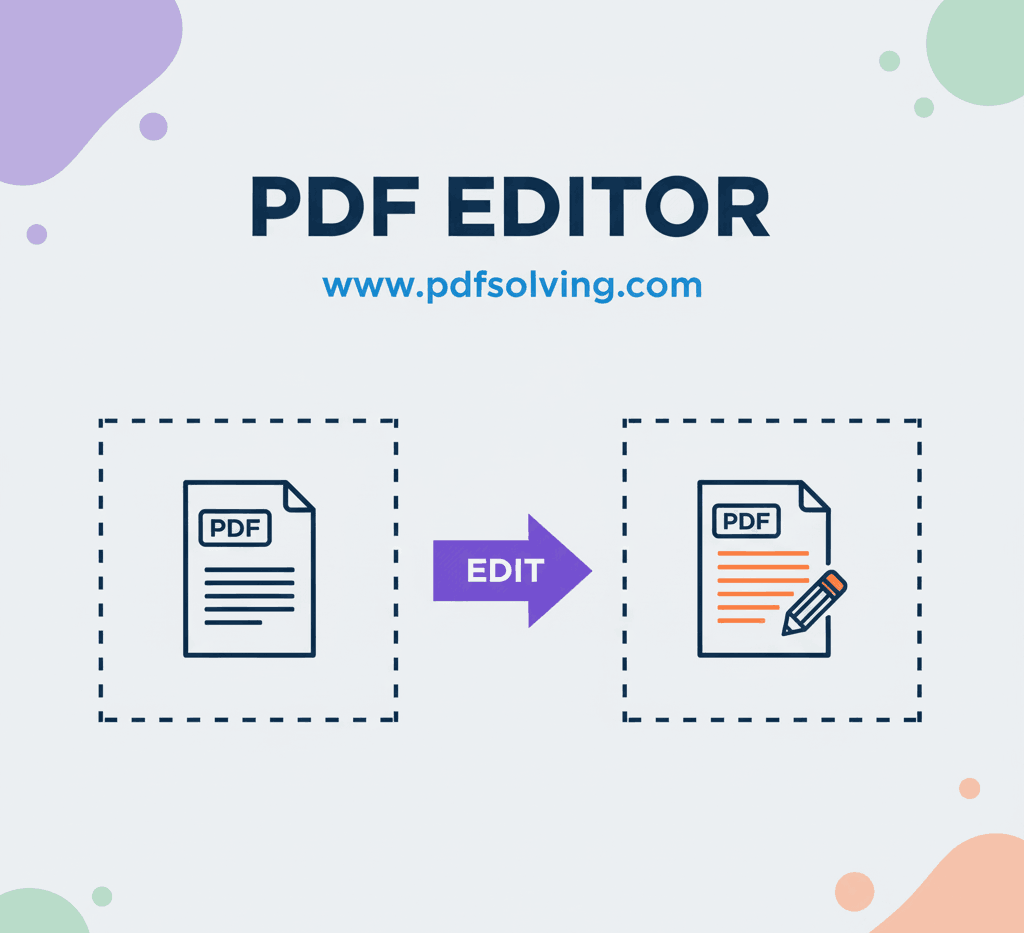
How to edit PDF Document online
Add and edit text, images, borders, digital signatures, and shapes in your PDF documents.
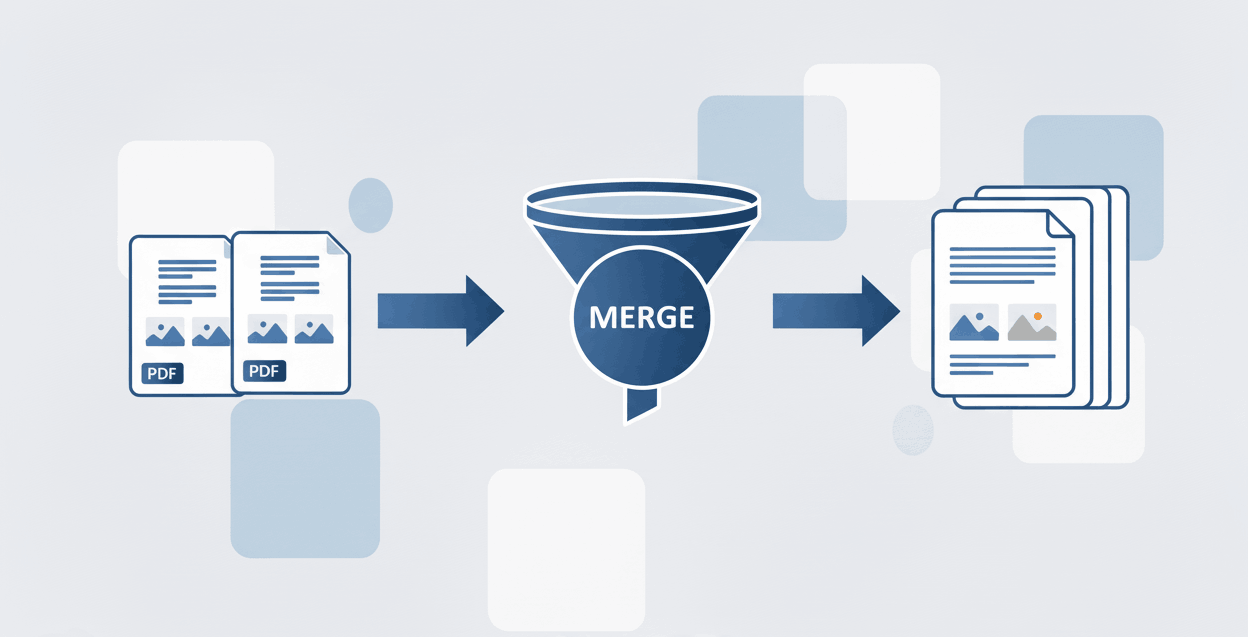
How to Merge PDF files online
Learn to securely merge and combine multiple PDF documents into a single file in seconds.
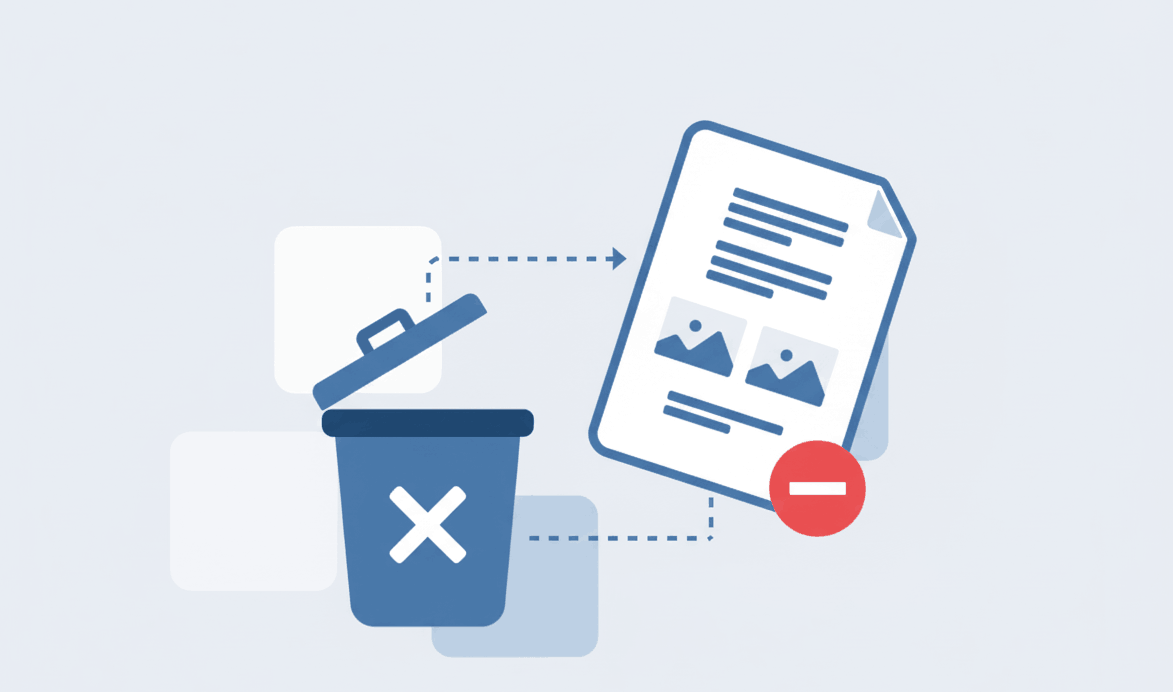
How to Remove PDF page online
Learn how to safely extract, delete, and take off unwanted pages from your PDF documents.