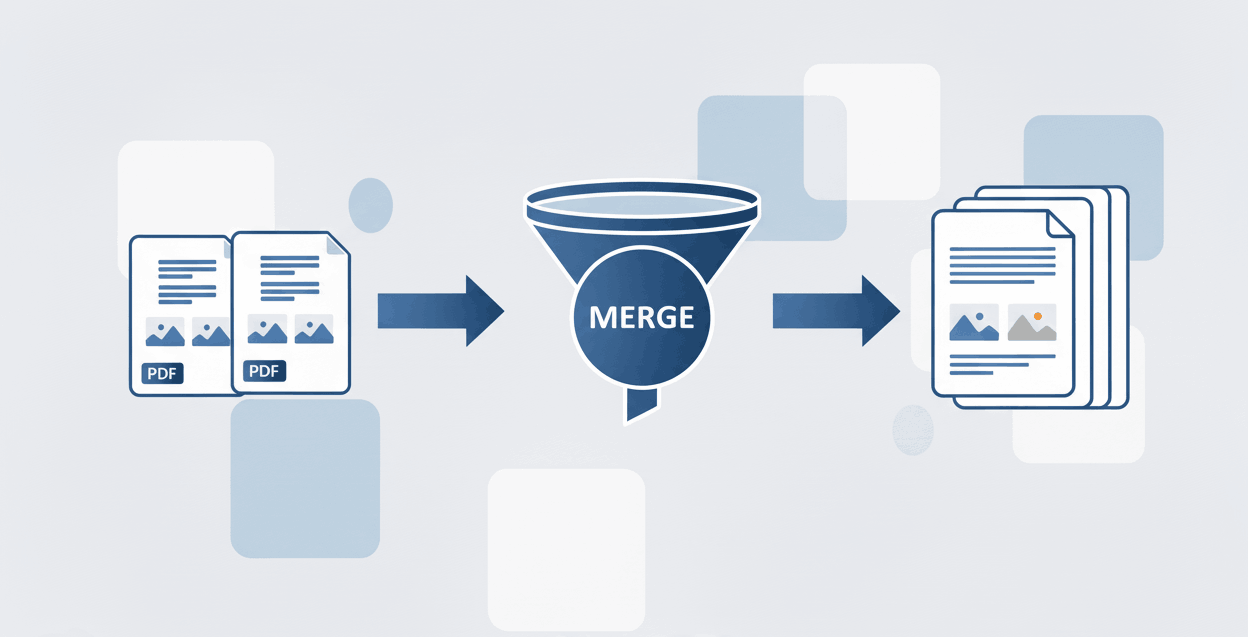
How to Merge PDF files?
Combine multiple PDF documents into one seamlessly.

Quick Summary: Use our free online PDF editor to add text, insert images, draw shapes, and sign documents securely directly within your browser. There is no software installation required, and we guarantee your edited files will contain no watermarks.
Easily type new text, fill out forms, and highlight important sections using our intuitive editing toolbar.
Upload and precisely position images, logos, or visual reference elements anywhere on your PDF pages.
Sign contracts and legal documents securely by drawing or uploading your custom signature.
Modify your documents securely directly in your browser. Here is a simple step-by-step guide to using our free tools:
A robust PDF editor is essential for modern office work, academic grading, and seamless team collaboration. Without requiring heavy software, you can easily:
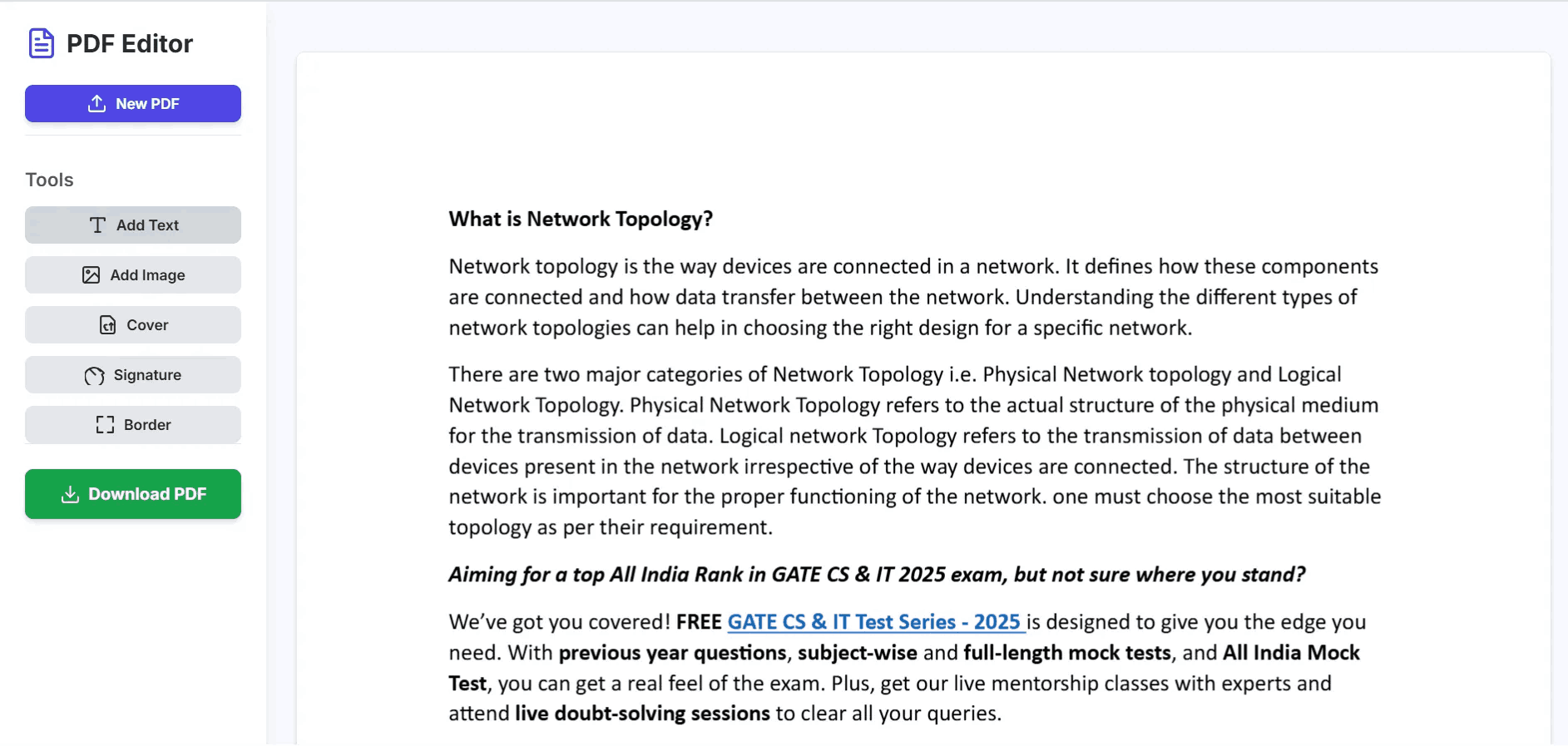
Yes, our PDF editor allows you to seamlessly upload and insert JPG or PNG images. Once uploaded, you can resize, rotate, and drag the images to place them exactly where you need them on any page.
No. PDFSolving is a professional, free tool designed to let you edit and download your documents cleanly, without appending any intrusive watermarks or company branding.
Absolutely. Our editor includes a dedicated signature tool. You can use your mouse or touchscreen to draw your signature directly on the document, or you can upload a pre-existing image of your signature for formal contracts.
Yes, your privacy is our priority. All edits are processed securely, and your original and edited files are automatically deleted from our servers shortly after the session is closed.
Learn tips and tricks for managing your documents efficiently.