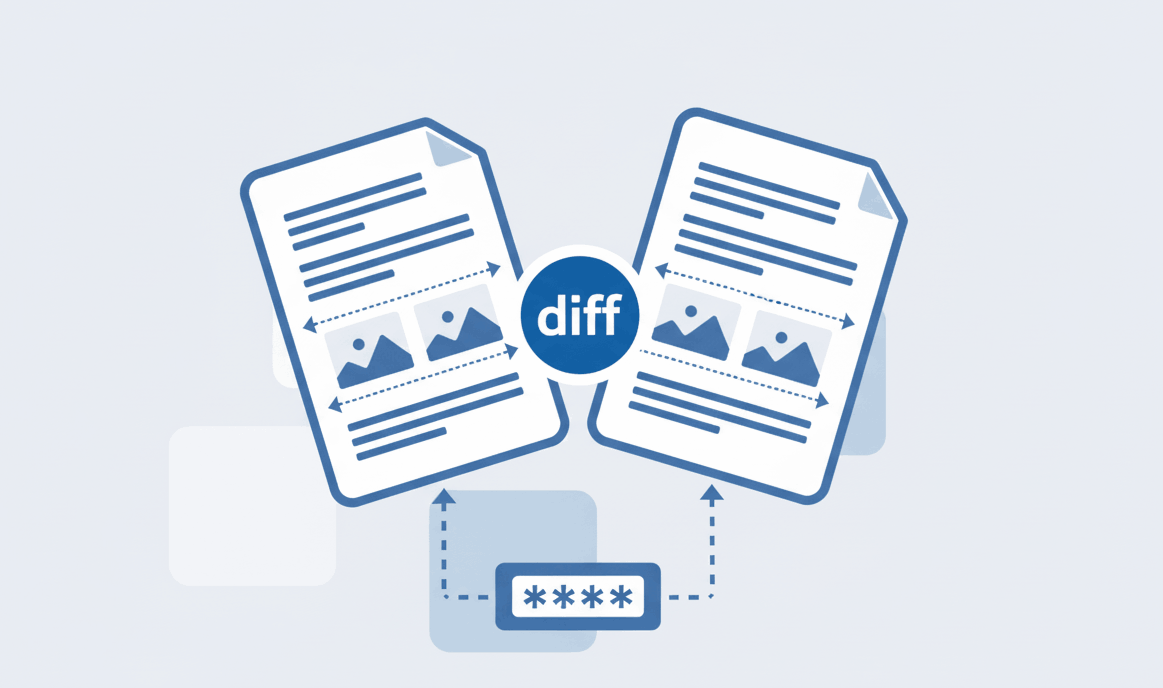
How to Compare Two PDF files?
Find text and formatting differences between two PDF documents easily.

Learn exactly how to convert PDF to Excel spreadsheet format instantly. Export and extract data accurately without installing any software.
Our tool knows how to extract PDF to Excel accurately, preserving all columns, rows, and complex table structures.
Your financial reports are processed locally. It's the safest way how to transfer PDF to Excel securely.
Forget heavy installations. Discover how to convert PDF to Excel without software directly in your web browser.
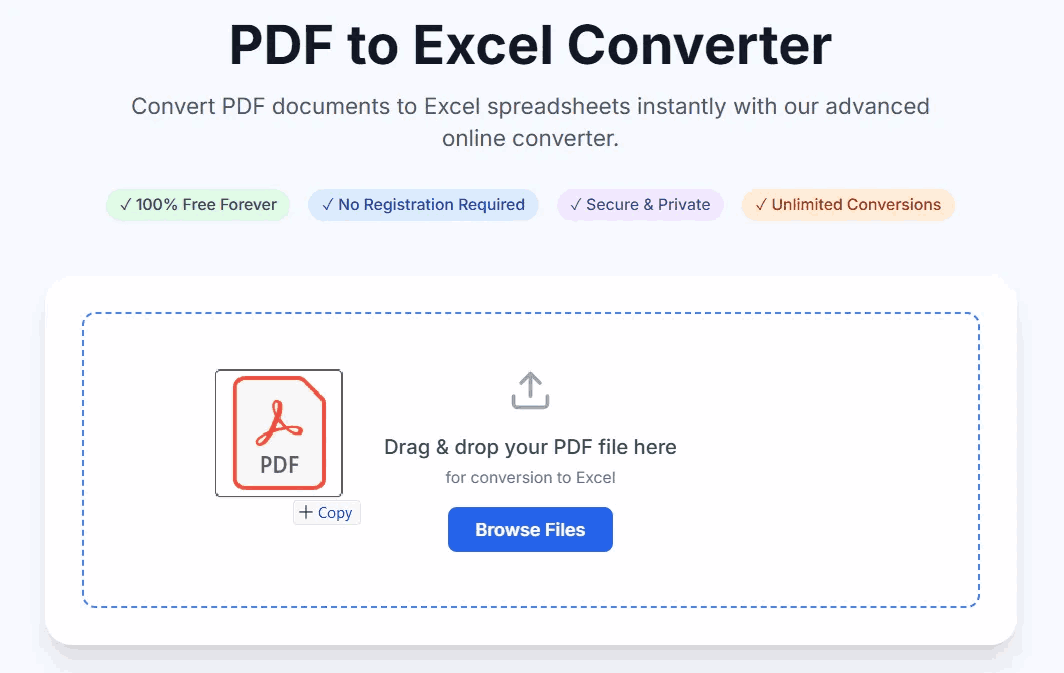
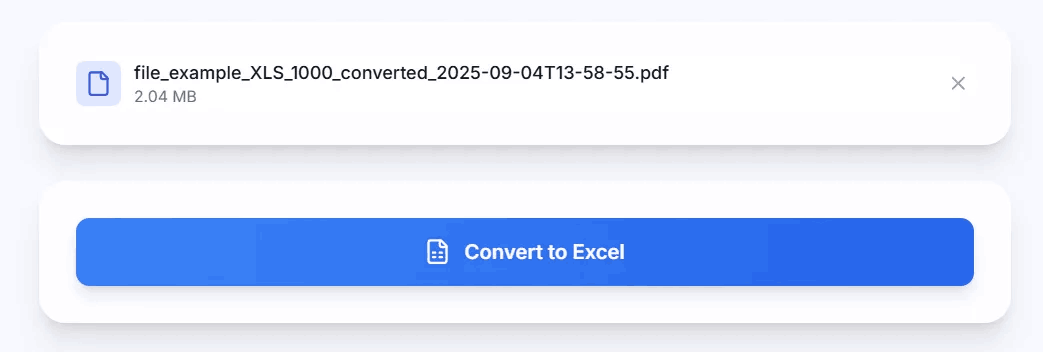
If you are wondering how to turn PDF into Excel, you are in the right place. Just follow these 3 quick steps:
Often users ask us, "how do I convert a PDF to Excel and keep the formatting intact?". The secret lies in our AI-powered table detection.
When you use the PDFSolving online tool, it scans the visual lines and text gaps within the document. It understands how to transfer PDF to Excel cells seamlessly, turning rigid PDF pages into a highly dynamic and editable spreadsheet. No more manual data entry or retyping numbers.
If you're dealing with bank statements or invoices, security is your top priority. Many users searching for how to convert PDF to Excel free end up using sites that store their private data. With PDFSolving, the process of how to turn PDF into Excel happens entirely inside your browser memory. We provide professional-grade extraction tools for free without compromising your personal data.
Visit PDFSolving, upload your PDF document, and our free tool will automatically extract the tables and format them into a downloadable Excel file at zero cost.
You can use our online browser-based converter. It requires no installation, runs on Windows, Mac, and mobile, and turns your PDF into a spreadsheet securely.
Our AI-powered extraction tool analyzes the document structure, ensuring that all columns, rows, headers, and data layouts are perfectly transferred to the spreadsheet.
To extract data safely, use a zero-upload tool like PDFSolving. Because the data processing happens locally, your sensitive information is never exposed to external servers.
Learn tips and tricks for managing your documents efficiently.