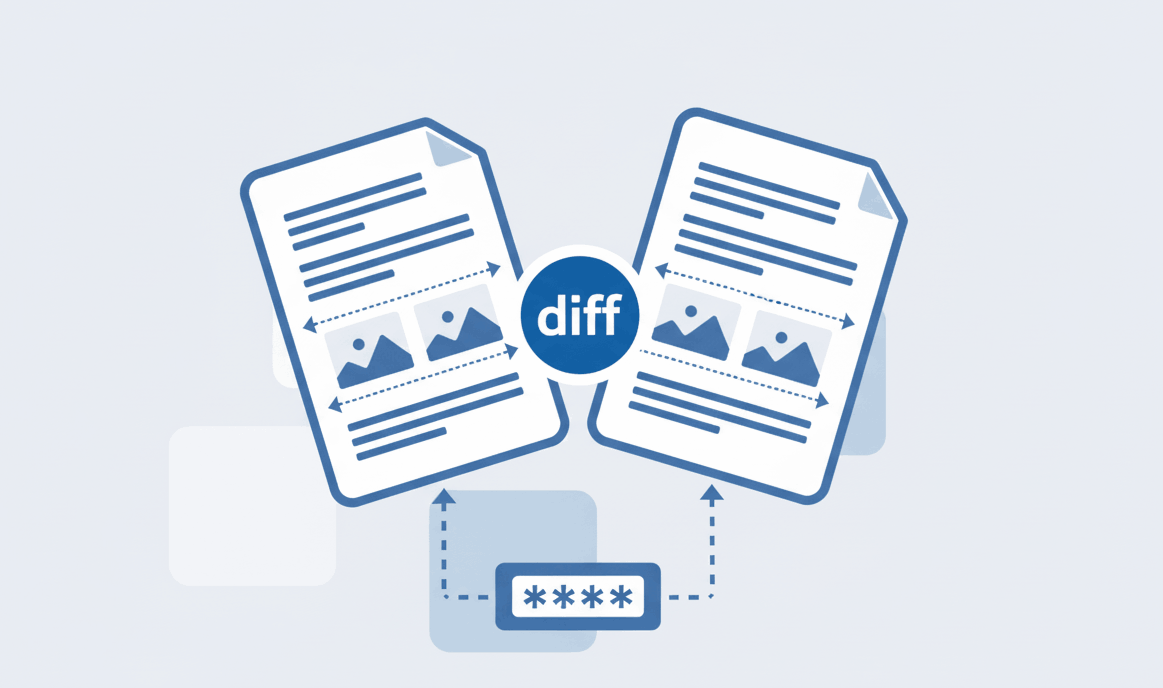
How to Compare Two PDF files?
Find text and formatting differences between two PDF documents easily.

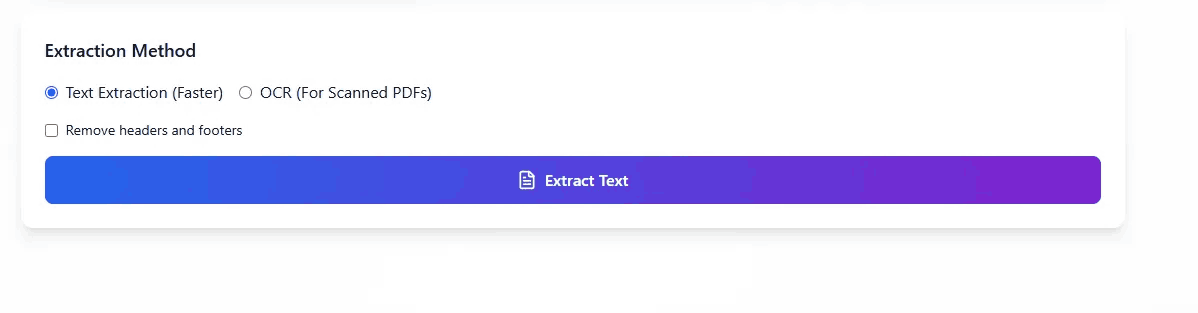
Quick Summary: Need to extract text from PDF files quickly? Our browser-based PDF to text converter utilizes advanced OCR AI technology. It securely reads scanned documents and transforms them into plain text files without uploading your private data to external servers.
Use our robust OCR online engine to recognize and extract characters from complex, scanned PDF documents flawlessly.
Your documents are never stored. This PDF to text converter processes all files strictly within your local browser.
Extract text from PDF and instantly copy it to your clipboard or download it as a neat .txt file.
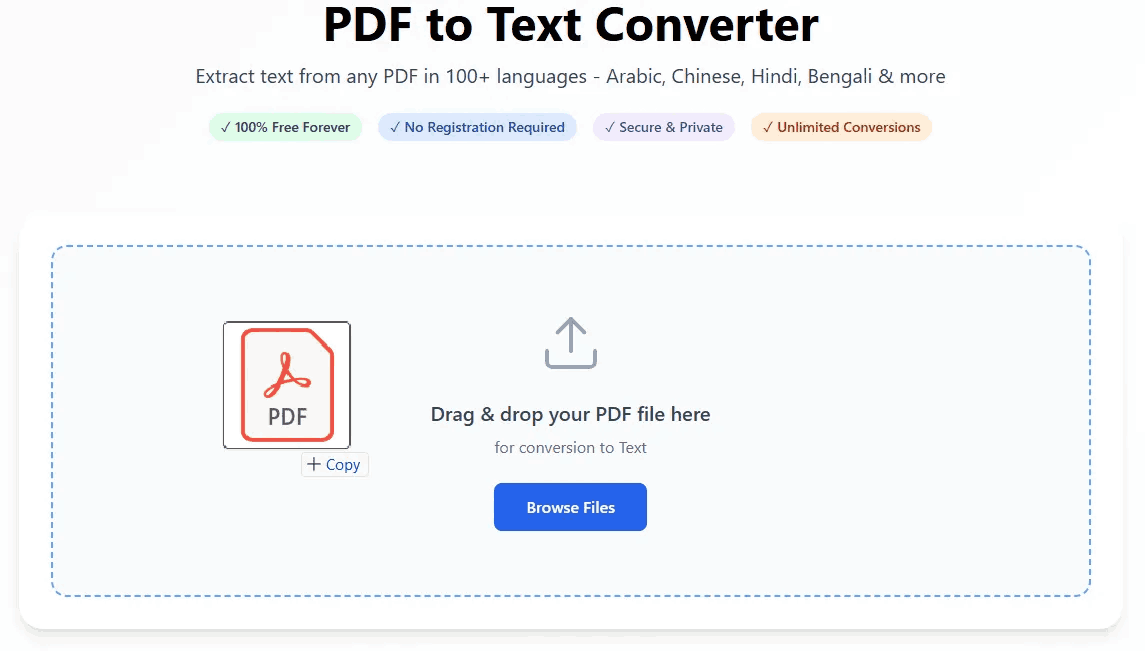
Converting standard or scanned documents into raw, editable formats has never been easier.
If you have an image-based or scanned document, standard copy-pasting won't work. This is where our OCR AI steps in.
Optical Character Recognition (OCR) technology analyzes the visual patterns in your document and translates them into machine-readable text. Often, users search for a reliable pdf to word ocr free solution. The most effective approach is to first extract the raw text using our OCR PDF tool, and then simply paste the clean content into your preferred word processor.
Upload your file to PDFSolving. Our zero-upload PDF to text converter processes the file directly in your browser, meaning your private data is never sent to remote servers.
Yes, our tool features advanced OCR PDF technology. It can read scanned images, invoices, and books, converting them into editable text instantly.
Converting your document using our PDF to text converter is the absolute best first step. Once you extract the raw text, you can paste it directly into MS Word for a clean, unformatted start.
Our OCR AI is highly optimized for printed digital documents and clear scanned files. Results for highly stylized or messy handwriting may vary.
Learn tips and tricks for managing your documents efficiently.