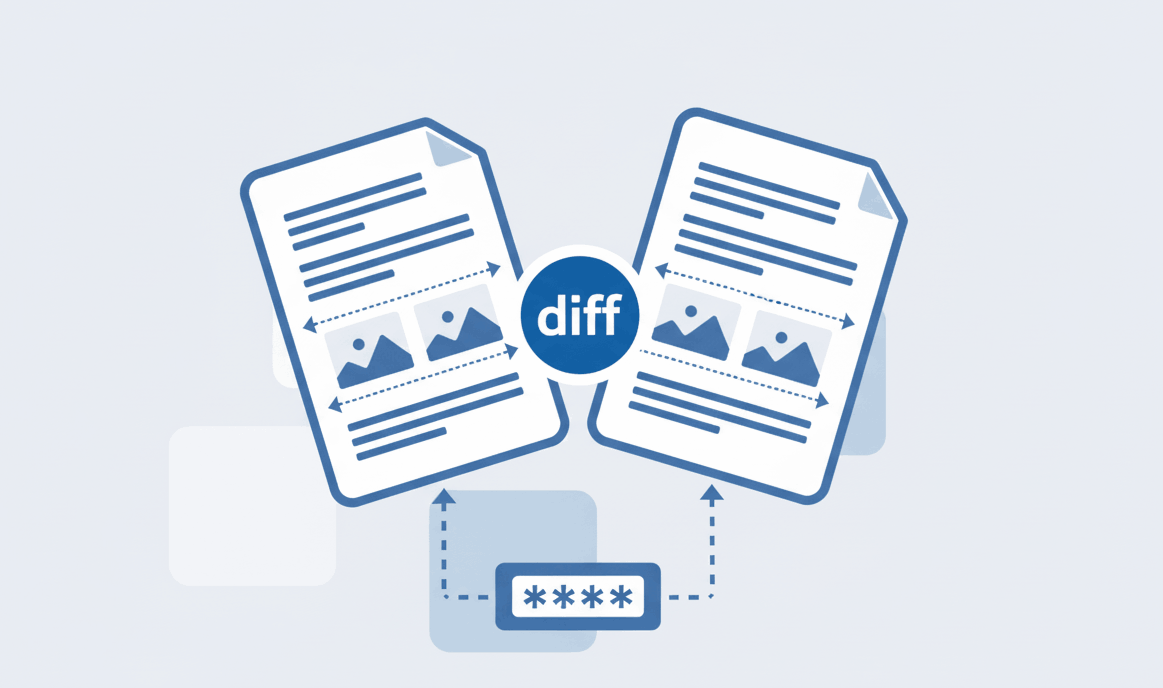
How to Compare Two PDF files?
Find text and formatting differences between two PDF documents easily.

Turn your pictures into a high-quality PDF document instantly. 100% secure, zero-upload converter that works directly in your browser without software.
Your personal photos are processed securely on your device. We never upload them to any external servers.
Whether you want to convert image to PDF on iPhone, Android, or Desktop, our web app runs perfectly everywhere.
Select multiple JPG, PNG, or JPEG files at once and effortlessly combine them into a single PDF document.
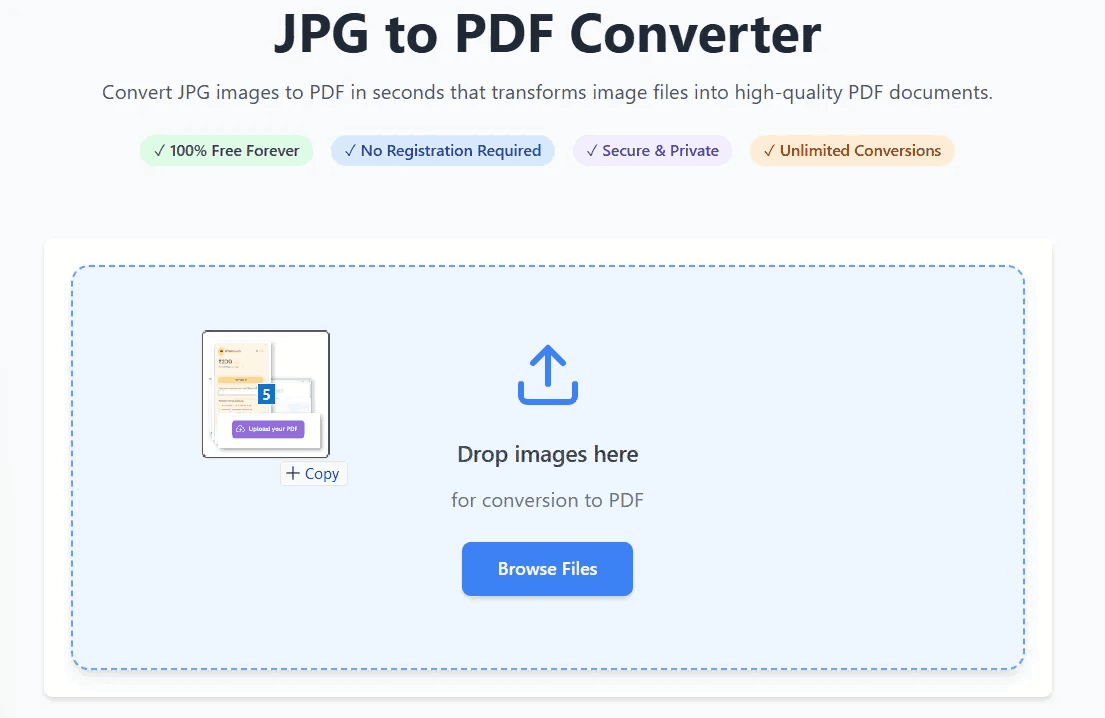
Our advanced PDFSolving technology makes it simple to change image to PDF. No technical knowledge required.
You don't need to download any heavy third-party applications to convert a photo to PDF on your smartphone. Our responsive web tool gives you offline-level security online.
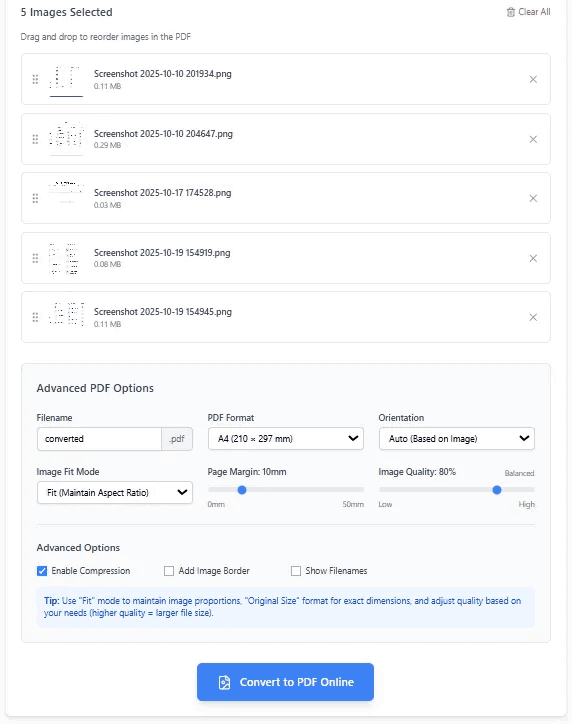
Whether you search for "how to convert a picture to pdf" or "how to make an image a pdf", the solution is exactly the same. PDFSolving's universal converter supports standard JPG, JPEG, and PNG formats. You can mix and match different image types, organize them by dragging, and compile them into a neat, professional PDF presentation or portfolio—all for free.
You can use PDFSolving's free online converter. Simply upload your picture, adjust the formatting if needed, and download the high-quality PDF instantly without paying a dime.
You don't need any app. Open Safari on your iPhone, visit PDFSolving, and select photos directly from your camera roll. The conversion happens securely in your mobile browser.
Our advanced conversion tool automatically scales and fits your image into the PDF format while preserving its original resolution and clarity. You can also manually adjust the quality slider before converting.
Yes, absolutely. We use Zero-Upload technology. Your photos are processed entirely within your device's web browser and are never sent to or stored on our servers.
Learn tips and tricks for managing your documents efficiently.