
How to Compress Excel for Email Attachments
(Reduce File Size 90%)
Quick Summary: Are you struggling to attach a heavy Excel spreadsheet to an email? Our browser-based Excel compressor reduces your file size by up to 90% instantly. It provides premium-level compression completely for free. Best of all, it works entirely locally—meaning zero server uploads and absolutely no mobile data (MBs) wasted transferring files.
90% File Reduction
Utilize premium-grade algorithms for free. Shrink heavy spreadsheets drastically without losing cell data or formulas.
Save Mobile Data (MB)
No more wasting data! Since the file isn't uploaded to a server, you save 100% of the upload and download internet data.
Zero-Upload Security
Your highly confidential company spreadsheets never leave your device. All compression happens directly in your browser.
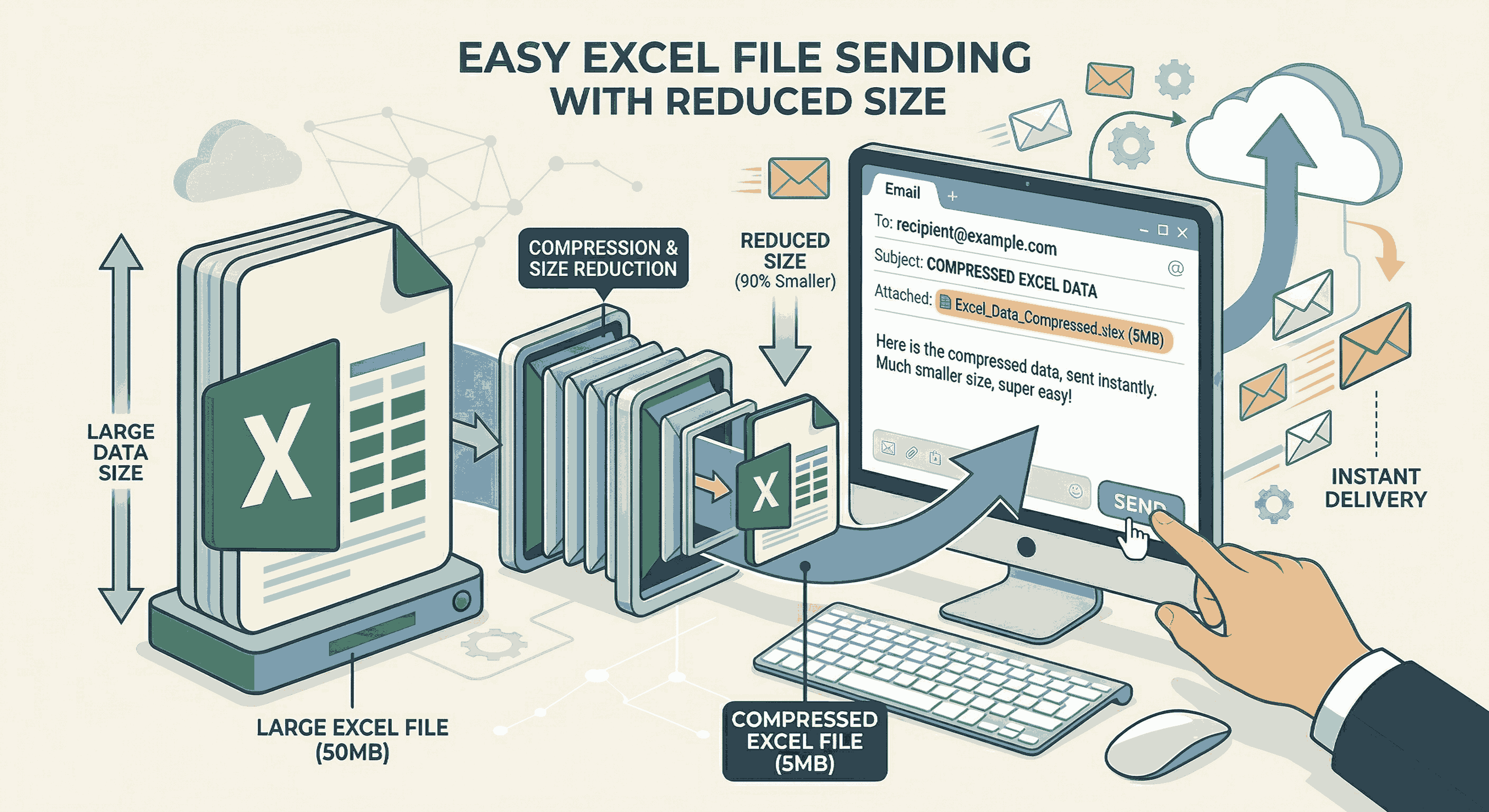
How to Shrink Excel File Size (Step-by-Step)
Email providers like Gmail and Outlook typically have a strict 20MB attachment limit. Here is how you can bypass it quickly:
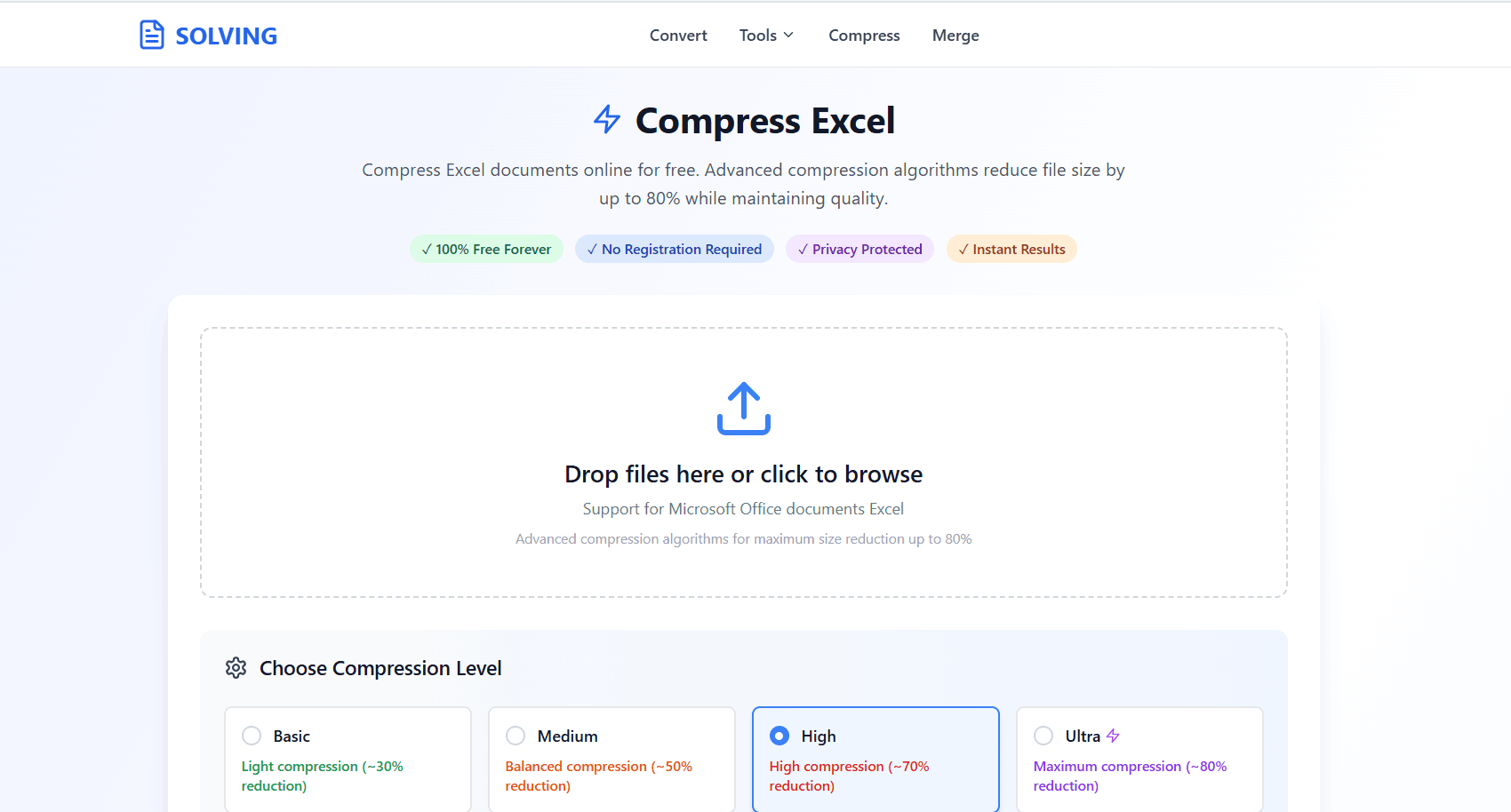
- 1. Open Compressor: Go to the Compress Excel tool on your phone or PC.
- 2. Select File: Drag and drop your heavy spreadsheet. It loads directly on your screen without any server wait times.
- 3. Instant Compression: Click compress. Our system instantly removes bloat and optimizes structure, giving you a tiny file ready to be emailed.
Premium Quality, Completely Free
Why pay for expensive desktop software when you can achieve the same results online?
Excel files often become bloated due to hidden metadata, unused cell formatting, and embedded high-resolution images. Our premium-tier algorithm intelligently cleans up these background issues. You get a professional, up to 90% reduced file without losing a single row of critical data—and we offer this entirely for free.
Frequently Asked Questions
❓ How much can I compress an Excel file?
Using PDFSolving's advanced algorithm, you can shrink your Excel file size by up to 90%. The exact reduction depends on the contents, such as the amount of embedded images and excessive formatting.
❓ Will compressing delete my spreadsheet data?
No. Our tool optimizes the internal XML structure, removes hidden metadata, and cleanly compresses images without altering or deleting any of your actual textual data, numbers, or formulas.
❓ Is it safe to compress confidential company sheets?
Absolutely. We are proud to utilize Zero-Upload technology. Your financial or business Excel file is processed completely locally inside your browser's memory and is never uploaded to the internet.
❓ Does this tool waste my mobile data (MBs)?
No! Because the file isn't uploaded to a remote server and downloaded back, you save 100% of the data usually required for file transfers. You only use a few kilobytes to load the webpage interface.
Explore More PDF Guides
Learn tips and tricks for managing your documents efficiently.
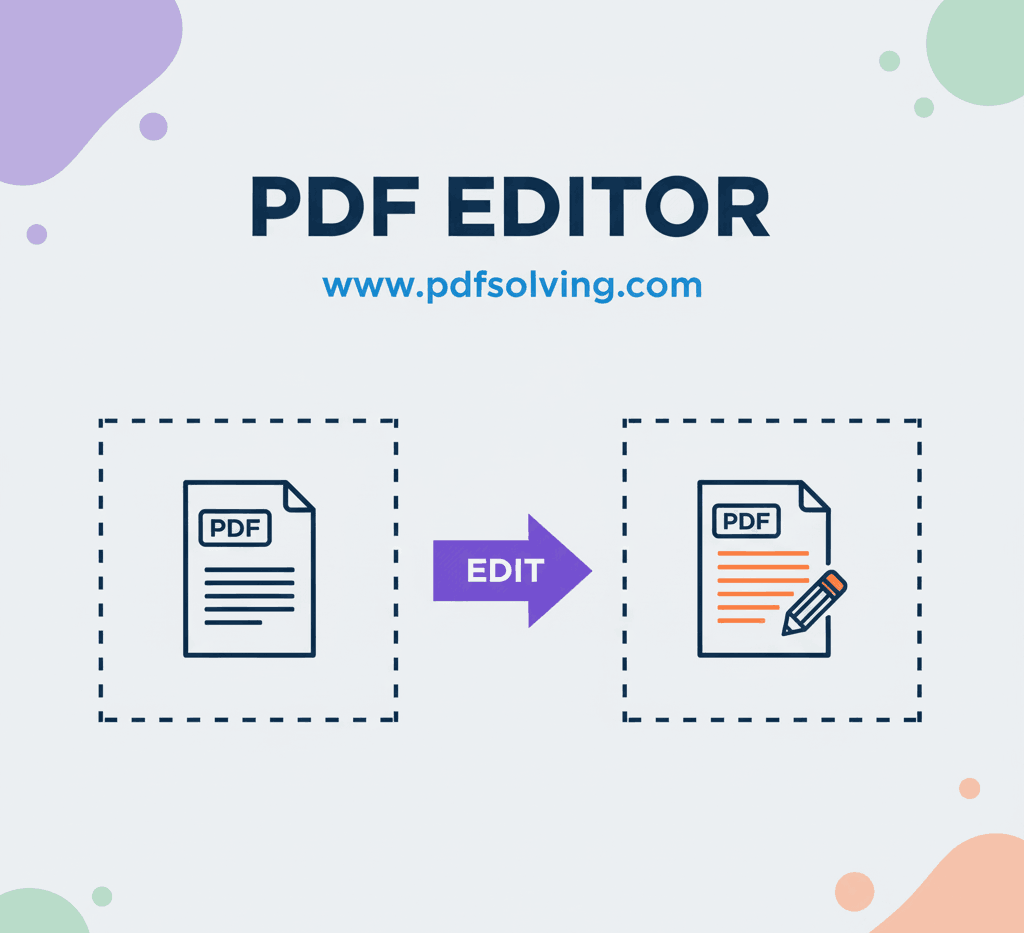
How to edit PDF Document online
Add and edit text, images, borders, digital signatures, and shapes in your PDF documents.
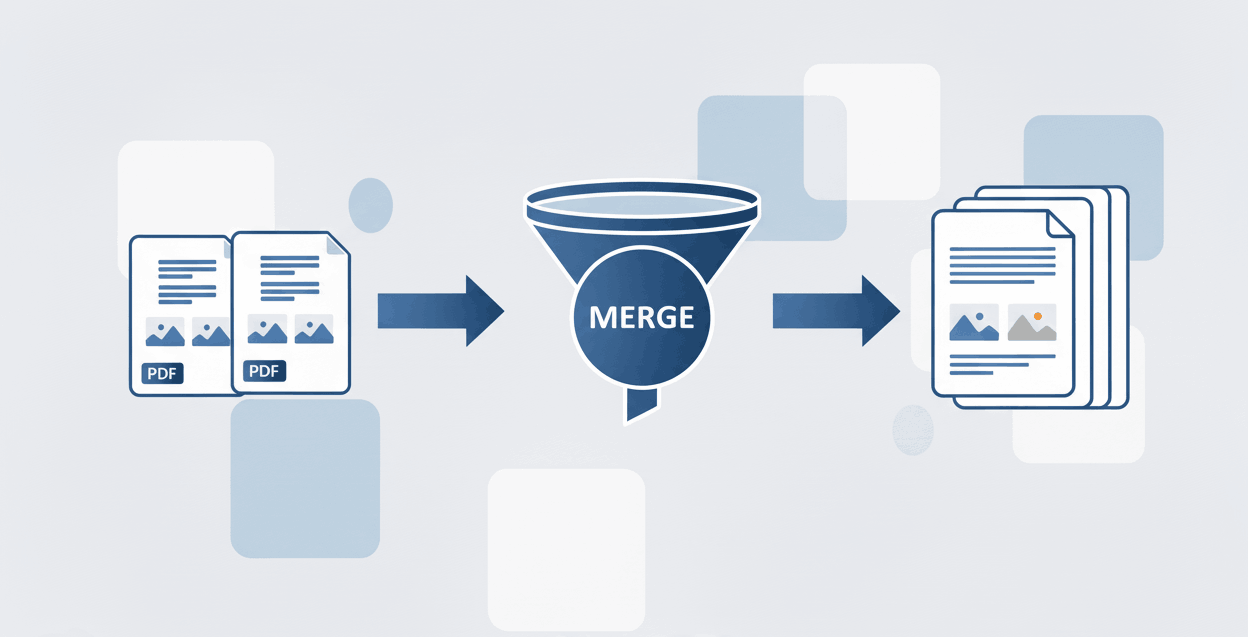
How to Merge PDF files online
Learn to securely merge and combine multiple PDF documents into a single file in seconds.
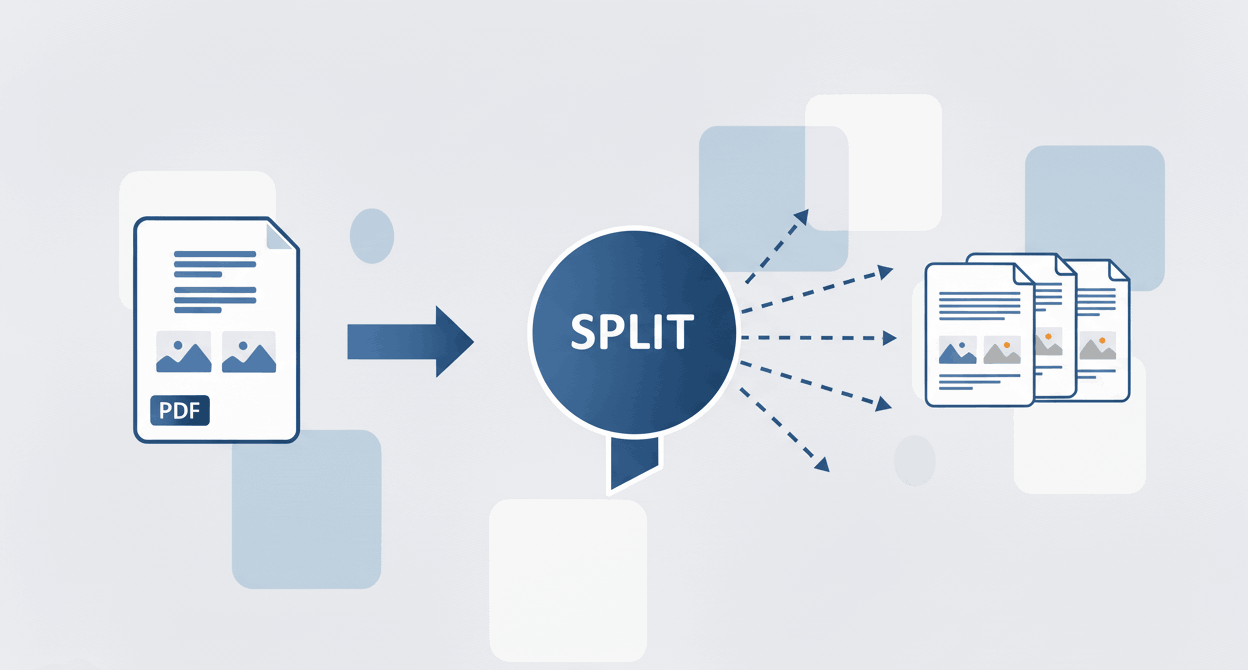
How to Split PDF files online
Discover how to separate a PDF into multiple files, unmerge PDF documents, and break apart pages securely.