
How to Electronically Sign a PDF
(Free & Securely)
Quick Answer: To electronically sign a PDF without printing, go to a free privacy-first platform like PDFSolving. Upload your document, choose to draw your signature using your mouse or touchscreen, or type your name. Drag the signature to the correct line, and download the signed file instantly. With PDFSolving, files are processed locally in your browser, meaning your sensitive contracts are never uploaded to any server.
Zero Server Uploads
Unlike standard tools, your confidential contracts are processed directly in your browser. Absolute privacy guaranteed.
Draw, Type, or Upload
Create your electronic signature however you prefer. Draw it, type it in cursive, or upload an image stamp.
100% Free forever
No account registration required, no credit cards, and absolutely no annoying watermarks added to your documents.
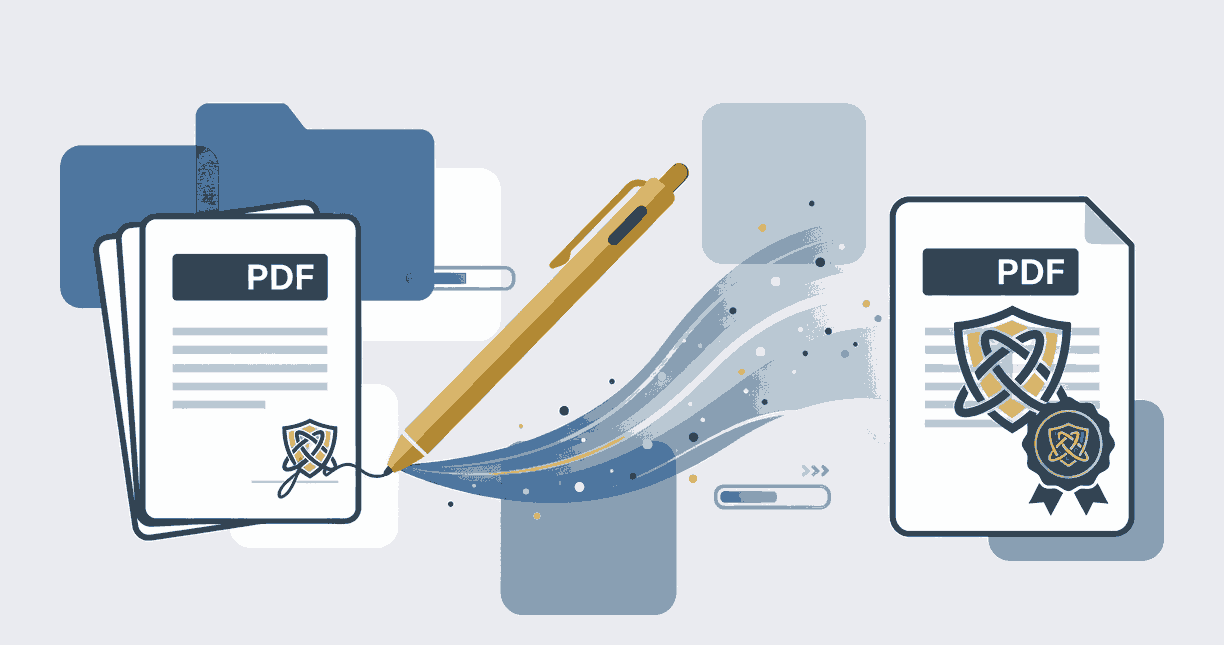
Step-by-Step Guide: How to Sign a PDF Online
Adding your digital or electronic signature to a PDF document is easier than ever. Follow these secure steps:
- 1. Open the Tool: Navigate to the Sign PDF tool on PDFSolving using any device.
- 2. Select Your File: Drag and drop the PDF you need to sign. Our system reads it locally instantly.
- 3. Create Your Signature: Click the signature icon. You can seamlessly draw your signature using your mouse or finger (on mobile).
- 4. Place and Export: Drag the generated signature to the dotted line, adjust the size, and click 'Sign PDF' to download.
Why "Client-Side Processing" is Essential for Signing
When you Google "how to electronically sign a pdf", you'll find hundreds of tools. However, almost all of them require you to upload your sensitive files (like NDAs, tax forms, or legal contracts) to their remote cloud servers.
PDFSolving takes a different approach. We utilize advanced WebAssembly and Client-Side processing. This means the entire signing mechanism happens inside the memory of your own browser. Your documents never leave your laptop or smartphone, making data breaches mathematically impossible.
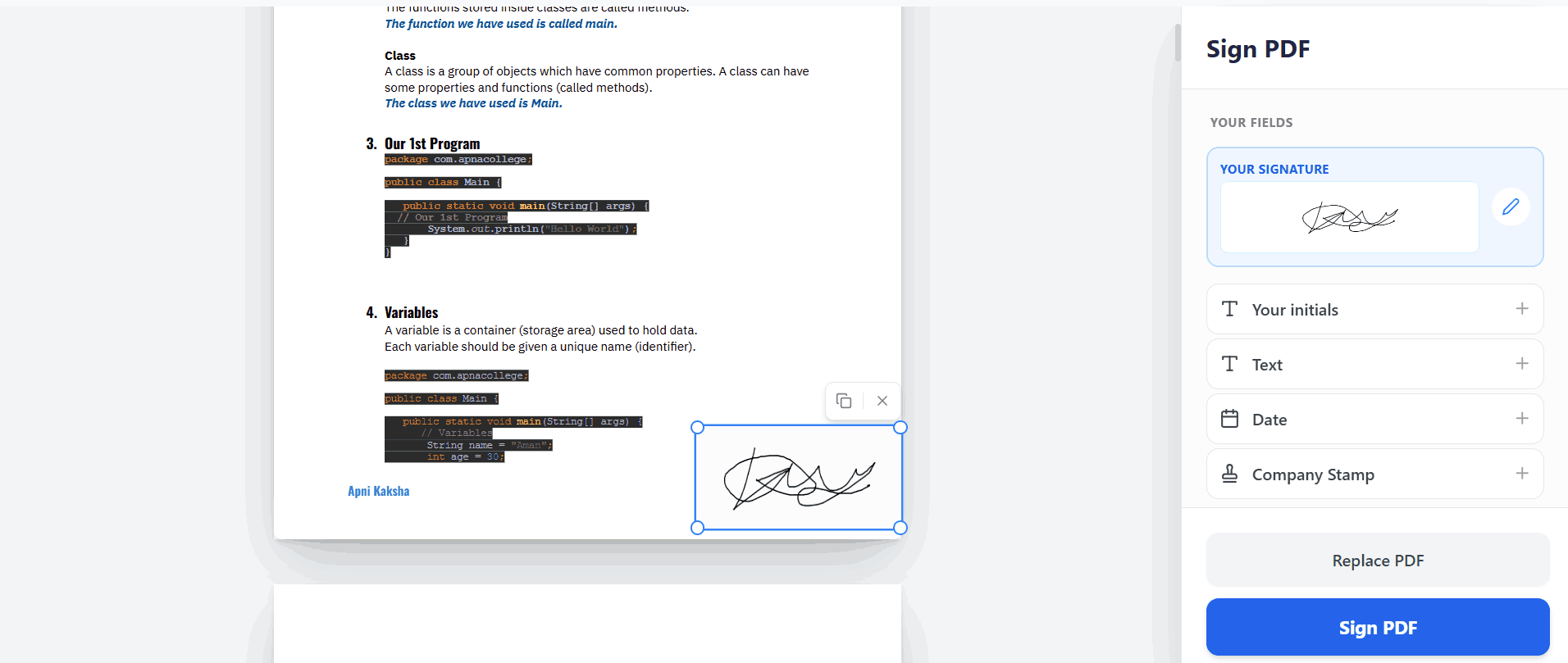
Frequently Asked Questions
❓ Is an electronic signature legally binding?
Yes, in most countries (including the US under the ESIGN Act and the EU under eIDAS), electronic signatures hold the same legal weight as a handwritten wet-ink signature for standard business contracts, invoices, and agreements.
❓ Do I need to create an account to sign my document?
No! With PDFSolving, there are no hidden paywalls or registration screens. You simply load your document, add your signature, and download it entirely for free.
❓ Can I sign a document using my iPhone or Android?
Absolutely. Our tool is highly optimized for mobile devices. It's actually much easier to create a perfect signature using your smartphone's touch screen and your finger.
❓ Will a watermark be added to my signed document?
Never. We believe your documents belong to you. Your finalized, signed PDF will look exactly as you intended, with zero PDFSolving watermarks added.
Explore More Document Guides
Learn tips and tricks for managing your files efficiently.
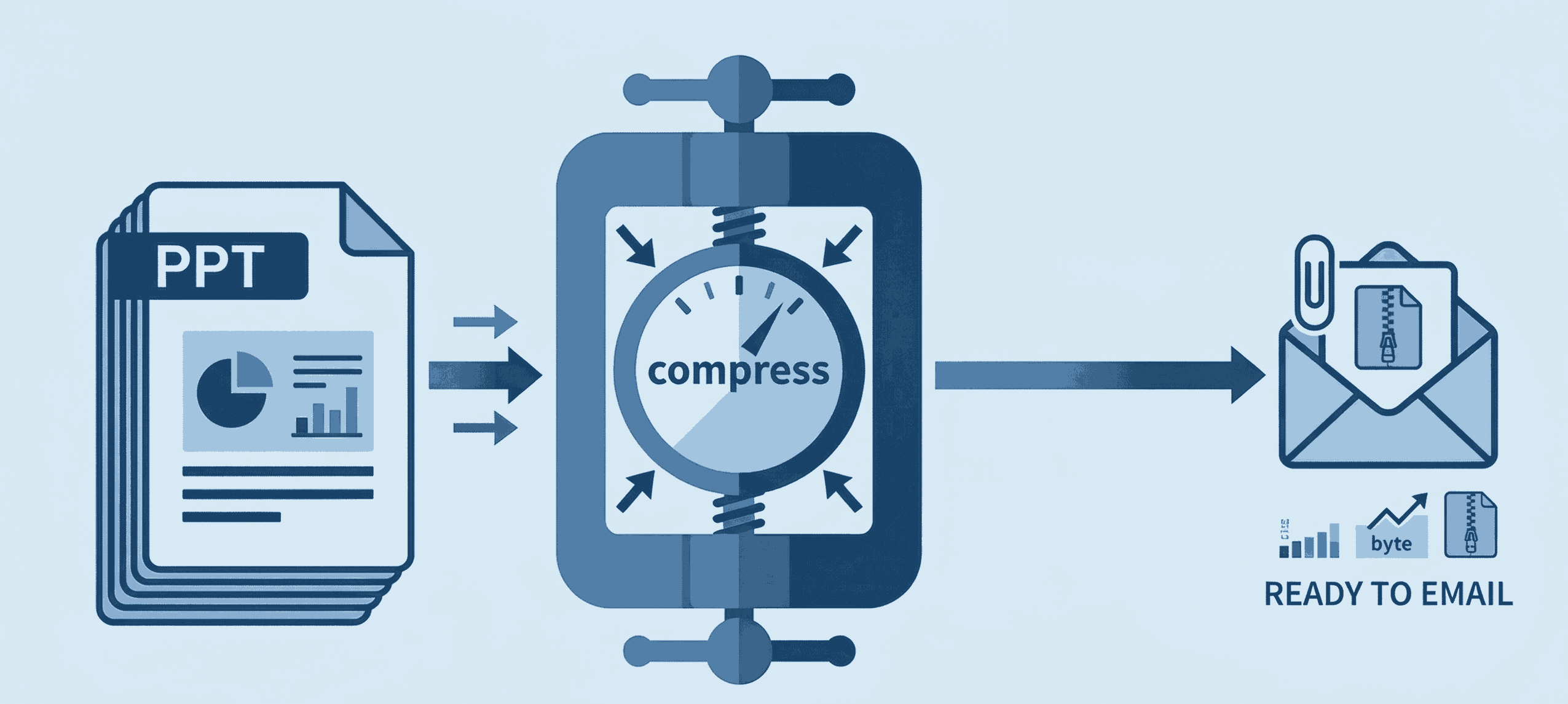
How to Compress PPT for Email
Shrink heavy PowerPoint files instantly to bypass email attachment limits securely.
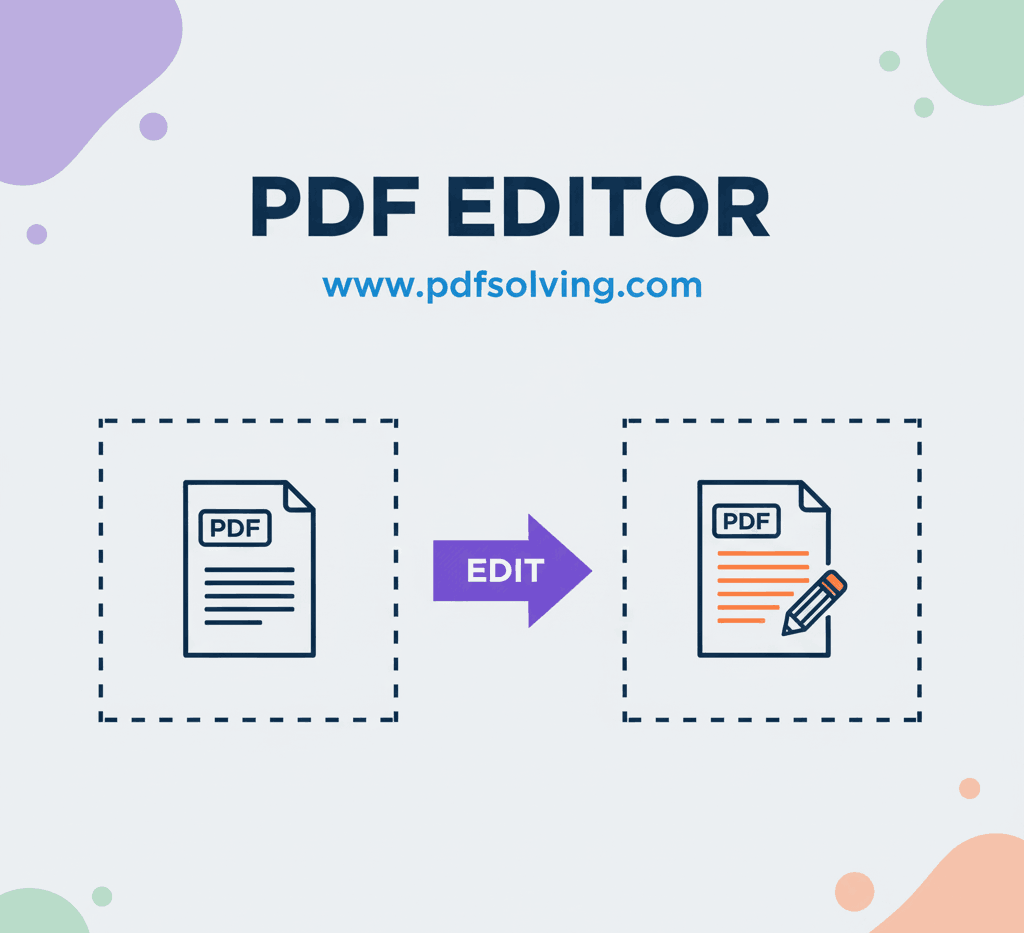
How to edit PDF Document online
Add and edit text, images, borders, digital signatures, and shapes in your PDF documents.
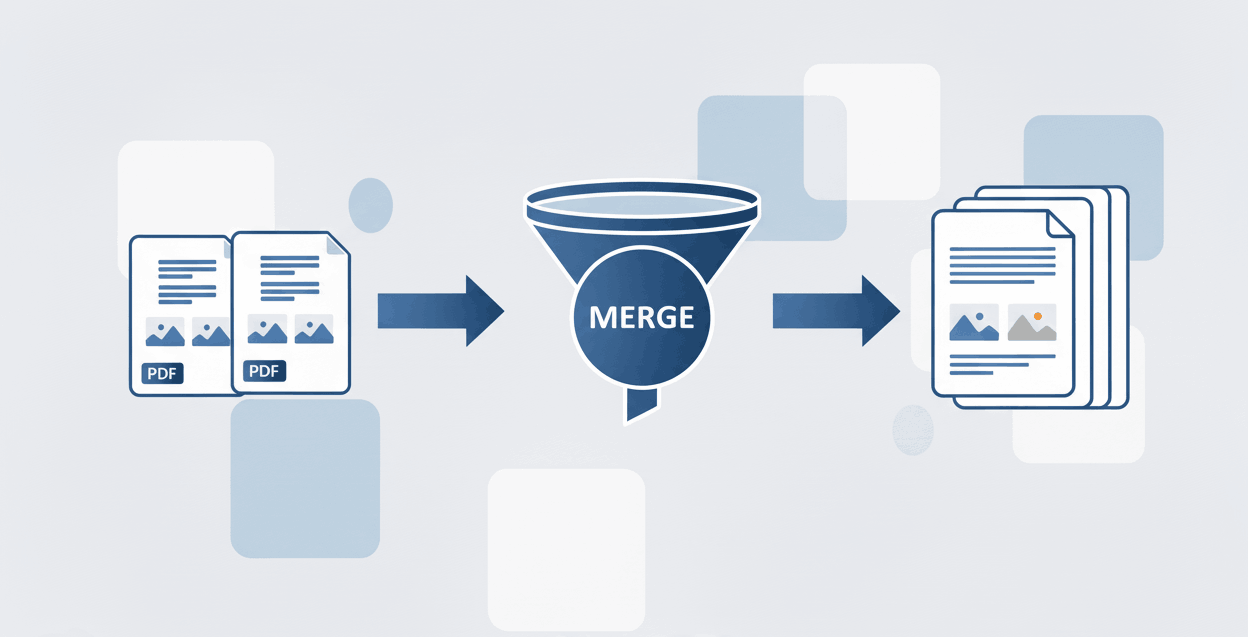
How to Merge PDF files online
Learn to securely merge and combine multiple PDF documents into a single file in seconds.