How to Compare Two PDF files?
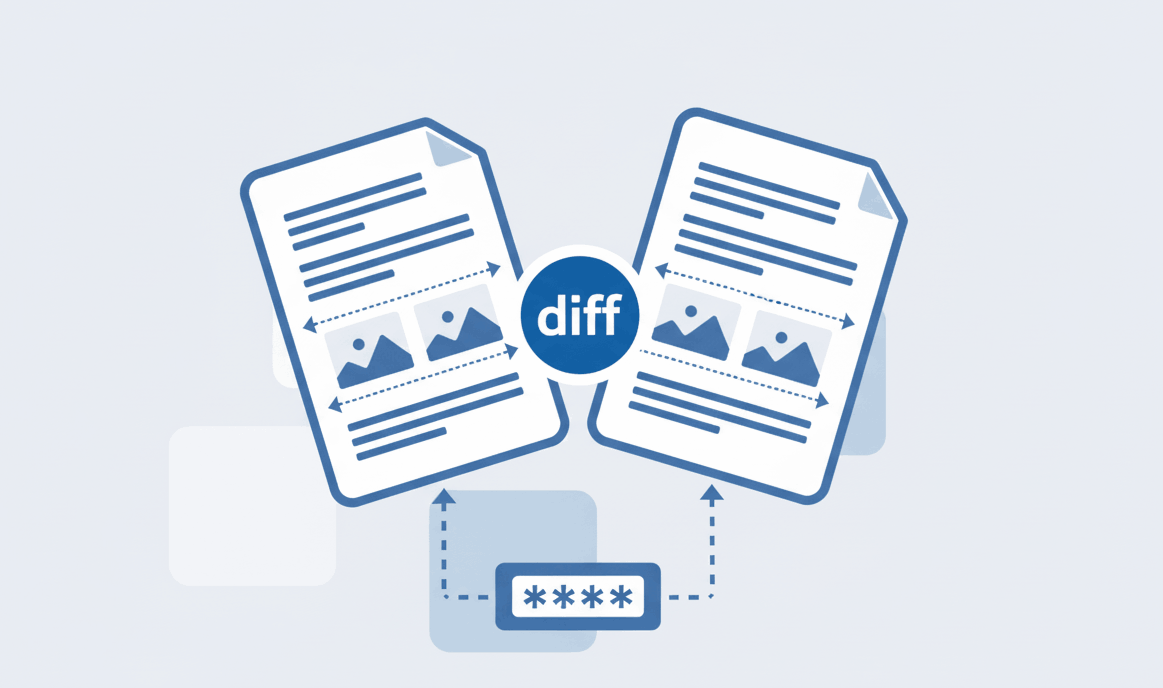
Find text and formatting differences between two PDF documents easily.

Quick Summary: Convert PDF pages to high-quality PNG images securely with our browser-based tool. Extract images instantly without downloading software. Since we use a zero-upload architecture, your private files are never stored on external servers.
Extract images from PDF while preserving crisp text, vibrant colors, and original file resolution.
Your documents are processed securely in your local browser. We never upload files to our servers.
Get immediate results. Download individual PNG files or receive a convenient ZIP archive instantly.
Our advanced PDFSolving technology makes conversion straightforward and highly accurate. Here’s how you do it:
We understand that different projects require different resolutions. Our online PDF converter gives you total control over the output.
You can easily adjust the image quality slider to optimize for file size or select maximum resolution for professional printing. The built-in preview feature ensures you only extract the exact pages or images you need from the PDF.
PDF is a versatile document format designed to preserve layouts across all devices and printers. PNG, on the other hand, is a lossless image format often used for web graphics because of its high quality and support for transparent backgrounds.
Yes, using PDFSolving is completely safe. We utilize advanced Zero-Upload technology, meaning your PDFs are processed locally on your device's memory and are never sent to or stored on external servers.
No. Unlike JPG formats that use lossy compression, PNG uses lossless compression. Our tool maintains high resolution to ensure your extracted PNG images are clear, sharp, and perfect for professional presentations.
Absolutely. You can upload a document with dozens of pages, and our tool will convert the entire PDF to a series of high-quality PNG images, conveniently packaged in a ZIP file for easy downloading.
Learn tips and tricks for managing your documents efficiently.