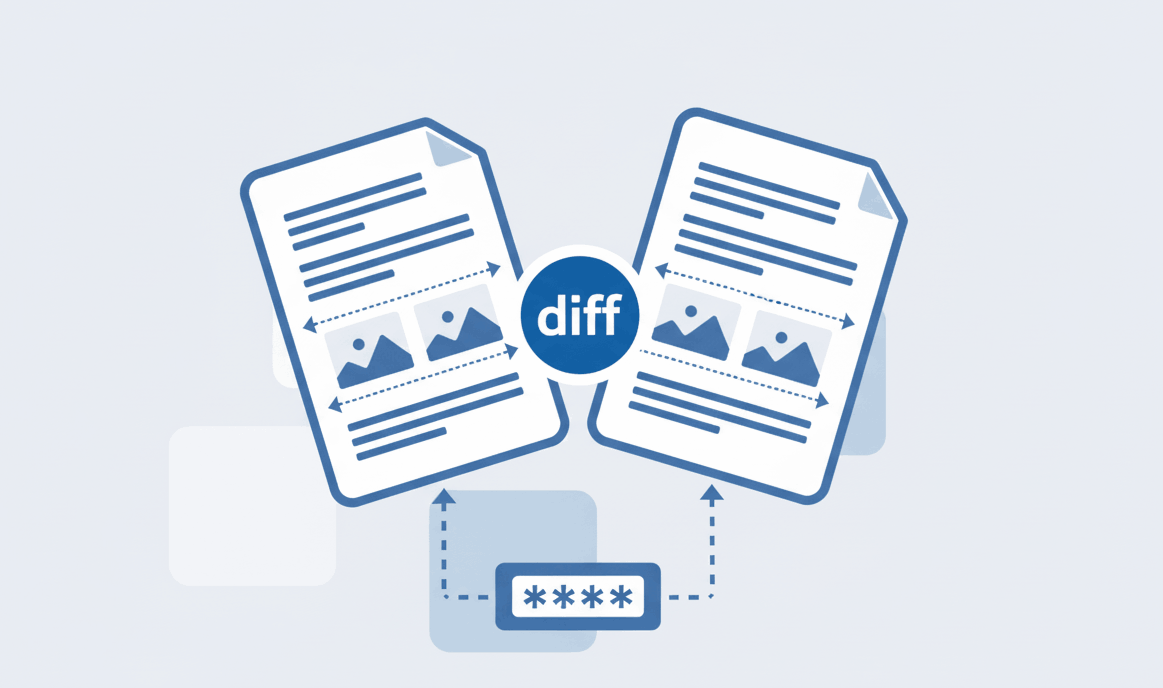
How to Compare Two PDF files?
Spot text and formatting differences between documents instantly.

Quick Summary: Creating a PDFSolving account is completely free and requires no credit card. Simply navigate to the sign-up page, enter your email, or use the one-click Google login. An account gives you access to a personalized dashboard where you can securely manage, convert, edit, and track your PDF processing activity.
Welcome to your all-in-one secure PDF toolkit! To get started, you need to navigate to our registration page.
When you visit the PDFSolving homepage, look for the main navigation menu at the top. You will see a clear "Sign Up" button. Click this button to begin the secure registration process.
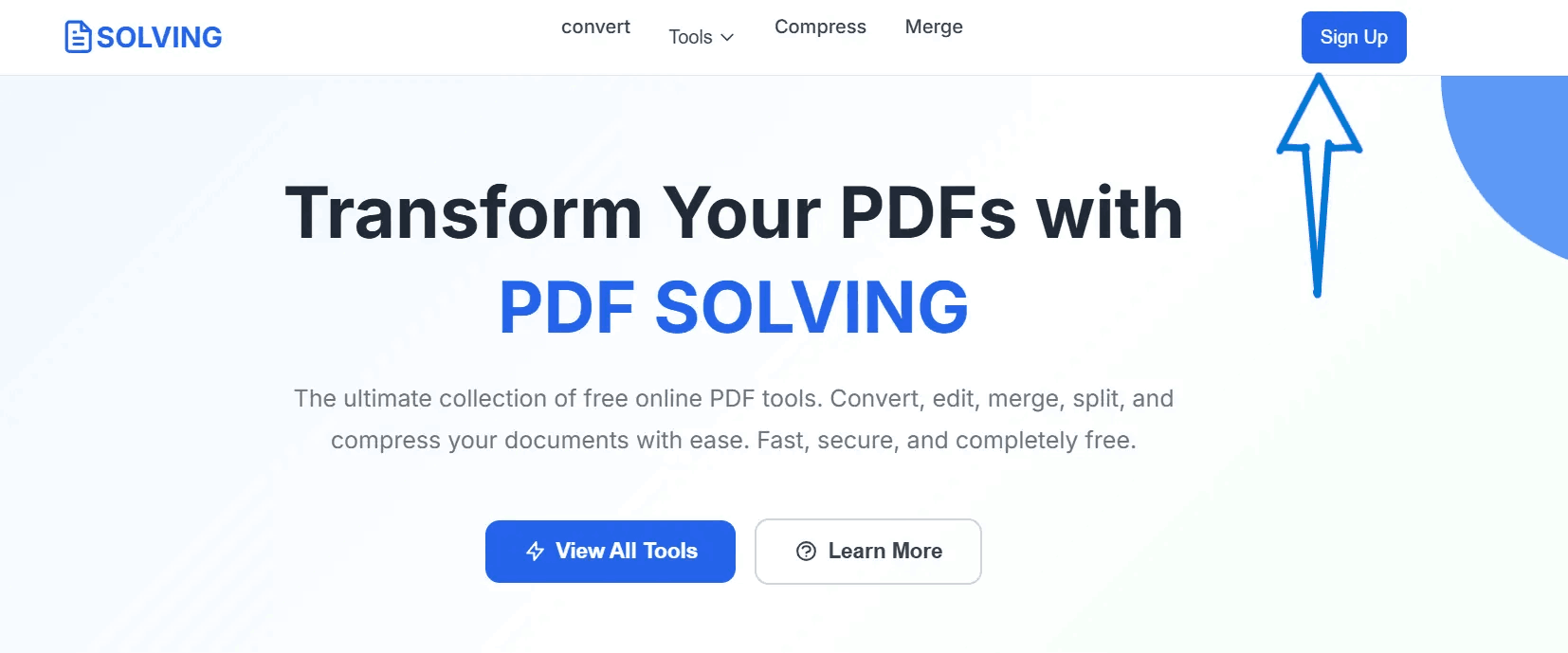
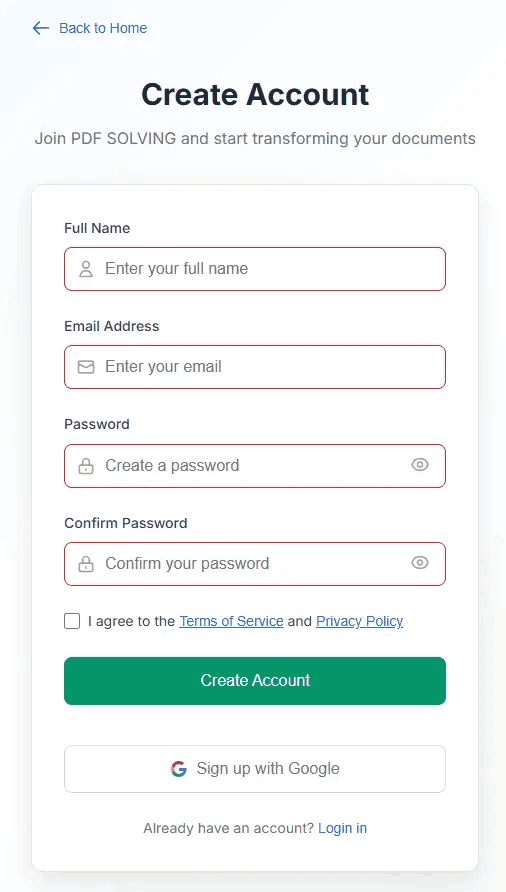
Once on the Sign-Up page, you'll find a straightforward form. You need to provide the following basic details:
Ensure you check the box agreeing to our Terms of Service before clicking the "Create Account" button.
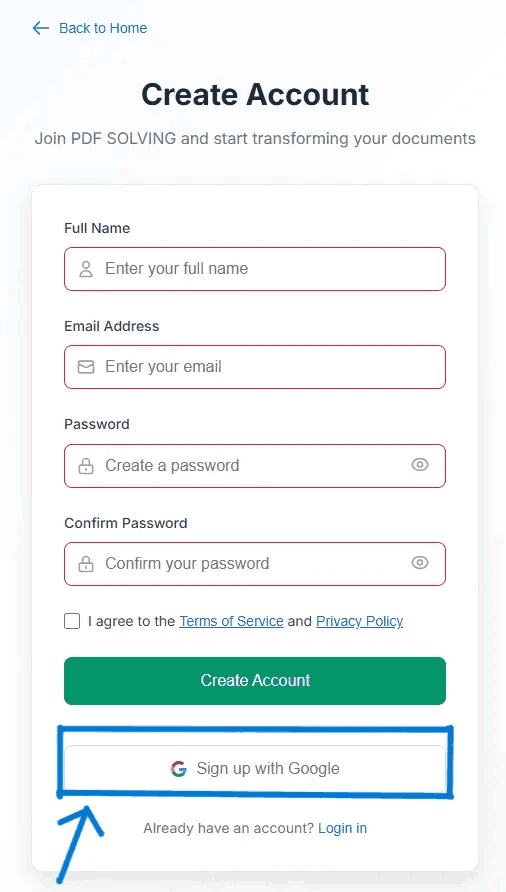
If you want to skip filling out forms and remembering another password, we highly recommend using our integrated Google login feature.
Just click the "Sign up with Google" button on the registration page. Choose the Google account you wish to connect, grant the necessary permissions, and your PDFSolving account will be generated instantly. It's the fastest way to get started.
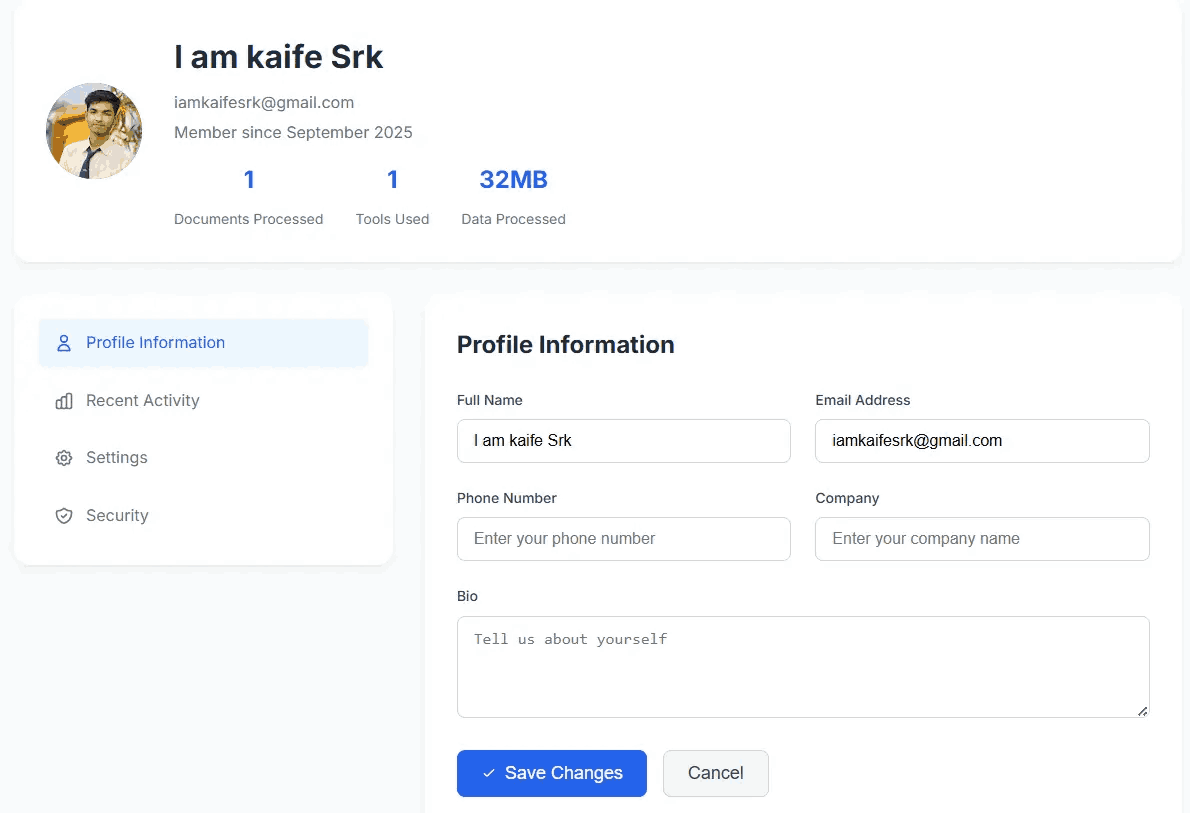
Congratulations! After signing up, you will immediately be redirected to your personalized Profile Dashboard.
Your dashboard is your control center. Here you can view your profile details, monitor your membership status, and track important statistics such as the number of documents you've processed and the specific tools you've utilized. You are now ready to merge, convert, edit, and compress PDFs securely!
Yes, creating an account on PDFSolving is completely free. We do not require a credit card or payment information to register and start using our standard tools.
Absolutely. We provide a secure, one-click Google Sign-Up option to make the registration process faster and eliminate the need for a separate password.
An account gives you access to a dedicated dashboard. This allows you to track your PDF processing activity, save preferences, and ensures you have seamless access to our secure, browser-based toolkit from any device.
Now that you have an account, check out what you can do.