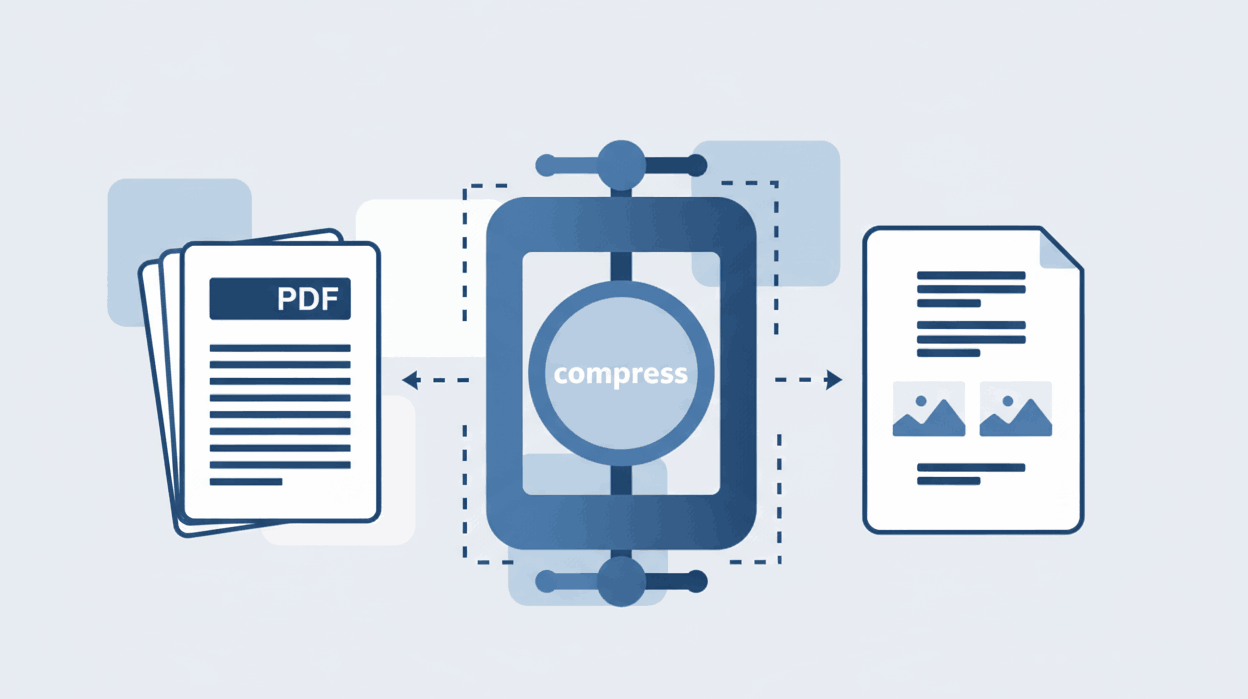
How to Compress PDF files?
Reduce document file size significantly without losing visual quality.

Quick Summary: Converting PDF to JPG is essential for easy social media sharing, web embedding, and preventing unauthorized document editing. Avoid risky server-side converters—use a browser-based, zero-upload tool to ensure absolute privacy and instant, high-quality image extraction.
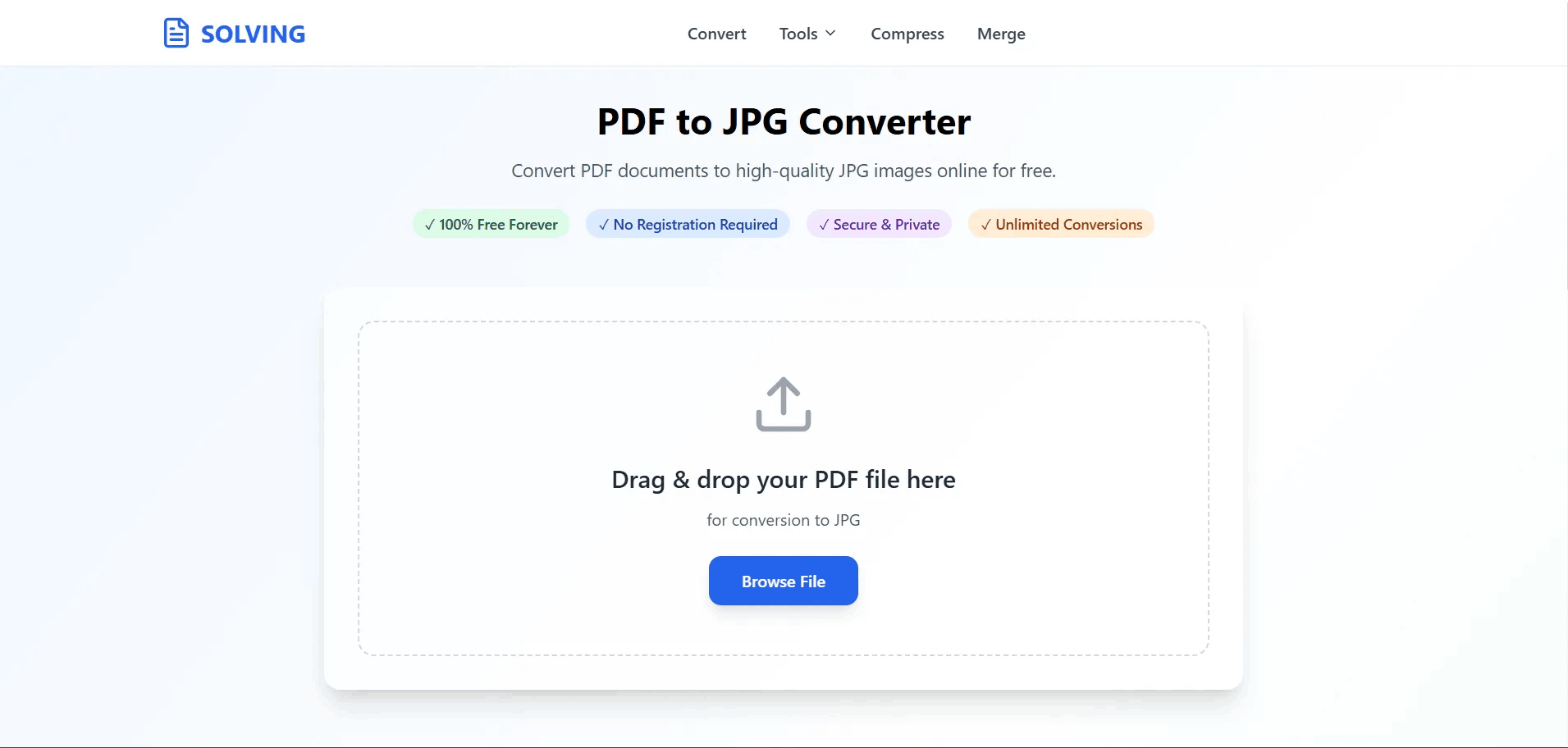
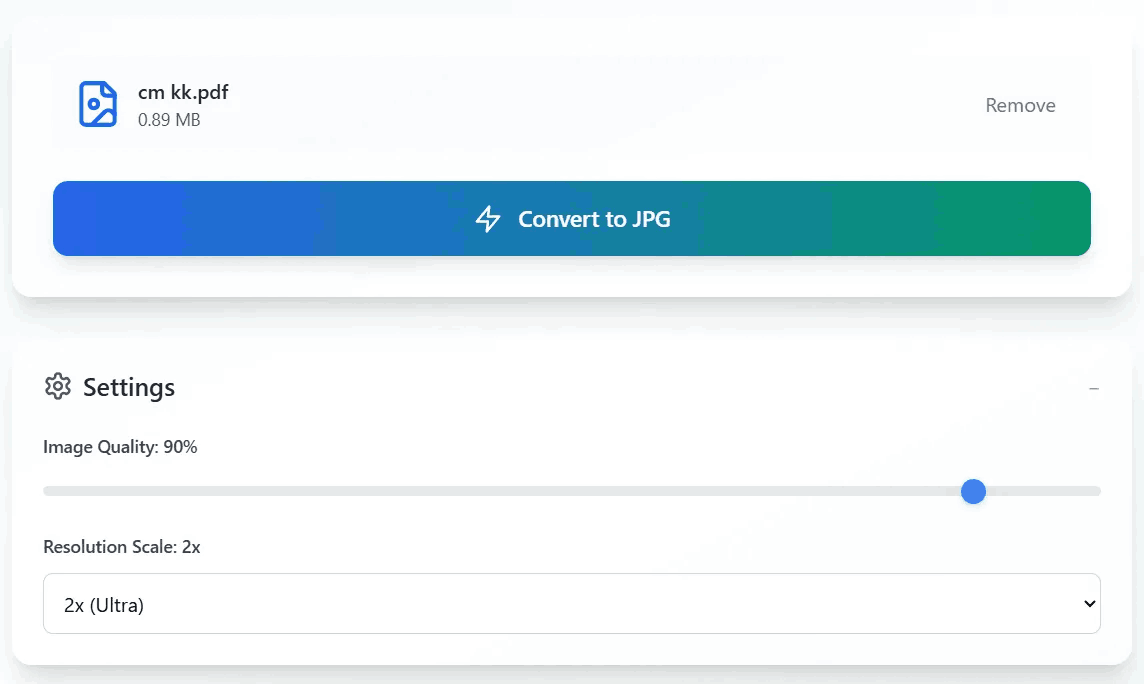
Follow these secure steps to extract images from your PDF without uploading files to remote servers:
The Portable Document Format (PDF) is universally trusted for retaining layouts, but its rigid structure creates friction when sharing or editing on modern web platforms.
Platforms like Facebook, Instagram, Twitter, and LinkedIn do not support direct PDF uploads. To share an event flyer, infographic, or portfolio piece quickly, changing your PDF to an image format like JPG is absolutely necessary.
During corporate meetings, PDF reader software might fail or distort formatting on unfamiliar projection equipment. JPG images display flawlessly on any screen, making them a perfect, risk-free backup.
Educators often convert PDF course materials into images to easily embed them into Learning Management Systems (LMS) or presentations. This drastically reduces loading times for students accessing content via mobile phones.
Embedding a heavy PDF viewer directly on a webpage hurts load speeds and violates Google’s Core Web Vitals. Converting those documents to standard JPGs ensures rapid loading and full mobile responsiveness.
PDF files often contain hidden text layers that can be altered using modern editing software. By converting the document to a JPG, the content is "flattened" into pixels, preventing unauthorized parties from scraping or easily modifying the text.
The vast majority of legacy PDF tools rely entirely on server-side processing architectures, creating significant cybersecurity and privacy risks for end-users.
When using conventional tools, highly sensitive documents—like tax returns, medical records, or legal contracts—are transmitted over the internet to unknown remote servers. Some platforms retain these files for up to two hours, violating corporate privacy compliance.
Cybersecurity alerts highlight that malicious converter websites are frequently used to scrape personal identifiable information (PII) or inject spyware and ransomware into the downloaded files.
Many "free" platforms impose strict usage limits. They aggressively push users toward expensive paywalls and auto-renewing subscriptions, leading to widespread user frustration and refund disputes.
To overcome the severe risks of traditional converters, PDFSolving utilizes an advanced client-side processing architecture powered by WebAssembly and HTML5.
The mathematical process of rendering PDF pages into pixels occurs entirely within the temporary memory (RAM) of your local web browser. Your data never leaves your machine, completely eliminating the risk of data interception or server breaches.
Server-side processing restricts upload sizes to save bandwidth costs. Since our zero-upload technology leverages your device's processing power, there is no internet latency. You can convert massive, multi-page documents instantly without hitting arbitrary paywall limits.
PDF (Portable Document Format): A vector-based format designed to preserve layouts, fonts, and allow for searchable text data. Ideal for sharing formal, multi-page documents.
JPG/JPEG: A raster-based image format utilizing lossy compression. It is universally supported by all web browsers and image viewers.
Difference Between JPG and JPEG: There is absolutely no technical difference between the two. The abbreviation ".jpg" was simply created to accommodate the three-letter file extension limit in older Windows operating systems.
Yes, our browser-based tool allows you to convert files absolutely free with unlimited usage. Because we do not rely on expensive server processing, there are no hidden subscription fees or paywalls.
Instead of flattening the entire page, advanced options in our tool allow you to specifically target and extract embedded images from the PDF, saving them as individual JPG files.
No. Our client-side rendering engine maintains the millions of colors, sharp text, and graphics from the original document, ensuring you receive high-resolution JPG images equivalent to the source file.
No. Since the entire conversion process runs locally inside your device, there is absolutely no need to create an account, verify an email, or provide any personal information.
Because this tool is completely browser-based, it supports all platforms. Simply open a modern browser on your macOS, Windows, Linux, iOS, or Android device to convert files seamlessly without extra apps.
Learn tips and tricks for managing your documents efficiently.