
How to Compress PPT with Video
(Reduce File Size by 90%)
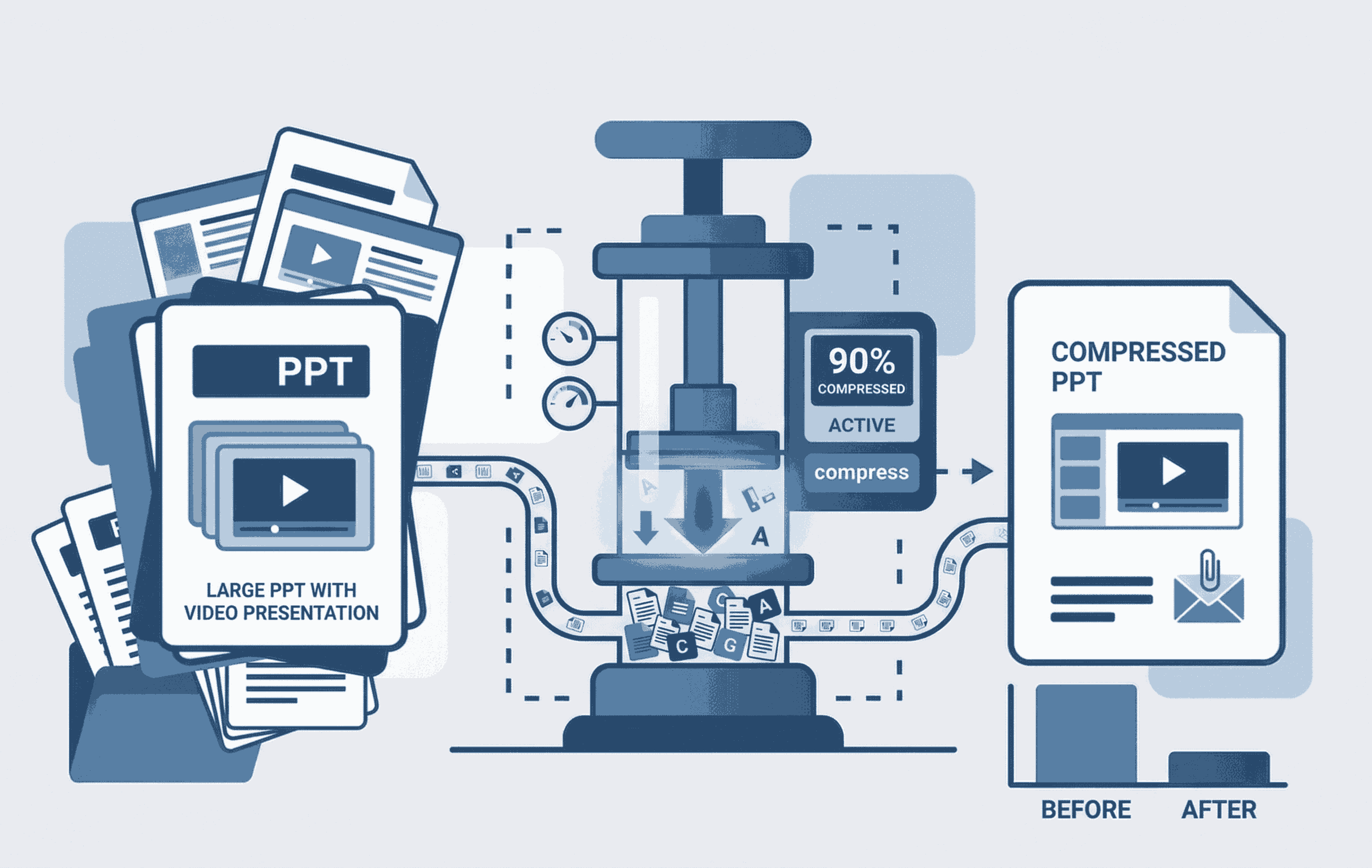
Quick Summary: Want to know how to compress a PPT with video? Heavy PowerPoint files with embedded media are notoriously hard to email. Our free, zero-upload tool shrinks your presentation by up to 90% instantly. It works directly inside your browser across all devices, meaning absolutely no mobile data (MB) is wasted on uploading and downloading.
90% File Reduction
Our tool intelligently compresses embedded videos and heavy graphics, achieving premium-level compression up to 90%.
Save Mobile Data (MB)
Stop wasting data. Because your PPT is not uploaded to a server, you save 100% of the upload and download internet costs.
Works Everywhere
Whether you are using an iPhone, Android, Mac, or Windows desktop, the tool runs flawlessly inside any modern web browser.
How to Shrink PPT Files Free (Step-by-Step)
Emailing large presentations doesn't have to be a headache. Follow these simple steps to reduce your PowerPoint file size:
- 1. Open Compressor: Go to the Compress PPT tool on your phone or PC.
- 2. Select Presentation: Drag and drop your heavy PowerPoint file. It loads directly on your screen without any server wait times.
- 3. Instant Compression: Click compress. Our system instantly optimizes the media, giving you a lightweight file ready for your email attachment.
Premium Quality, Completely Free
Why pay for expensive desktop software when you can achieve the same results online instantly?
PowerPoint files often become massive due to embedded high-resolution videos and unoptimized background assets. Our premium-tier algorithm intelligently cleans up these issues. You get a professional, drastically reduced file without ruining the quality of your videos or slides—and we offer this completely for free.
Frequently Asked Questions
❓ How much can I compress a PPT file with video?
Using PDFSolving's advanced media optimization, you can shrink your PowerPoint file size by up to 90%, easily converting a heavy 150MB presentation into a 15MB email-friendly format.
❓ Will compressing ruin my embedded videos?
No. Our tool intelligently optimizes the video resolution, bitrate, and background metadata so that your videos and slide graphics remain clear and professional for presentations.
❓ Does this tool work on mobile devices?
Yes! Our tool is 100% browser-based. It runs flawlessly on iPhones, iPads, Android devices, Mac, and Windows PCs without requiring any app installations.
❓ Will this use up my mobile internet data (MBs)?
No! Because the file is processed using our zero-upload technology, you save 100% of your upload and download data. The heavy lifting happens entirely within your device's memory.
Explore More Document Guides
Learn tips and tricks for managing your files efficiently.
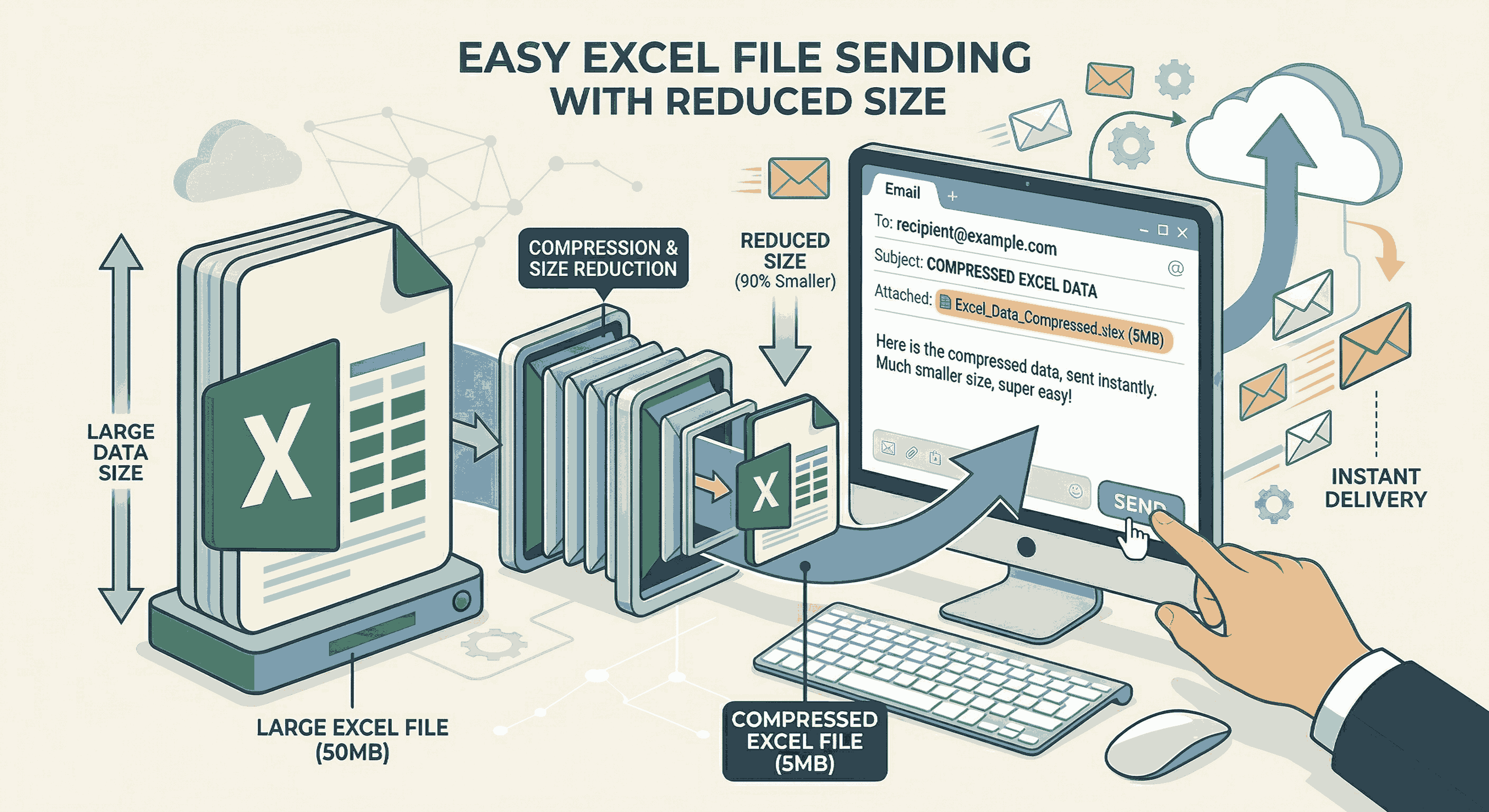
How to Compress Excel for Email
Shrink your large Excel spreadsheets by 90% instantly to fit Gmail and Outlook limits.
How to Compress PDF files online
Reduce large PDF file sizes significantly for easy email sharing without losing visual quality.
How to Remove PDF page online
Learn how to safely extract, delete, and take off unwanted pages from your documents.