
How to Compare 2 PDF files?
Learn how to easily compare two PDF files online.
Welcome to PDFSolving, your all-in-one online PDF toolkit! Whether you need to convert, edit, merge, split, or compress PDFs, PDFSolving makes it simple, secure, and completely free. Visit our PDFSolving website. This step-by-step guide will show you exactly how to create your account and get started in seconds.
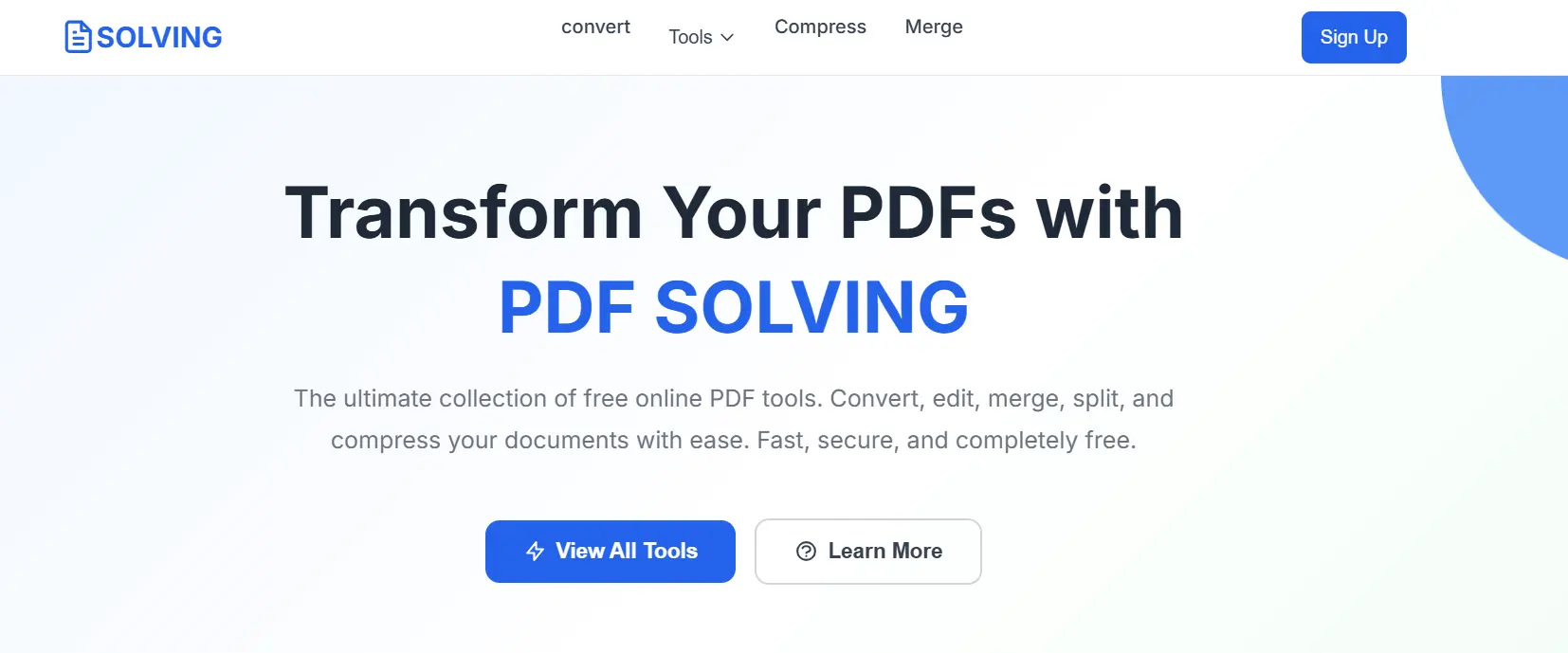
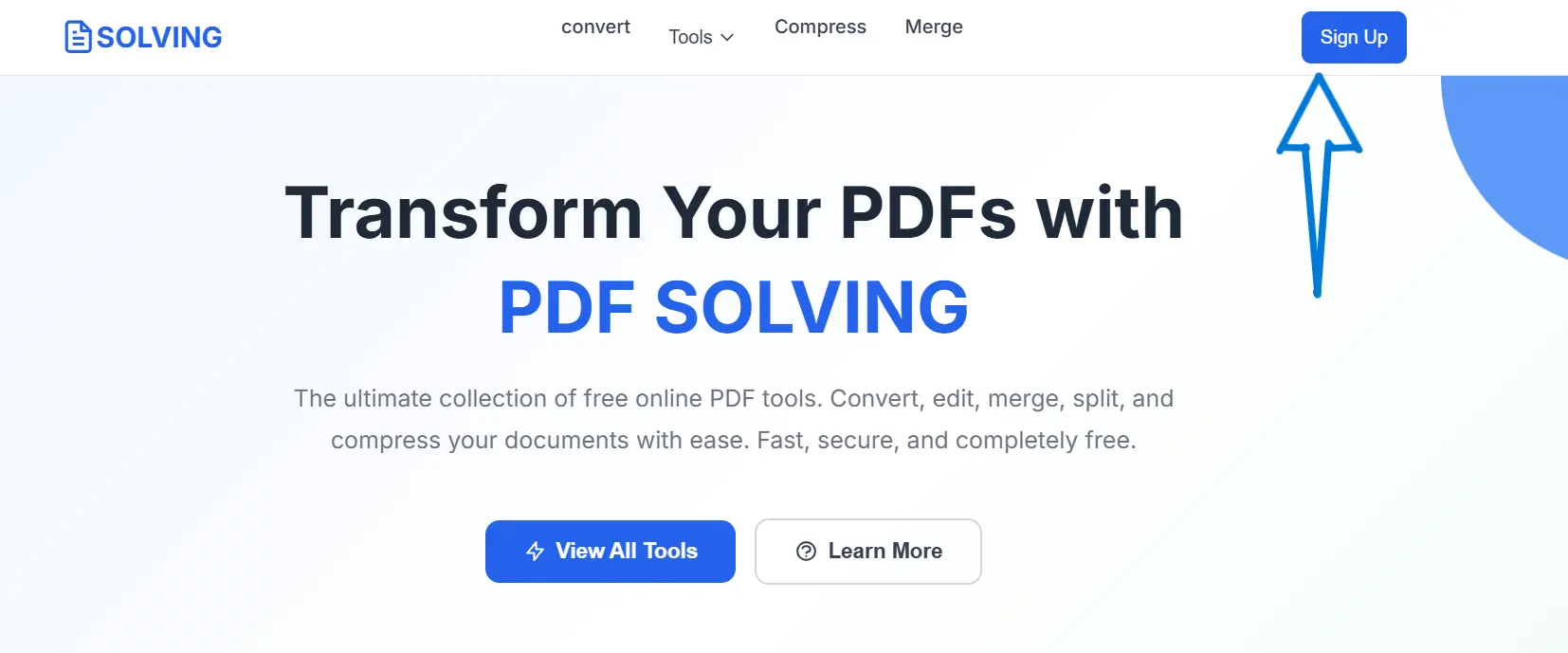
When you visit the PDFSolving website, you’ll see the main landing page. On the homepage, you’ll find a few helpful buttons:
🔹 View All Tools – to explore all the PDF features.
🔹 Learn More – to read about how PDFSolving works.
🔹 Sign Up – to create your own account and save your progress.
Click the Sign Up button to start the registration process.
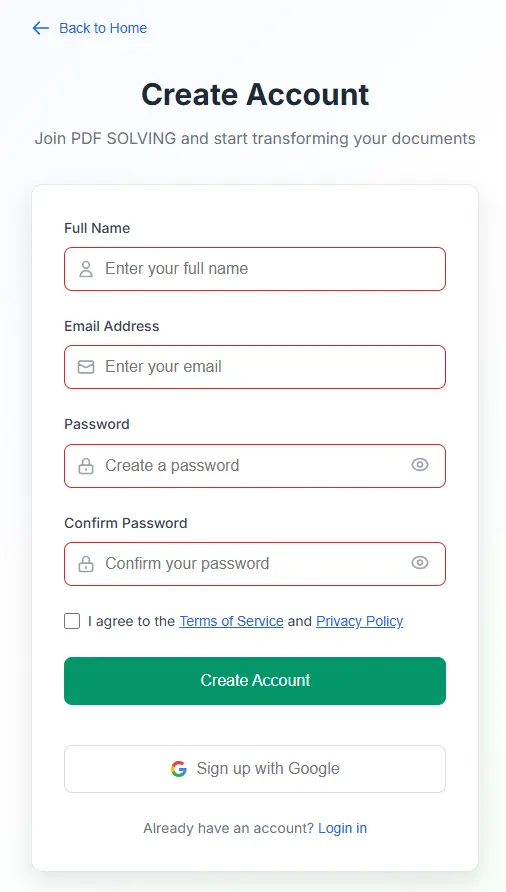
Once you click Sign Up, you’ll be taken to the Create Account page. Here’s what you’ll need to enter:
🔹 Full Name – Type your first and last name.
🔹 Email Address – Enter a valid email (this will be your login).
🔹 Password – Choose a secure password.
Before proceeding, check the box that says: “I agree to the Terms of Service and Privacy Policy.”
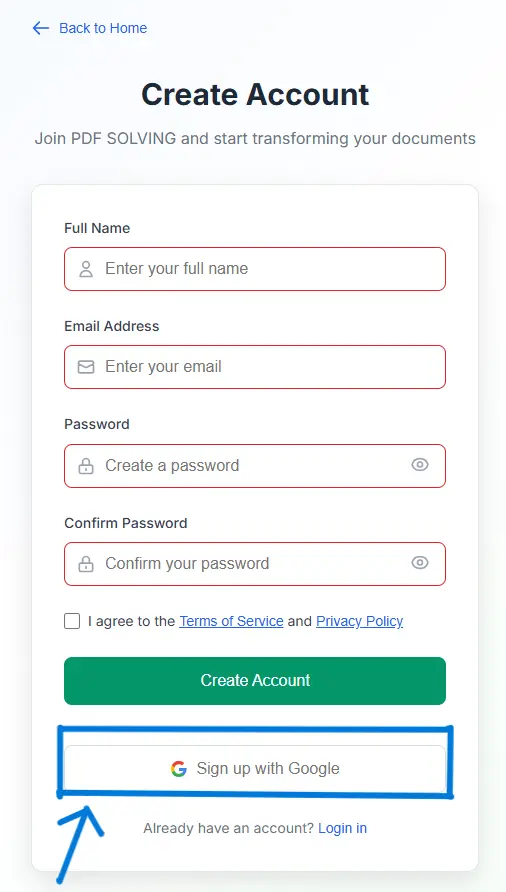
If you prefer a quicker signup method, you can use the Google Sign-Up option. Simply click the “Sign up with Google” button.
🔹 You’ll be redirected to Google’s secure sign-in page.
🔹 Choose the Google account you’d like to connect.
🔹 Once confirmed, your account is created automatically.
This option is perfect if you want to skip typing and get started instantly.
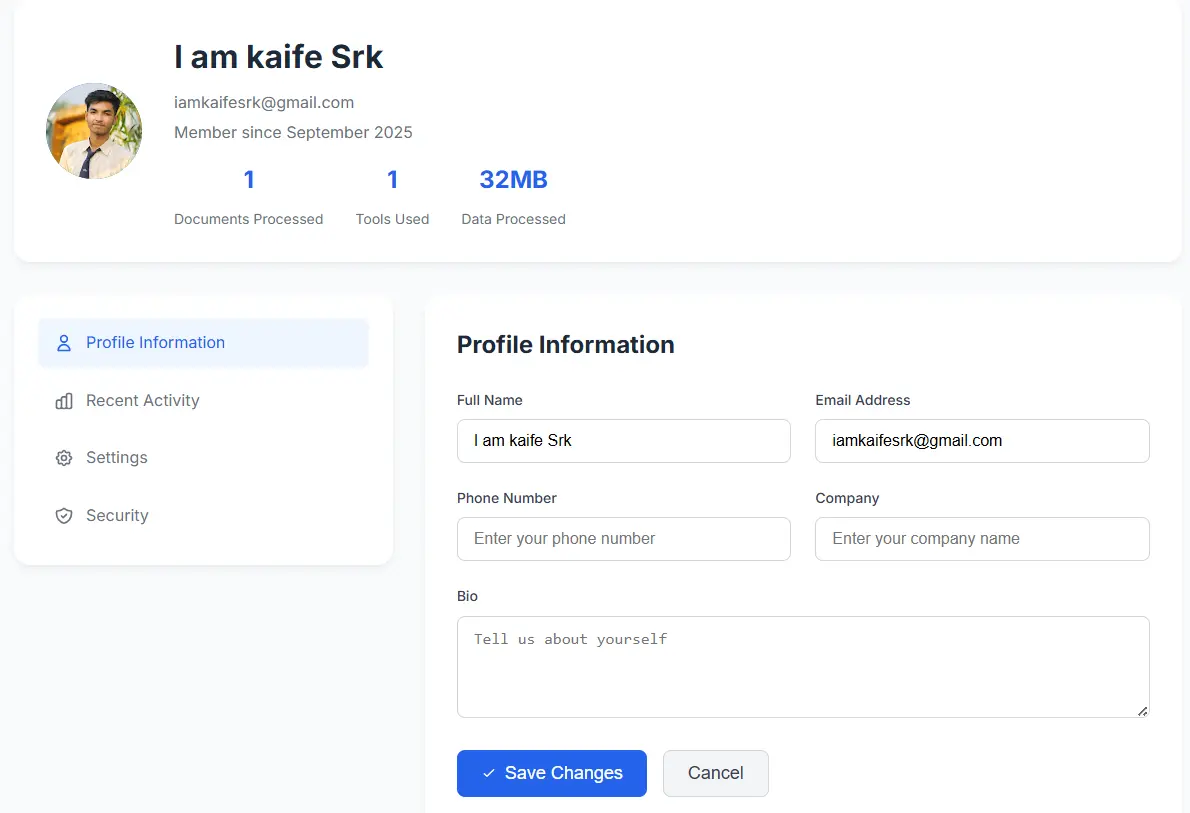
After signing up, you’ll land on your Profile Dashboard — the control center for your account.
🔹 Your Profile Picture, Name, and Email.
🔹 Membership details.
🔹 Stats: Documents Processed, Tools Used, Total Data Processed.
Creating an account on PDFSolving is quick, easy, and completely free. With your dashboard ready, you can manage your files, monitor activity, and transform PDFs faster than ever.
Now that your account is set up, start using tools like Convert, Merge, Split, Compress, Edit, and Sign. Everything runs securely online — no downloads required.
Latest articles, news, and updates from our team.


