
How to View PDF Files on Chrome
(Instant & Secure Reader)
Quick Summary: Wondering how to view PDF files on Chrome without downloading heavy software? Our browser-based PDF reader lets you open massive files directly. Whether you have a 10MB invoice or a 150MB textbook, our zero-upload technology processes the document locally. You experience instant load times, 100% privacy, and absolutely no mobile data (MBs) wasted transferring files.
Lightning Fast
Don't wait for uploads. Open extremely large files (up to 150MB) instantly directly within your Chrome tab.
Save Mobile Data (MB)
Stop wasting internet data. Because your PDF isn't uploaded to a server, you save 100% of your data limits.
100% Privacy
Your highly confidential documents never leave your device. All reading and processing happens completely locally.
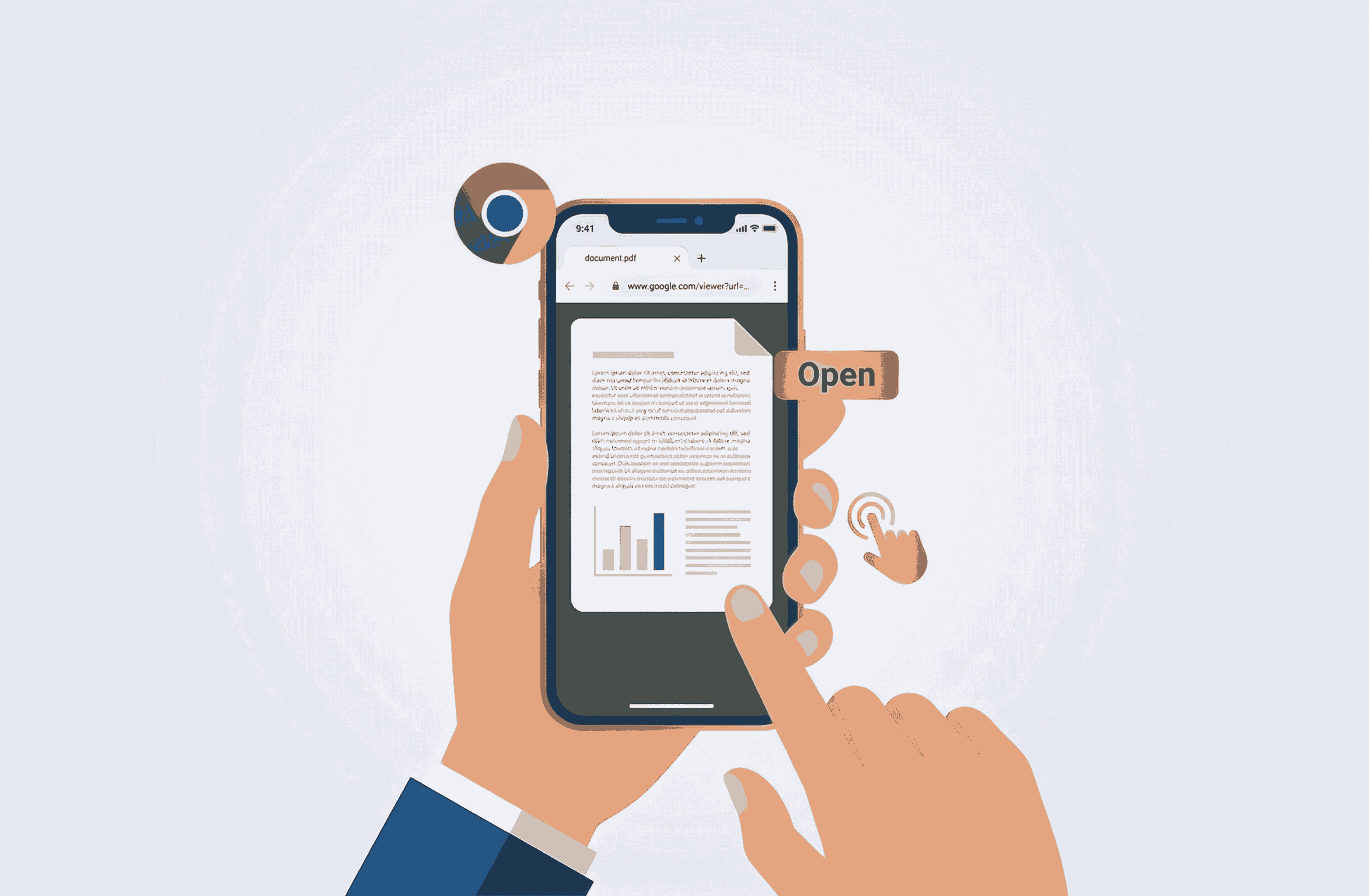
How to Read PDF Online Chrome (Step-by-Step)
Reading documents on your PC or smartphone shouldn't require complex plugins. Follow these simple steps:
- 1. Open Browser: Launch Google Chrome on your Windows, Mac, or Android device and visit the PDF Reader tool.
- 2. Select File: Drag and drop your document or tap to browse your local files. It loads directly on your screen without server wait times.
- 3. View Instantly: The document will render immediately. Zoom, scroll, and read comfortably without any lag or freezing.
Why Use a Dedicated Online PDF Viewer?
While Google Chrome has a basic built-in viewer, many users encounter frustrating errors when trying to read hefty documents. This usually happens when the file is over 100MB, contains complex formatting, or requires smooth page rendering on a mobile device.
By using a dedicated web-based reader like PDFSolving, you bypass these limitations. Our system is designed to handle complex graphics and massive documents effortlessly. Plus, if you need to quickly edit, extract, or merge pages, our suite of tools is seamlessly integrated.

Frequently Asked Questions
❓ How do I get Chrome to open PDF files?
To easily view PDF files, open Google Chrome and navigate to PDFSolving's secure online reader. Simply drag your file into the browser window, and it will display instantly without requiring any extensions.
❓ Why are large PDFs crashing in Chrome?
The default Chrome PDF viewer can sometimes struggle or freeze when handling massive 100MB+ files. Using our dedicated web-based PDF reader bypasses these browser memory issues for a smooth reading experience.
❓ Is it safe to view confidential PDFs in my browser?
Absolutely. We utilize Zero-Upload technology. Your document is rendered completely locally inside your device's browser memory and is never uploaded or transferred to the internet.
❓ Will viewing PDFs online waste my mobile data?
No! Because the file is not uploaded to a remote server, you save 100% of the upload data. It costs zero megabytes (MB) to open and read your local files on our platform.
Explore More Document Guides
Learn tips and tricks for managing your files efficiently.

How to Compress Word Documents
Learn how to shrink large Microsoft Word documents instantly with custom levels.
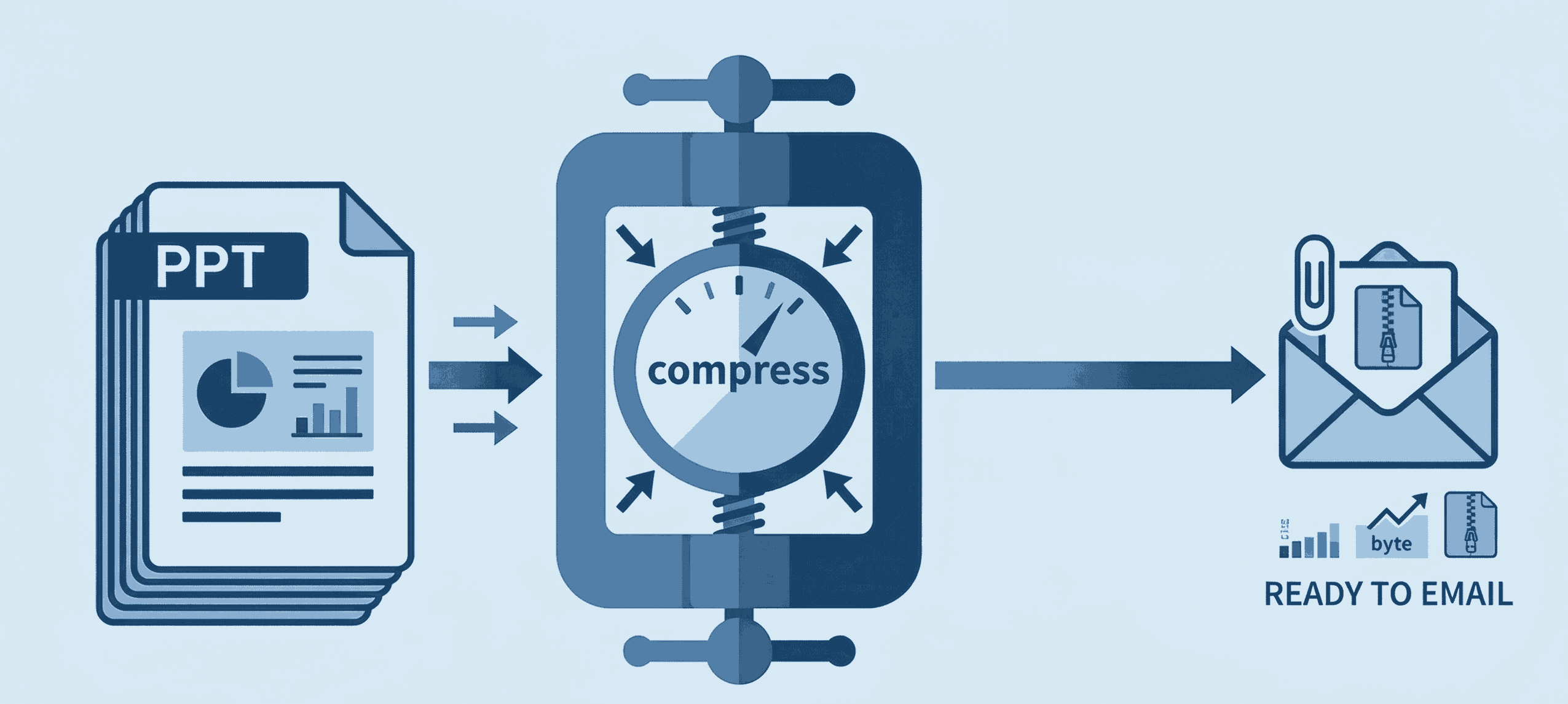
How to Compress PPT for Email
Shrink heavy PowerPoint files instantly to bypass email attachment limits securely.
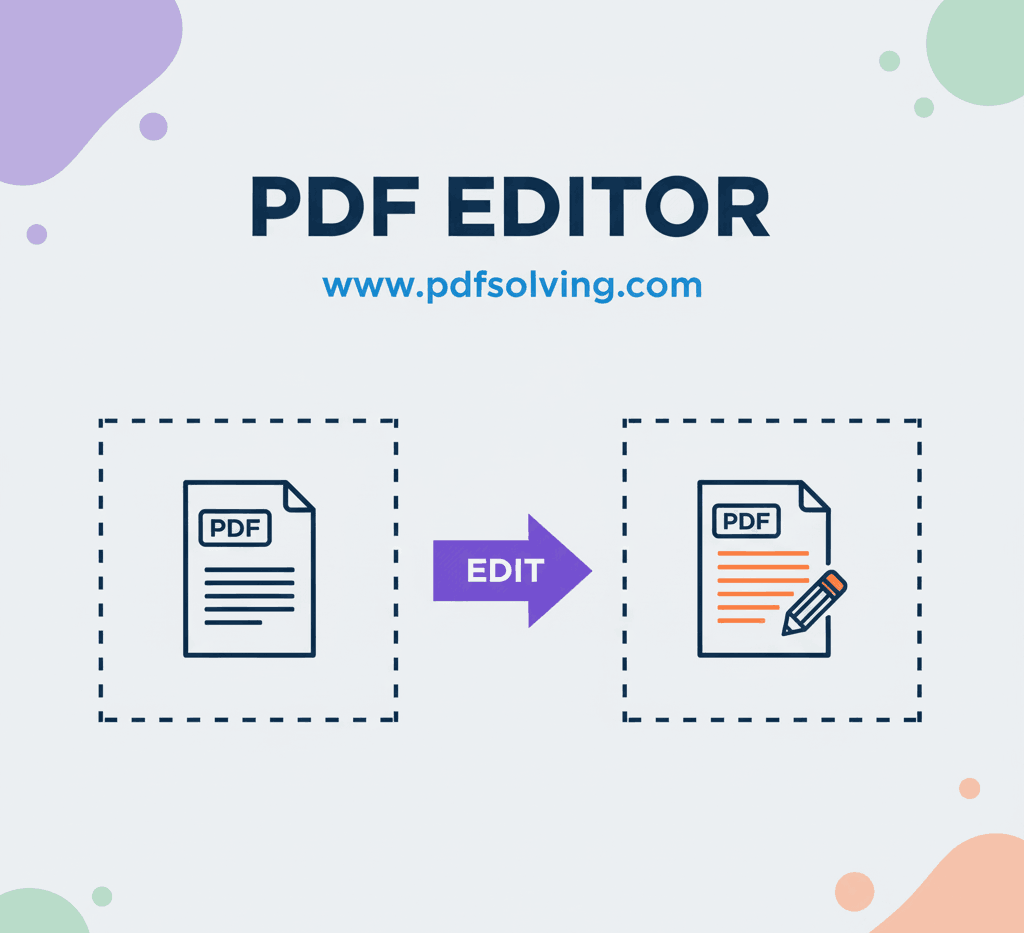
How to edit PDF Document online
Add and edit text, images, borders, digital signatures, and shapes in your PDF documents.