
How to Compress PPT for Email
(Bypass Attachment Limits)
Quick Summary: Are you trying to attach a presentation to an email but facing the dreaded "File Too Large" error? Email providers typically limit attachments to 20MB or 25MB. Our free, zero-upload tool shrinks your heavy PowerPoint files by up to 90% instantly. It works directly inside your browser across all devices, meaning absolutely no mobile data (MB) is wasted on uploading and downloading to remote servers.
Fit Any Email Limit
Shrink heavy presentations drastically so they easily attach to Gmail, Outlook, or Yahoo without errors.
Save Data (MB)
Stop wasting data. Because your PPT is not uploaded to a server, you save 100% of internet transfer costs.
100% Privacy
Your confidential work presentations never leave your device. All compression happens completely locally.
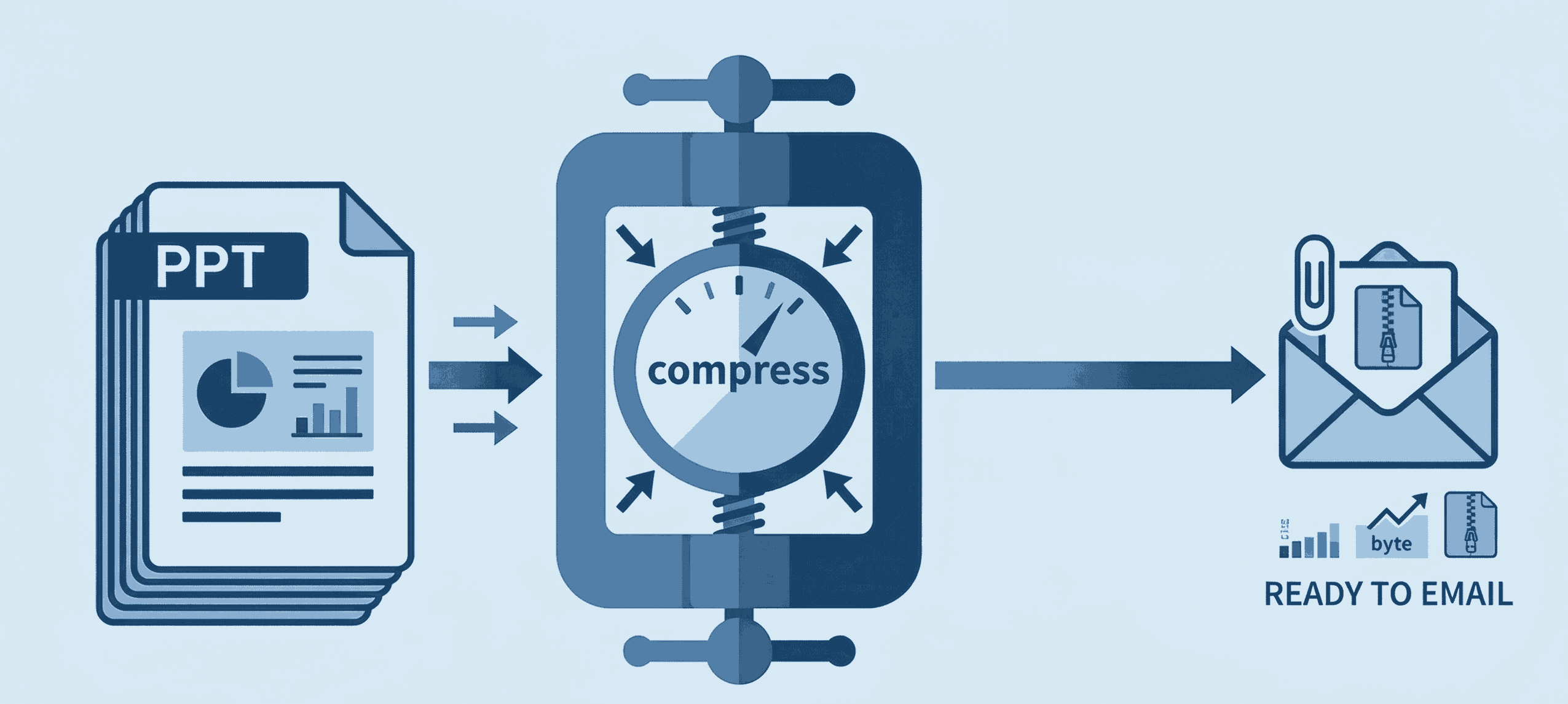
How to Shrink PPT File Size (Step-by-Step)
Emailing large presentations doesn't have to be a headache. Follow these simple steps to reduce your PowerPoint file size:
- 1. Open Compressor: Go to the Compress PPT tool on your phone, Mac, or PC.
- 2. Select Presentation: Drag and drop your heavy file. It loads directly on your screen without any server wait times.
- 3. Compress & Attach: Click compress. Our system optimizes the media instantly, giving you a lightweight file ready for your email attachment.
Why Do PPT Files Get So Big?
PowerPoint files often become massive due to unoptimized assets. High-resolution images, embedded fonts, and hidden document metadata quickly push your file past the 25MB email limit.
Our premium-tier algorithm intelligently cleans up these issues. You get a professional, drastically reduced file without ruining the quality of your slides or text formatting. Achieve premium desktop-software results entirely for free directly from your web browser.
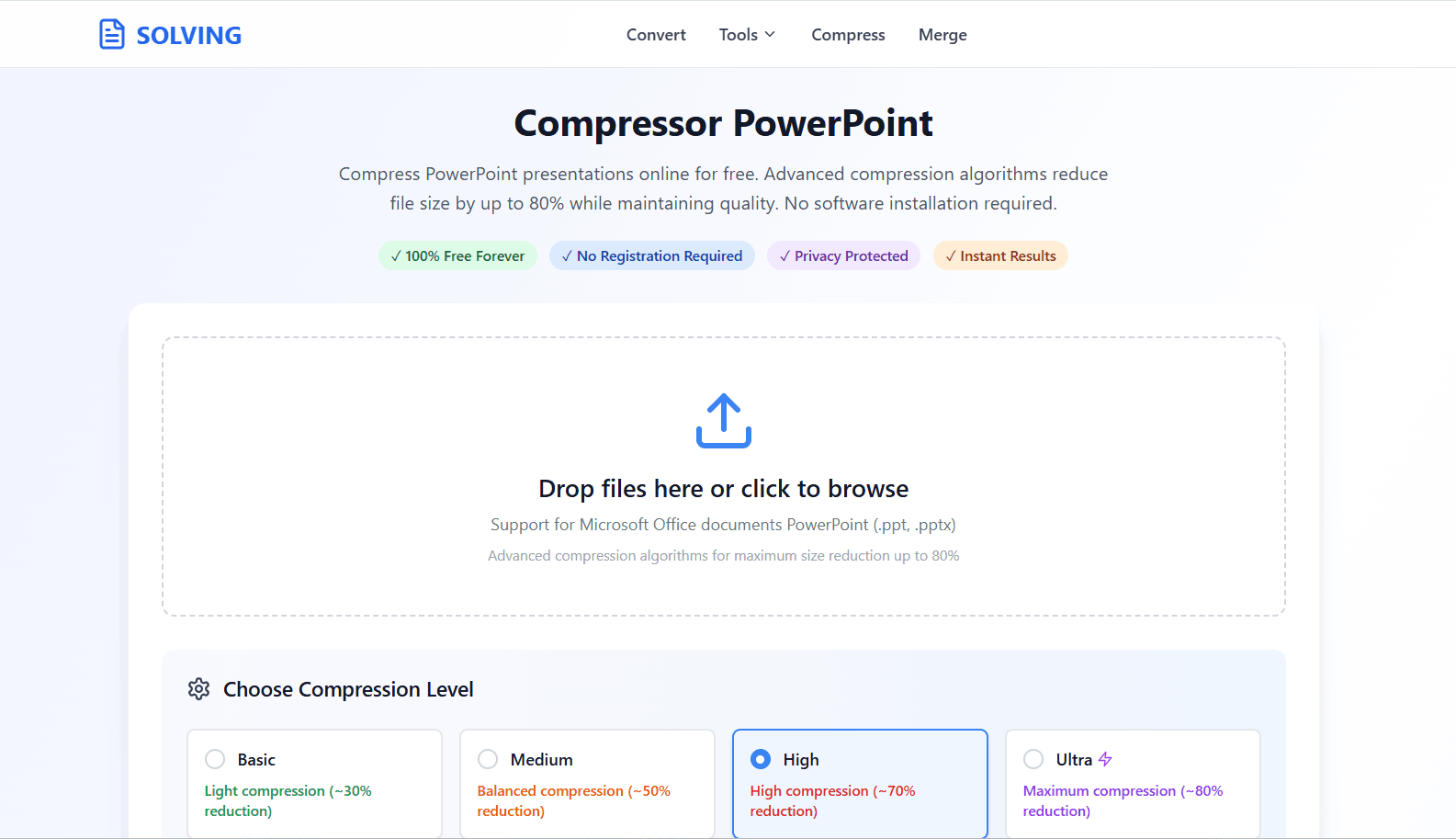
Frequently Asked Questions
❓ How to compress PPT for email?
Use a browser-based tool like PDFSolving. Upload your PowerPoint file, and our system will optimize internal images and media, shrinking the file size enough to easily fit within Gmail or Outlook attachment limits.
❓ Will compressing ruin my presentation slides?
No. Our premium algorithm optimizes internal structures and image resolutions without destroying the visual quality, charts, or text formatting of your slides.
❓ Is it safe to compress confidential work presentations?
Absolutely. We utilize Zero-Upload technology. Your PowerPoint file is processed locally inside your device's browser memory and is never uploaded to the internet.
❓ Does this tool waste my mobile data (MBs)?
No! Because the file isn't uploaded to a remote server and downloaded back, you save 100% of the upload and download data. You only use a tiny amount of data to load the webpage itself.
Explore More Document Guides
Learn tips and tricks for managing your files efficiently.
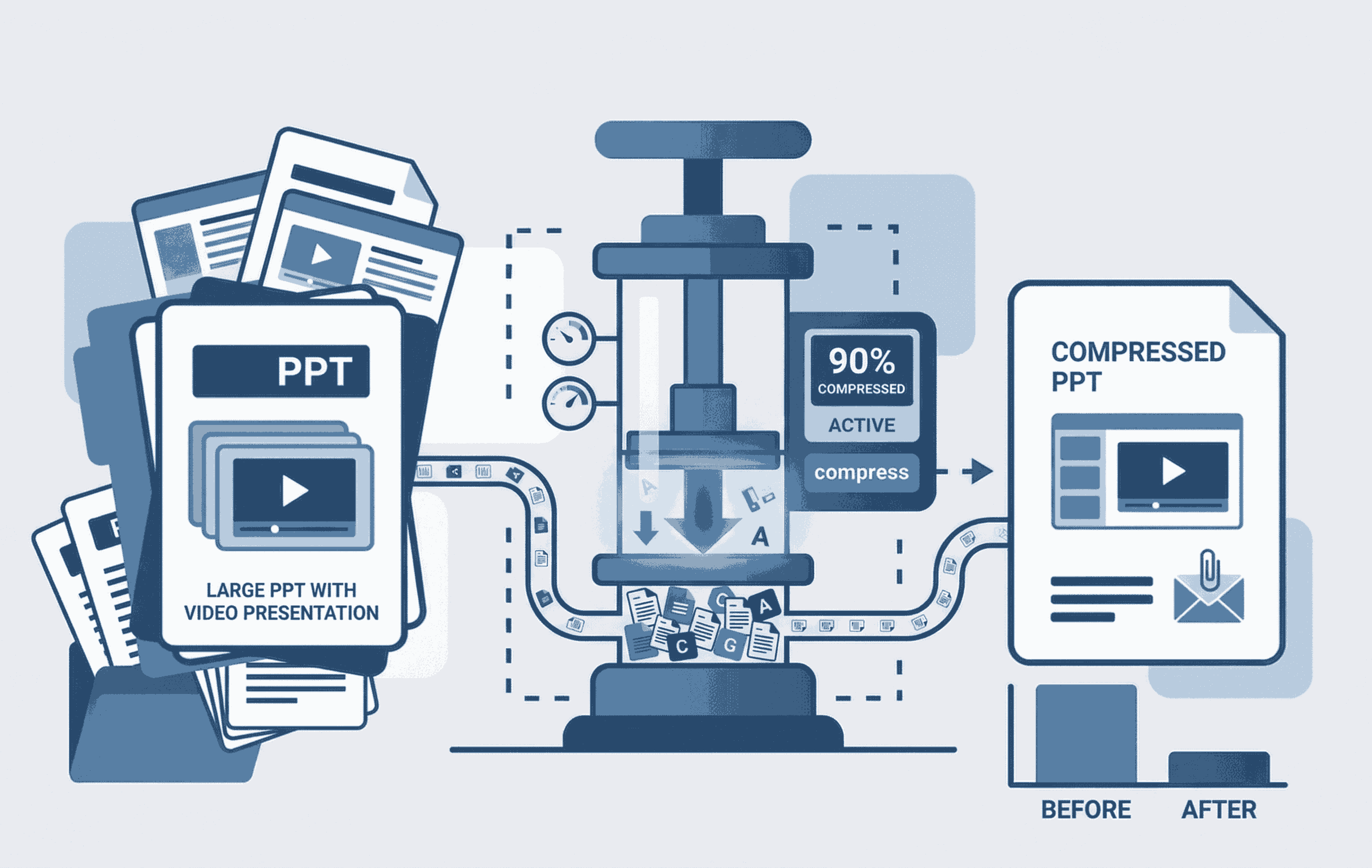
How to Compress PPT with Video
Learn to shrink heavy PowerPoint files containing embedded videos seamlessly.
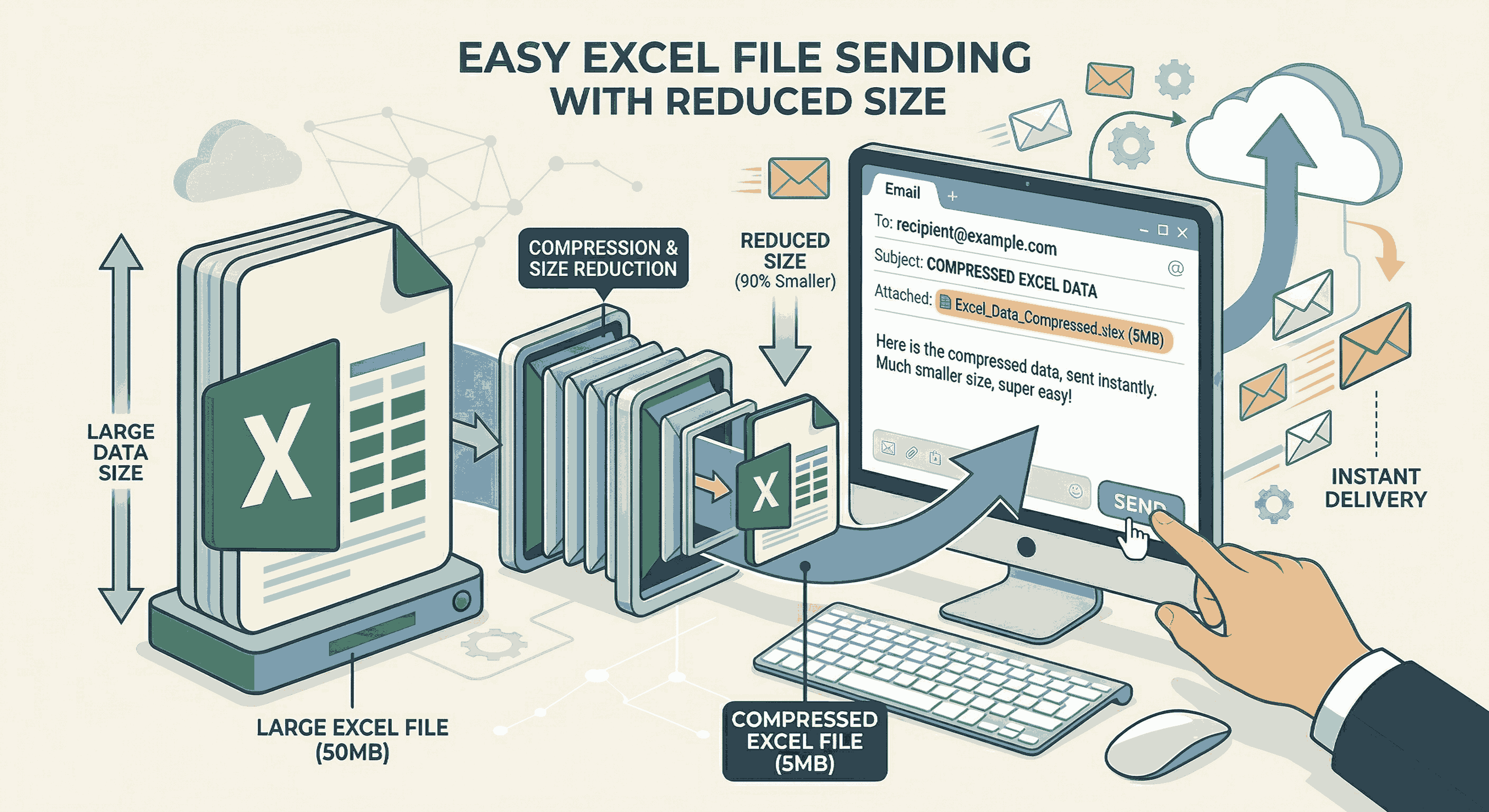
How to Compress Excel for Email
Shrink your large Excel spreadsheets by 90% instantly to fit Gmail limits.
How to Split PDF files online
Discover how to separate a PDF into multiple files and break apart pages.