
How to Compress Microsoft Word Document
Online (Free & Secure)
Quick Summary: Want to know how to compress Microsoft Word document online easily? Our browser-based tool allows you to reduce your .doc and .docx file sizes by up to 90% instantly. You have full control—use our custom slider to select exactly how much you want to compress your file. Plus, with zero-upload technology, your data stays perfectly secure and you save your mobile MBs.
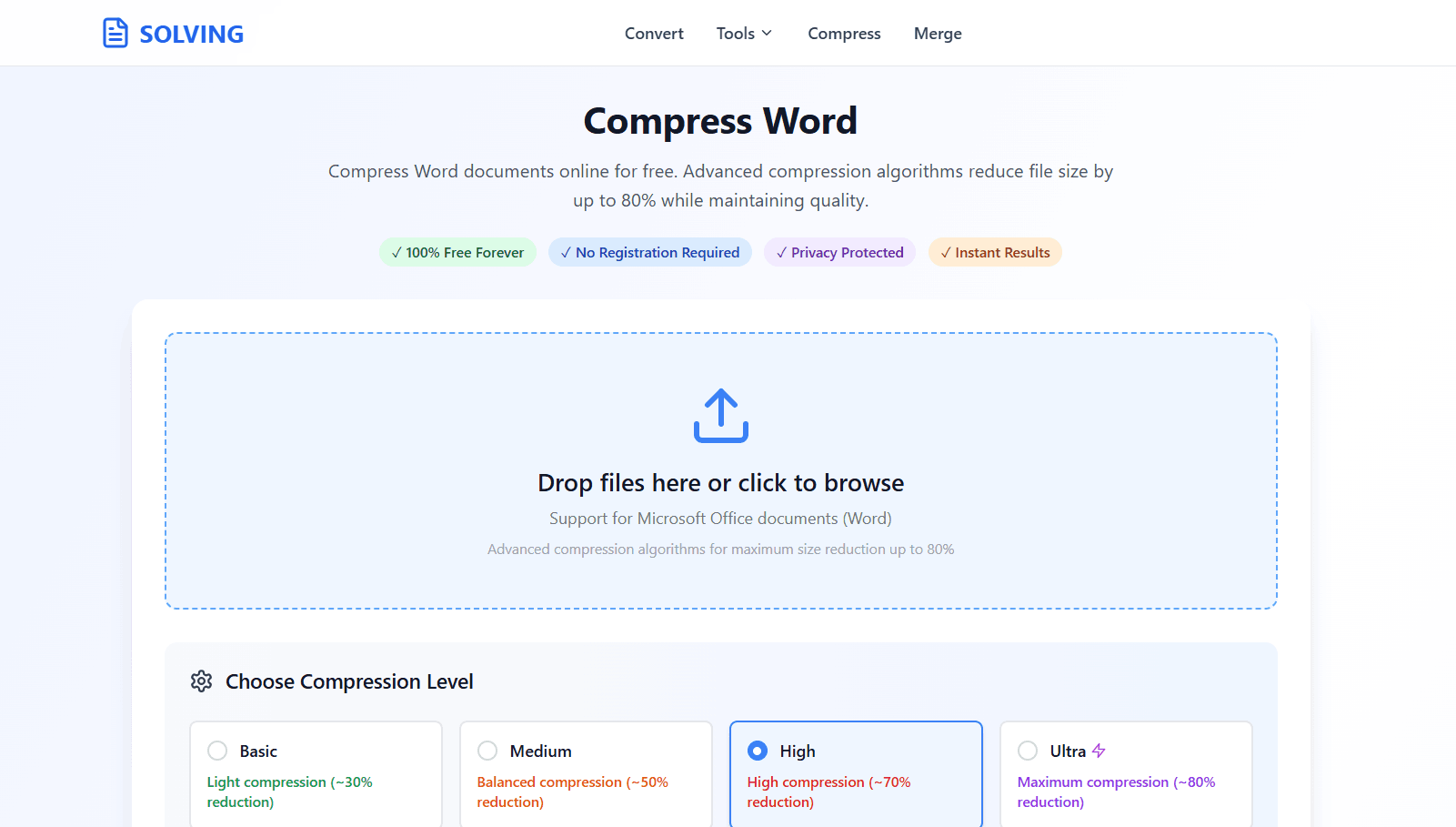
Custom Compression
You are in control. Select your desired compression level manually to perfectly balance file size and document quality.
90% File Reduction
Shrink heavy Word documents filled with high-res images drastically. Easily bypass email attachment limits.
Save Mobile Data (MB)
Your document is processed locally in your browser. You save 100% of internet data since there are no server uploads.
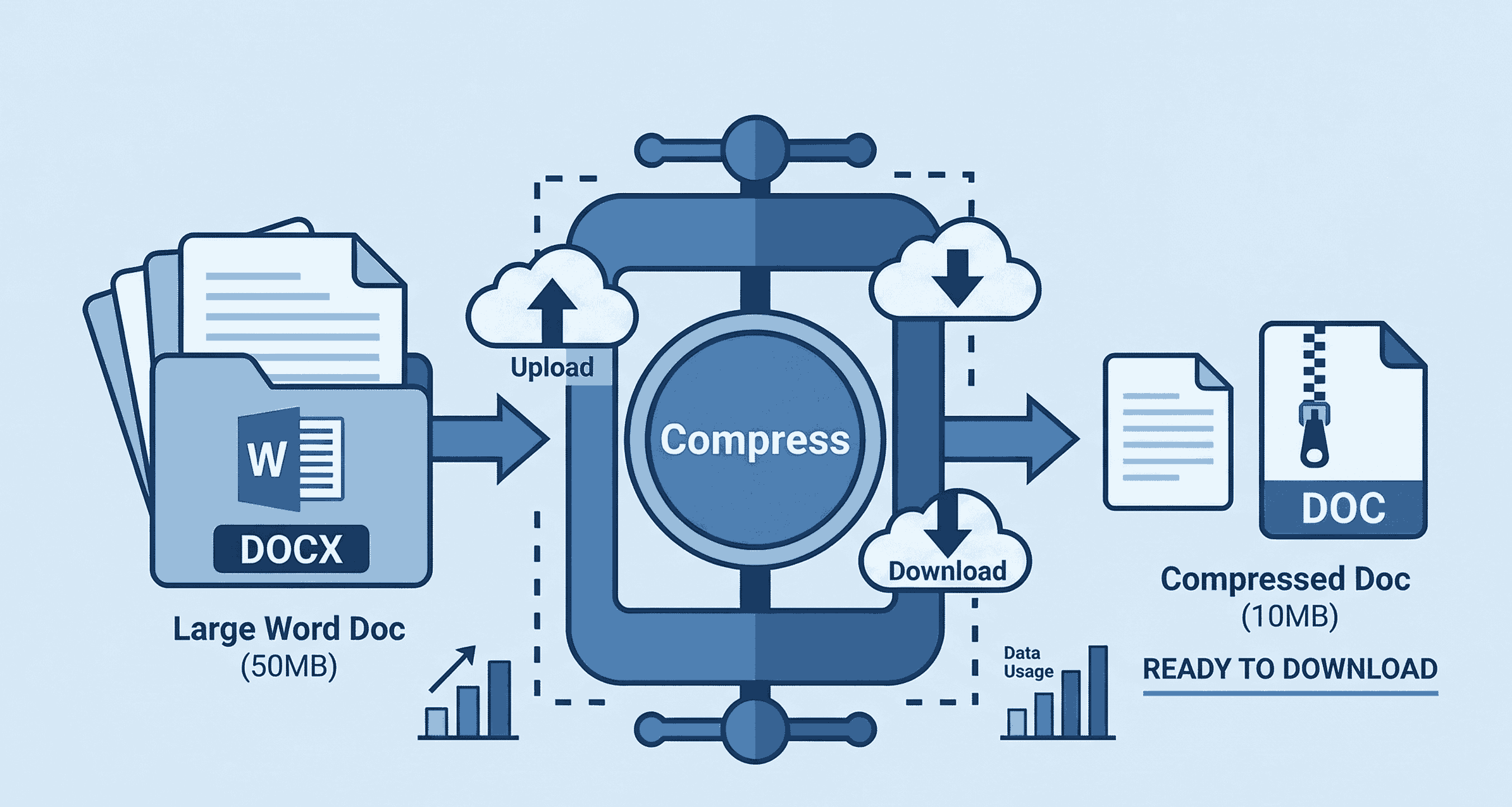
How to Shrink Word File Size (Step-by-Step)
Sharing large documents doesn't have to be difficult. Follow these easy steps to customize and reduce your Word file:
- 1. Open Compressor: Navigate to the Compress Word tool on your phone, Mac, or PC.
- 2. Upload & Customize: Drag and drop your heavy file. Use our unique compression slider to choose exactly how much you want to compress the document.
- 3. Compress & Download: Click compress. The file size is reduced instantly based on your settings. Download your lightweight file securely.
Why Do Word Documents Get So Large?
Microsoft Word files (.docx) often become massive when you insert high-resolution images, heavy charts, or unoptimized font styles. This can make them impossible to upload to job portals or attach to emails.
Our premium-tier compression engine intelligently optimizes these hidden media assets. Unlike other basic tools, PDFSolving lets you manually adjust the compression level, giving you the power to choose between maximum quality or maximum size reduction completely for free.
Frequently Asked Questions
❓ Can I choose how much to compress my Word document?
Yes! Unlike other basic tools, PDFSolving gives you full control. You can manually adjust the compression slider to find the perfect balance between keeping high-quality images and achieving a tiny file size.
❓ How much can I reduce the Word file size?
Depending on the images and media embedded in your document, our premium algorithm can shrink your Microsoft Word file size by up to 90%, making it extremely easy to share via email or WhatsApp.
❓ Is it safe to compress confidential Word documents?
Absolutely. We proudly utilize Zero-Upload technology. Your Microsoft Word file is processed completely locally inside your device's browser memory and is never uploaded to any external servers.
❓ Will this waste my mobile data (MBs)?
No! Because the document is processed offline directly in your browser, you save 100% of the upload and download data. It costs zero megabytes (MB) to actually compress the file.
Explore More Document Guides
Learn tips and tricks for managing your files efficiently.
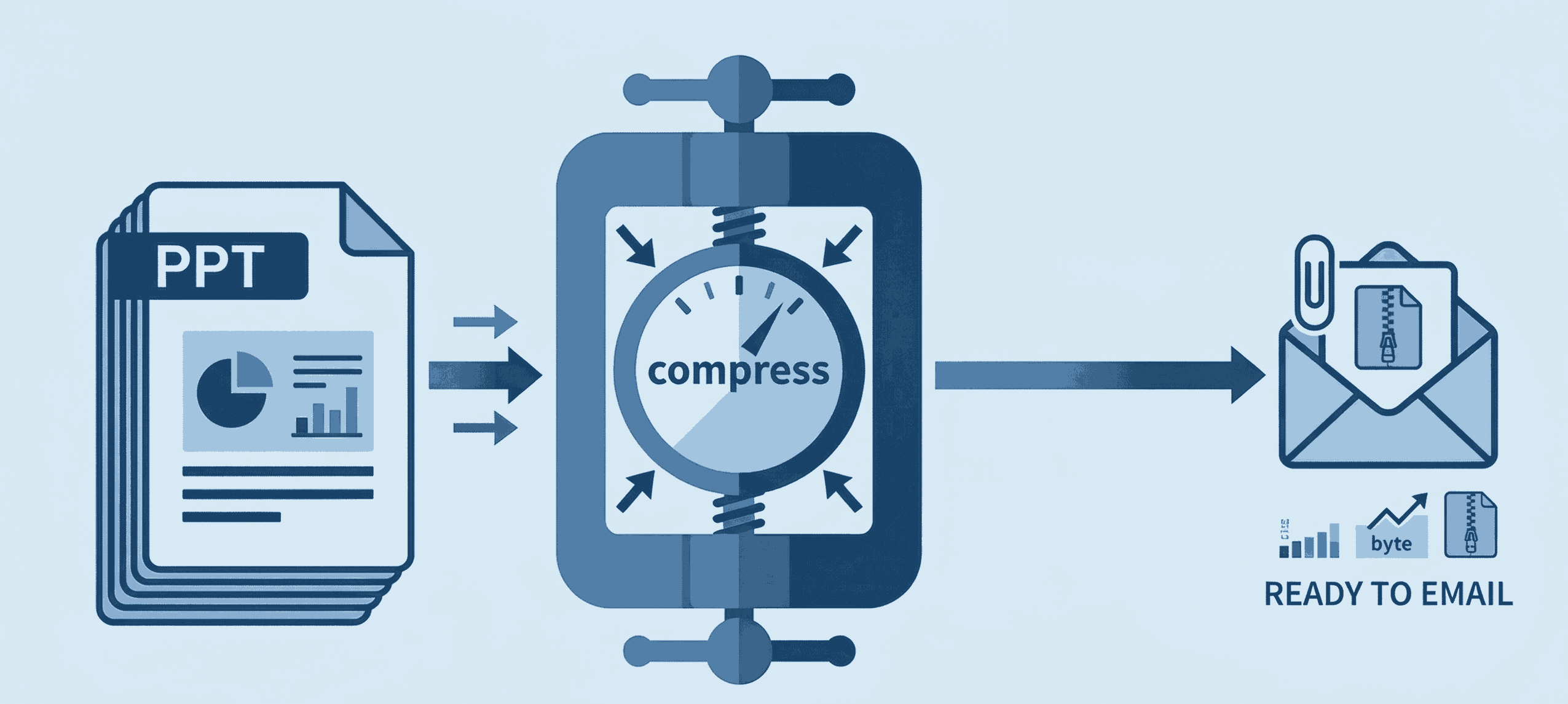
How to Compress PPT for Email
Shrink heavy PowerPoint files instantly to bypass email attachment limits securely.
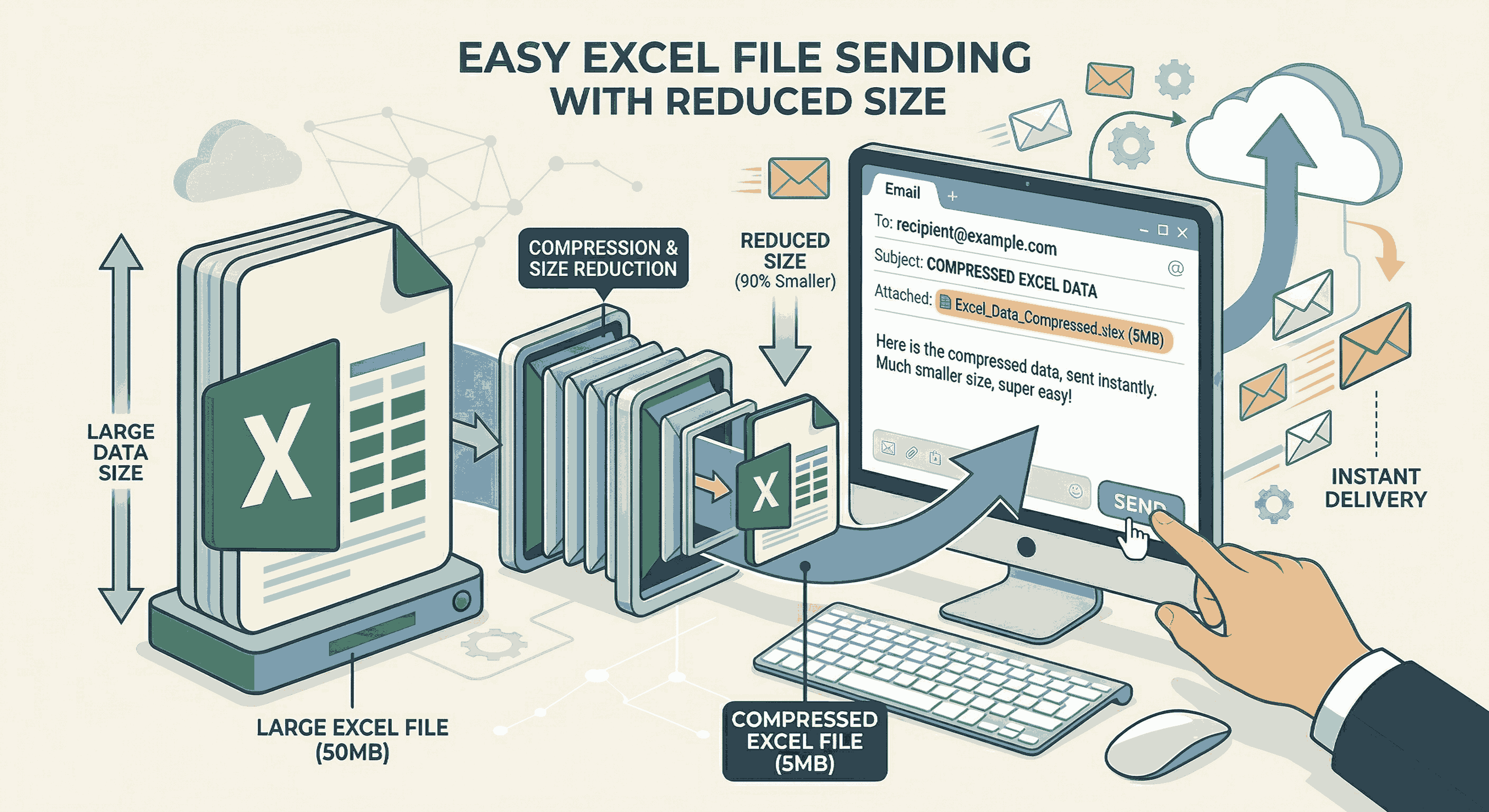
How to Compress Excel for Email
Shrink your large Excel spreadsheets by 90% instantly to fit Gmail limits.
How to Compress PDF files online
Reduce large PDF file sizes significantly for easy email sharing.