
How Do I Delete Pages from a PDF Document?
(Instantly & Securely)
Quick Summary: If you are wondering "How do I delete pages from a PDF document?", you have come to the right place. You do not need to buy expensive software like Adobe Acrobat. Using our free, web-based tool, you can visually select and remove unwanted or blank pages in seconds. Because we use Client-Side Processing, your PDF is edited locally on your device and is never uploaded to the internet, guaranteeing 100% privacy.
100% Free & No Watermark
Remove as many pages as you want. We do not charge hidden fees or add annoying watermarks to your finalized document.
Zero-Upload Privacy
Your confidential documents stay safe. All processing happens directly inside your browser memory, not on our servers.
Lightning Fast
Since you don't have to wait for large files to upload or download from a server, the page removal process is absolutely instant.
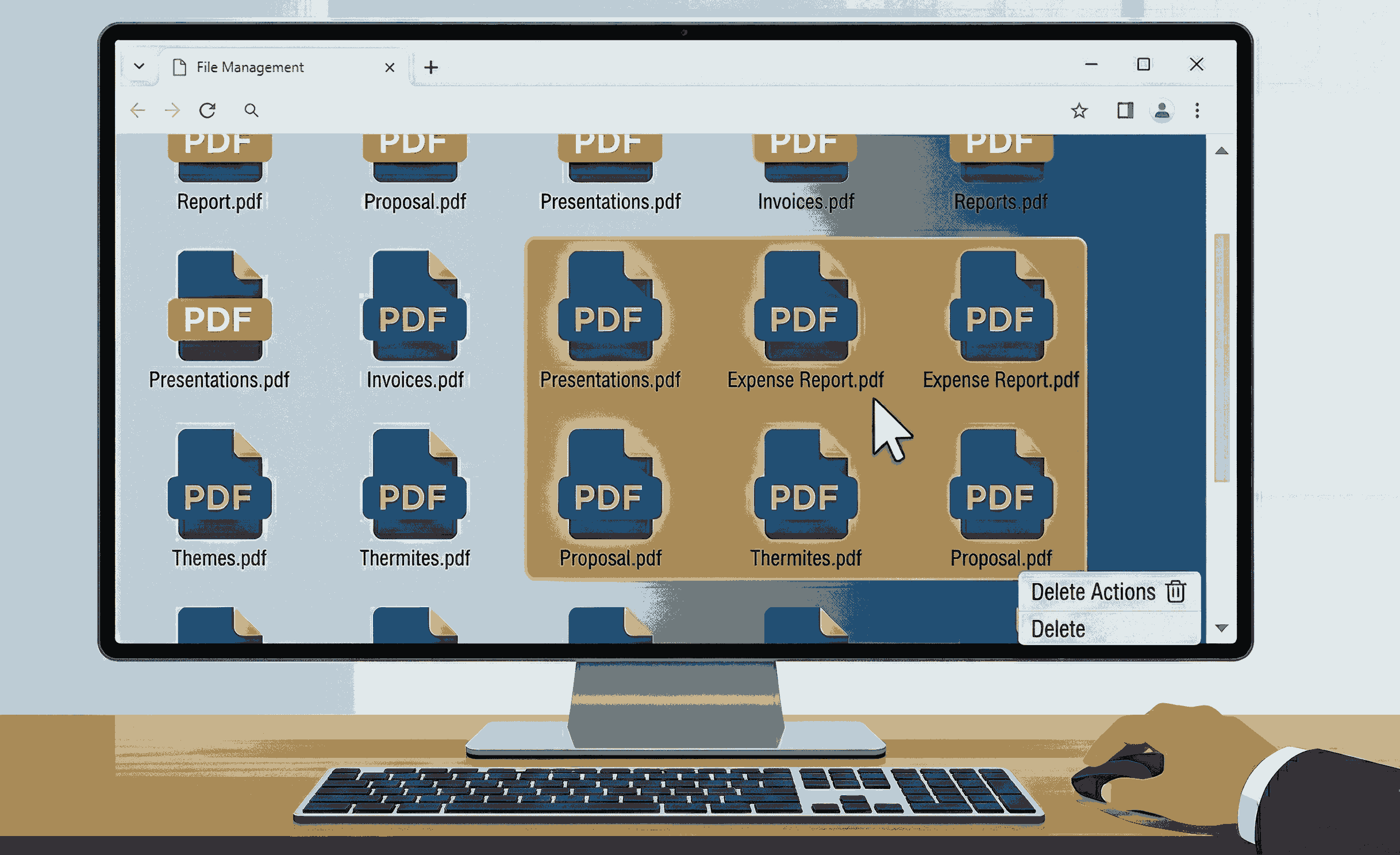
Step-by-Step: Removing Pages from a PDF
Getting rid of unnecessary pages is incredibly simple. Just follow these quick steps:
- Step 1: Open your browser and navigate to our Remove PDF Pages tool.
- Step 2: Click "Browse Files" or drag and drop your PDF file into the designated area. Because of our local processing, it will load instantly.
- Step 3: You will see a visual grid of your document. Click on the pages you want to delete (they will be marked). You can also use the side panel to select entire ranges (e.g., Pages 5 to 10).
- Step 4: Click the "Remove Pages" button. Your perfectly edited PDF will immediately download to your computer or phone!
Why is PDFSolving the Best Choice?
When searching for "how to delete pages from a PDF," you will find many websites. However, almost all of them require you to upload your sensitive documents to their remote cloud servers. This takes time, wastes your internet data, and poses a massive privacy risk.
We built our tool differently. Using modern web technologies, we bring the power of desktop editing straight to your browser. You get a beautiful visual interface, the ability to select multiple custom page ranges, and the peace of mind knowing nobody else can see your files.
Frequently Asked Questions
❓ How do I delete multiple pages from a PDF at once?
It's easy! Once your document loads in our visual editor, you can click on multiple page thumbnails one by one. Alternatively, open the 'Options' panel to use the 'Select Ranges' feature. Just type in the ranges you want to delete (for example, From page 5 To page 15) and click apply.
❓ Is it safe to upload my confidential PDF?
Yes, because we never upload your file! Our tool uses advanced Client-Side Processing. This means your PDF is read and modified locally by your web browser. It never touches our servers, ensuring your data is 100% safe.
❓ Do I need Adobe Acrobat to delete a PDF page?
No, you do not need Adobe Acrobat or any other expensive, heavy software. Our free web-based tool provides all the functionality you need to remove PDF pages smoothly on any device (Windows, Mac, Android, or iOS).
Explore More Document Guides
Learn tips and tricks for managing your PDF files efficiently.
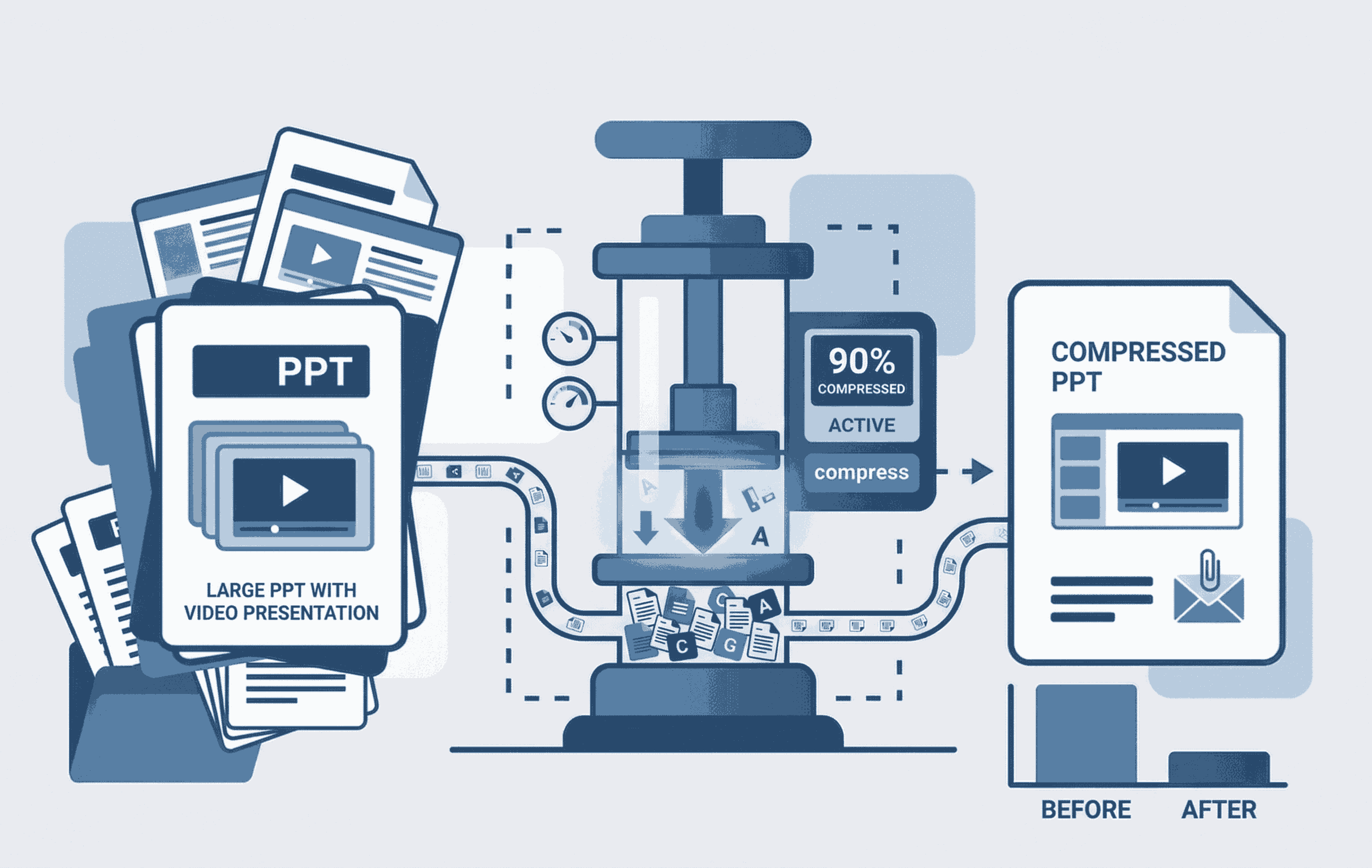
How to Compress PPT with Video
Learn to shrink heavy PowerPoint files containing embedded videos seamlessly.
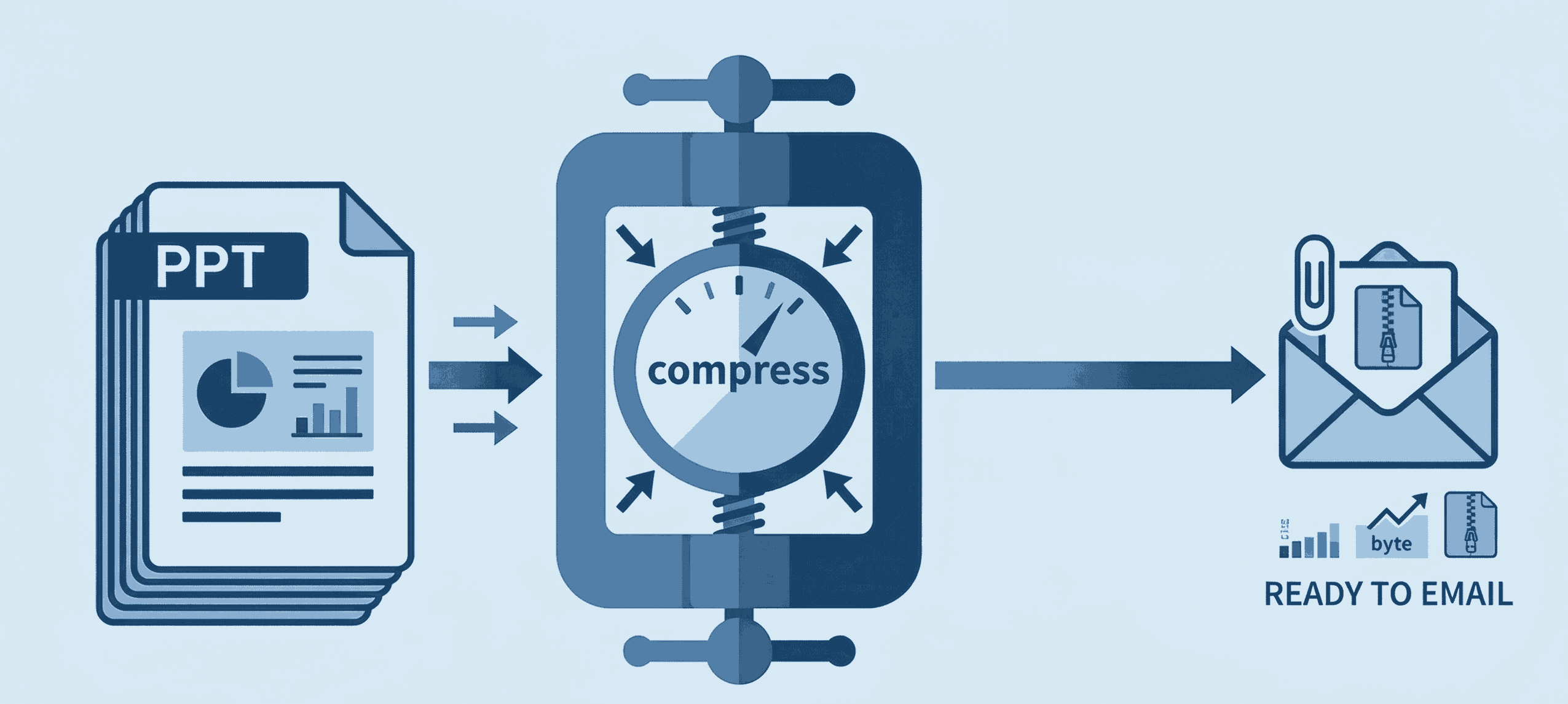
How to Compress PPT for Email
Shrink heavy PowerPoint files instantly to bypass email attachment limits securely.
How to edit PDF Document online
Add and edit text, images, borders, digital signatures, and shapes in your PDF documents.