
How to Create an Account?
Learn how to create your account in seconds with this easy guide.
Split PDF files instantly online with our optimized web engine. Real-time processing in your browser for immediate results. Extract specific pages, split at any page, or divide by custom ranges. Visit our PDFsolving website to solve all your PDF problems in your web browser.
Our advanced PDFSolving technology makes conversion simple and accurate. No technical knowledge required - just upload, select pages, and download.
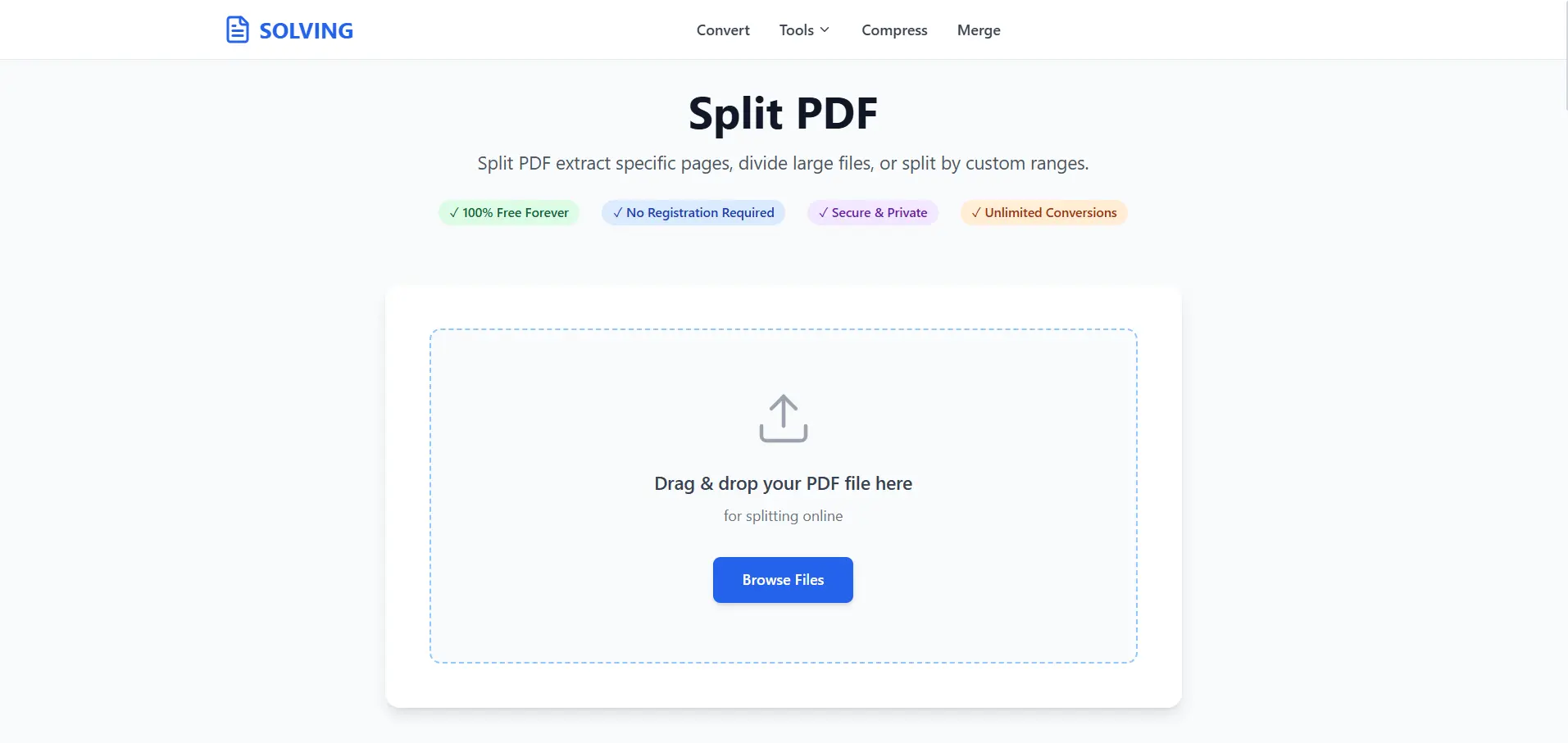
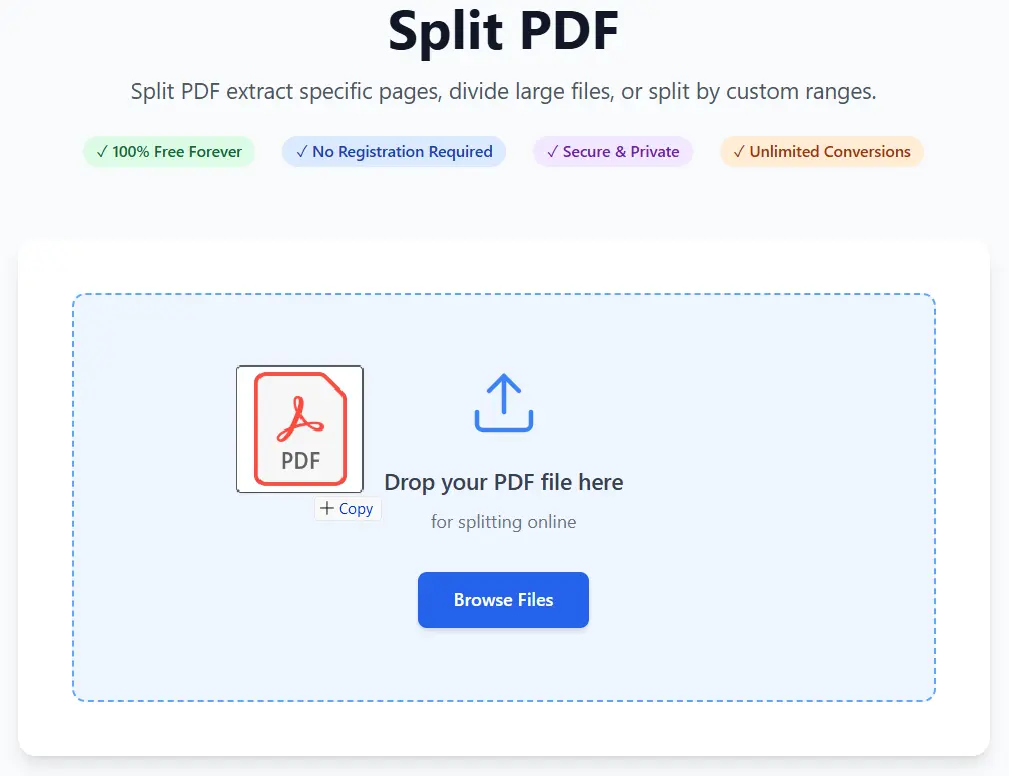
Click "Select PDF File" or drag and drop your PDF document into the upload area. Our PDF Split supports all standard PDF files and can handle documents of any size.
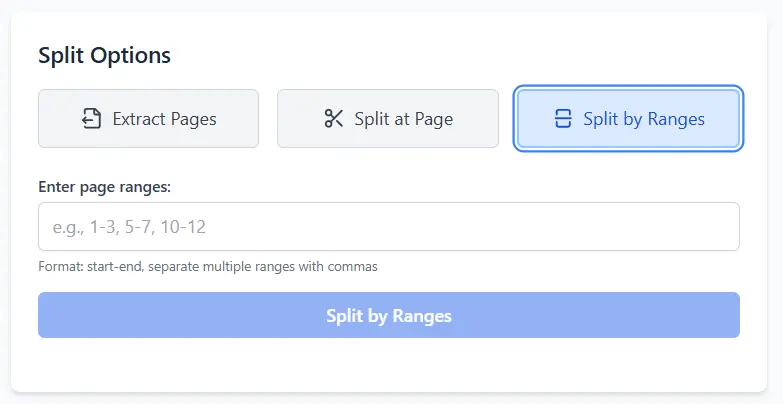
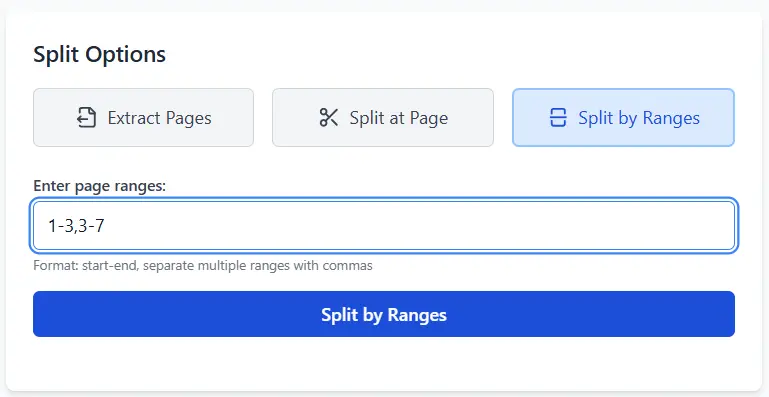
Select how you want to split online: extract pages, split at page, or split by custom ranges using our simple web interface. Real-time preview makes it easy to select exactly what you need.
Download your split PDF files directly from our web application to your device instantly. No waiting, no email required.
Our online tool uses cutting-edge WebAssembly and JavaScript technologies to process PDF files directly in your web browser.
Works smoothly on any modern browser online, whether you are on Windows, Mac, Linux, or mobile.
Experience lightning-fast splitting with no server upload queues. Your files are processed locally for speed.
Every online split operation maintains the original PDF quality, formatting, and metadata.
No registration required. Your files stay private and are not stored on our servers.
Preserves fonts, images, and formatting exactly as they appear in the original document.
Latest articles, news, and updates from our team.


