
How to Create an Account?
Learn how to create your account in seconds with this easy guide.
Get the latest features automatically. No need to update software - the online tool is always current. Our web-based converter works instantly online. All PDF editing happens directly in your web browser for instant results. Visit our PDFsolving website to solve all your PDF problems.
Our advanced PDFSolving technology makes conversion simple and accurate. No technical knowledge required.
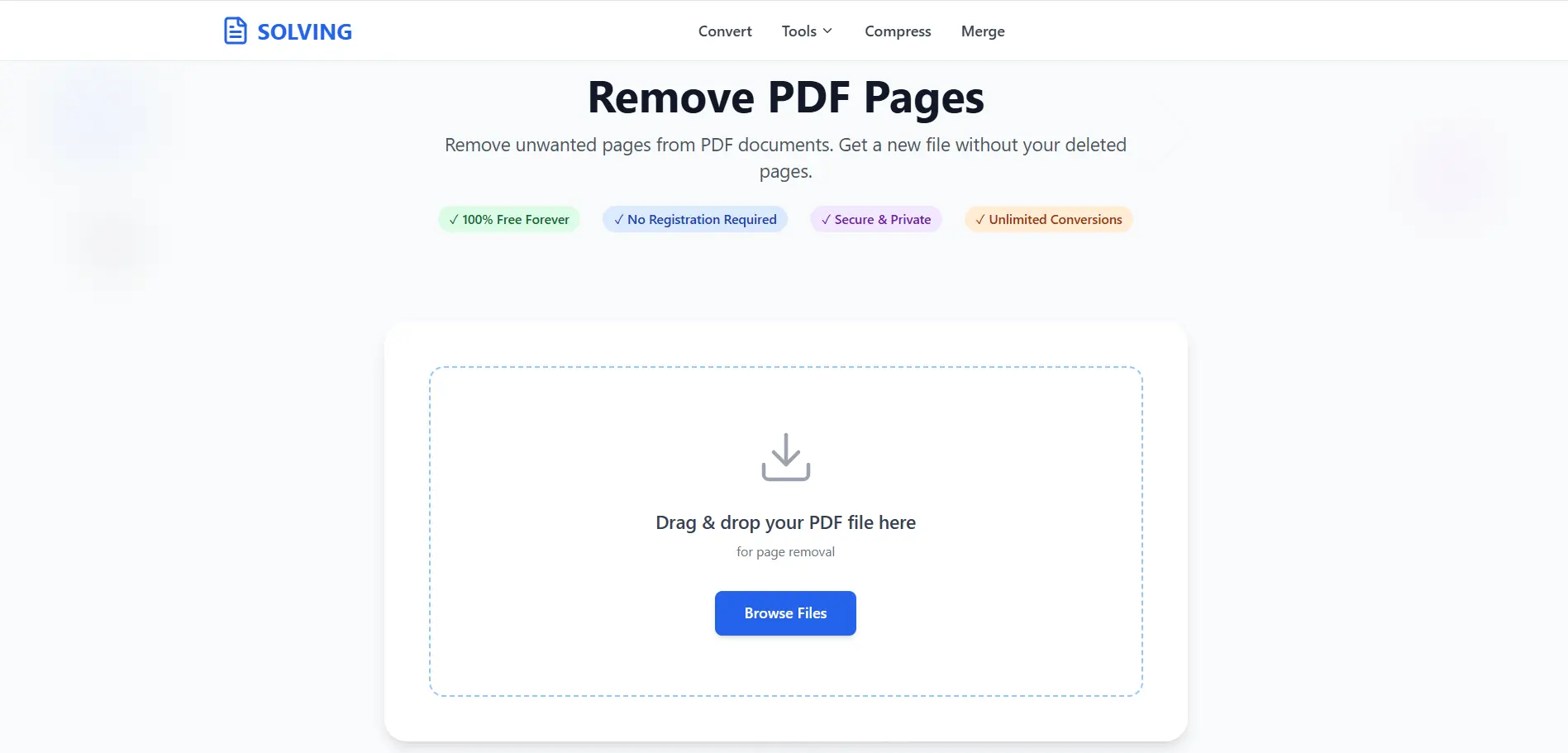
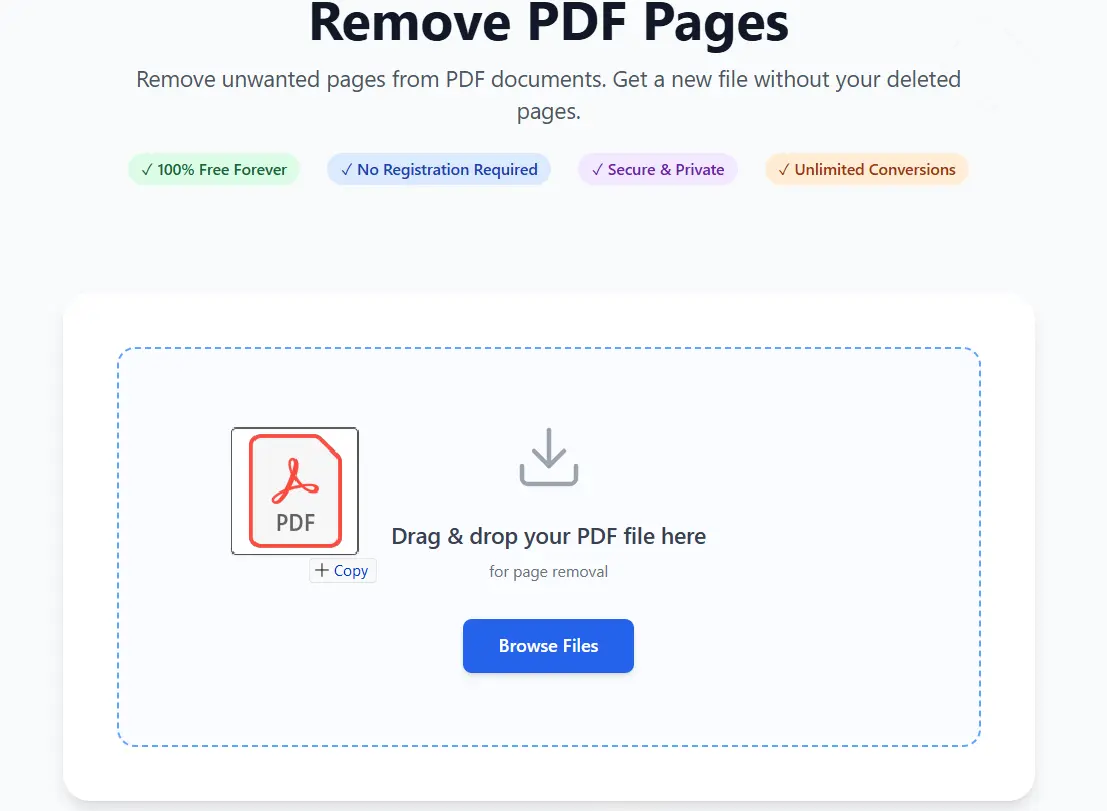
Select your PDF document by clicking the upload area or simply drag and drop it. Supports files up to 50MB with unlimited pages. View all PDF pages rendered directly in your web browser.
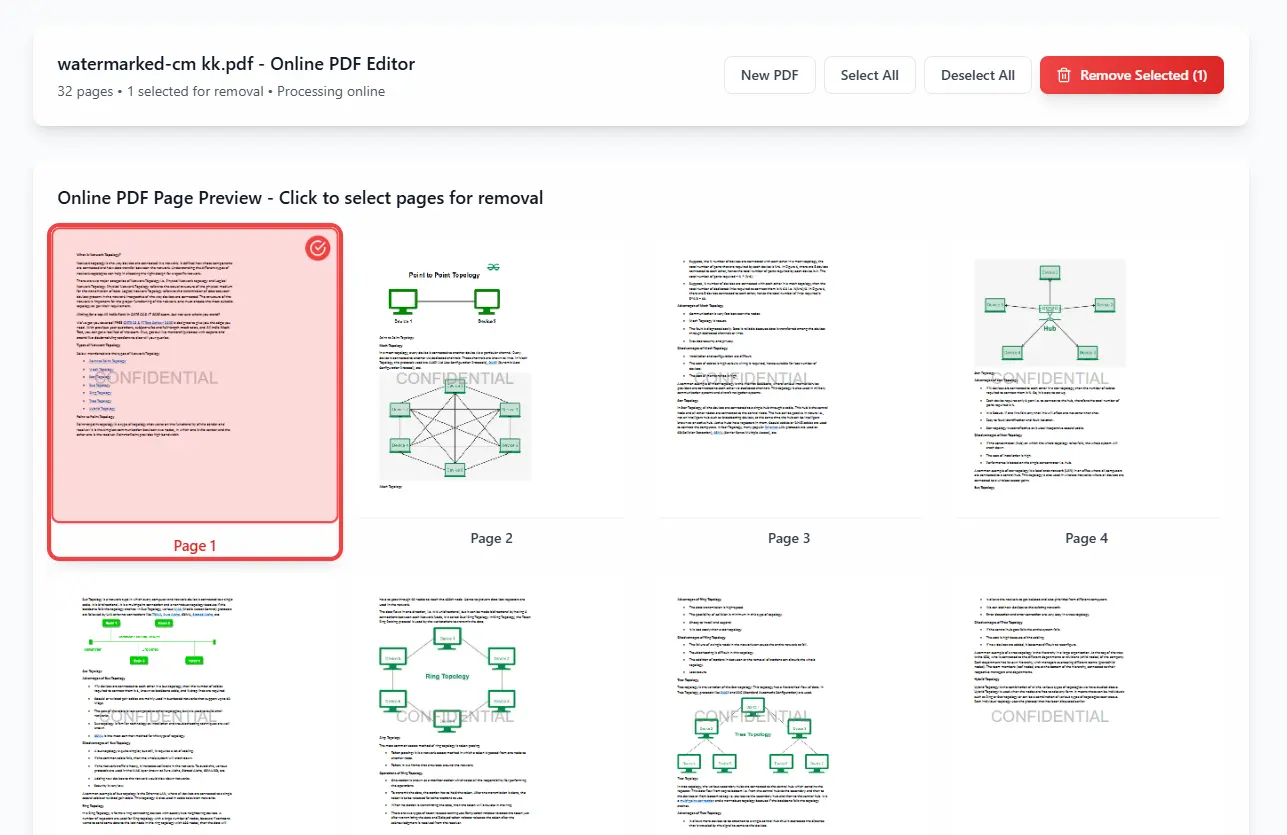
Click on pages to remove. The online tool highlights selections. Once the pages are selected, click on the “Delete” button in the top menu bar or right-click and select “Delete Pages.”
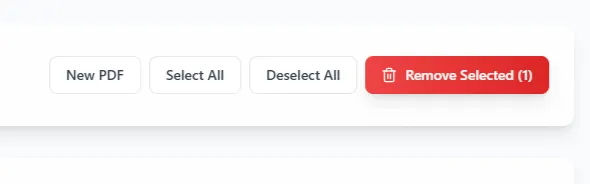
Click convert and download your PDF file instantly from your browser. No waiting, no email required - immediate online conversion results.
Our online PDF page remover processes your files securely on our servers—no software needed. Access from any device with internet connection.
Your files are securely uploaded and processed on our servers. All conversions are handled with strict privacy—files are automatically deleted after processing.
Remove PDF pages online in seconds. No waiting for uploads or processing queues. Our web-based technology delivers immediate results.
Latest articles, news, and updates from our team.


