
How to Create an Account?
Learn how to create your account in seconds with this easy guide.
Merge PDF files instantly online with our optimized web engine. Real-time processing in your browser for immediate results. Visit our PDFsolving website to solve all your PDF problems in your web browser.
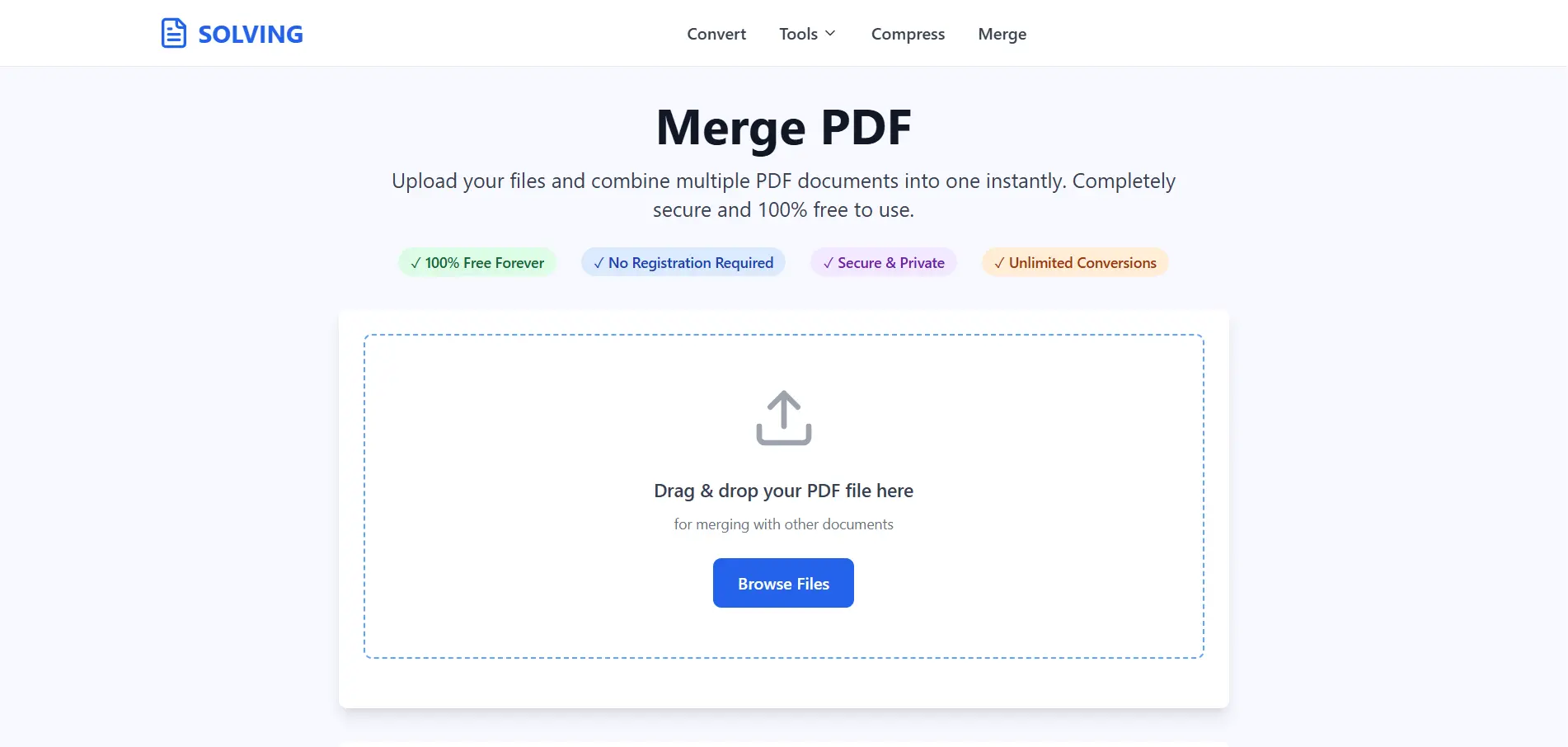
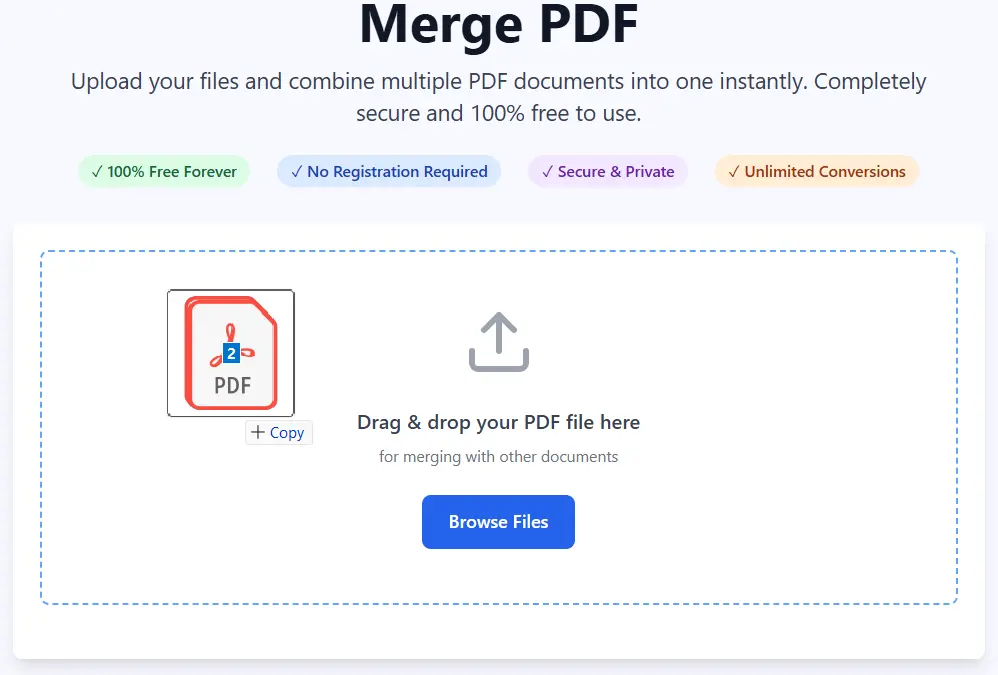
Here's a detailed guide on how to Merge your PDF files on the web:
Click the upload area or simply drag and drop your PDF files into the upload box. Our online PDF merger allows you to select multiple PDF files at once, making it easy to organize all your documents in one go.
Once your PDFs are ready, click the “Merge PDF Files” button to begin. Our advanced merging algorithm will quickly combine all your PDF files into a single, high-quality document while maintaining the original formatting.
As soon as the process finishes, your merged PDF document will be automatically ready for download. You can instantly save it to your device or share it online.
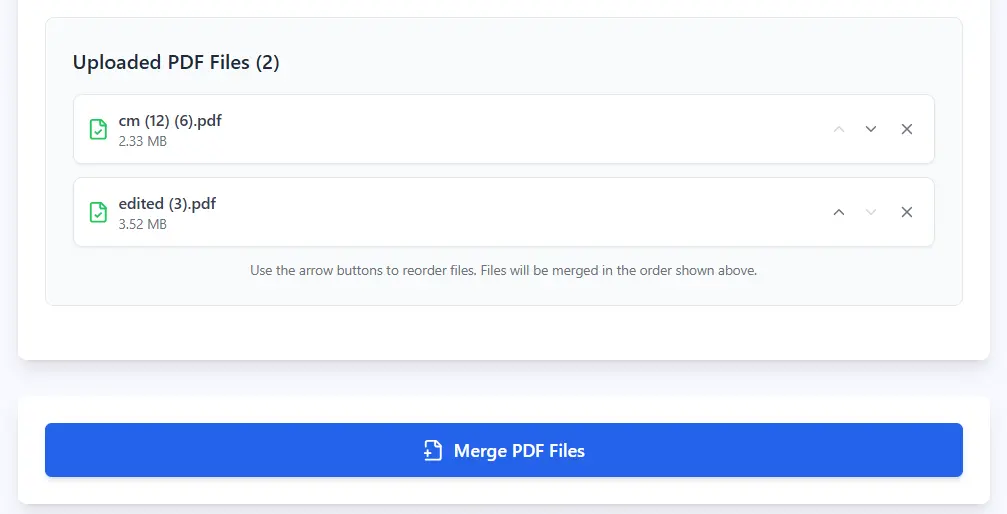
Merge as many PDFs as you like for free. There’s no restriction on how many files you can combine in one session.
Handle both small and large PDF files without compression or loss of quality.
Your uploaded files are processed securely and automatically deleted from our server after the merge is complete.
Experience instant PDF merging powered by our optimized in-browser technology.
Works smoothly on Windows, Mac, Android, iPhone, and all browsers — including Chrome, Firefox, Edge, and Safari.
Our simple drag-and-drop design ensures even beginners can merge PDFs effortlessly.
No hidden charges, no premium restrictions, and no need to install or register.
Maintain clear text, images, and layout exactly as in your source documents.
Merge documents in multiple languages with full Unicode support.
Latest articles, news, and updates from our team.


