
How to Compare 2 PDF files?
Learn how to easily compare two PDF files using our online tool.
In today’s digital world, converting documents seamlessly across formats is essential. Whether for academic, professional, or personal use, converting PDFs into editable Word files allows users to make updates and share content with ease. Visit PDFSolving to solve all your PDF problems.
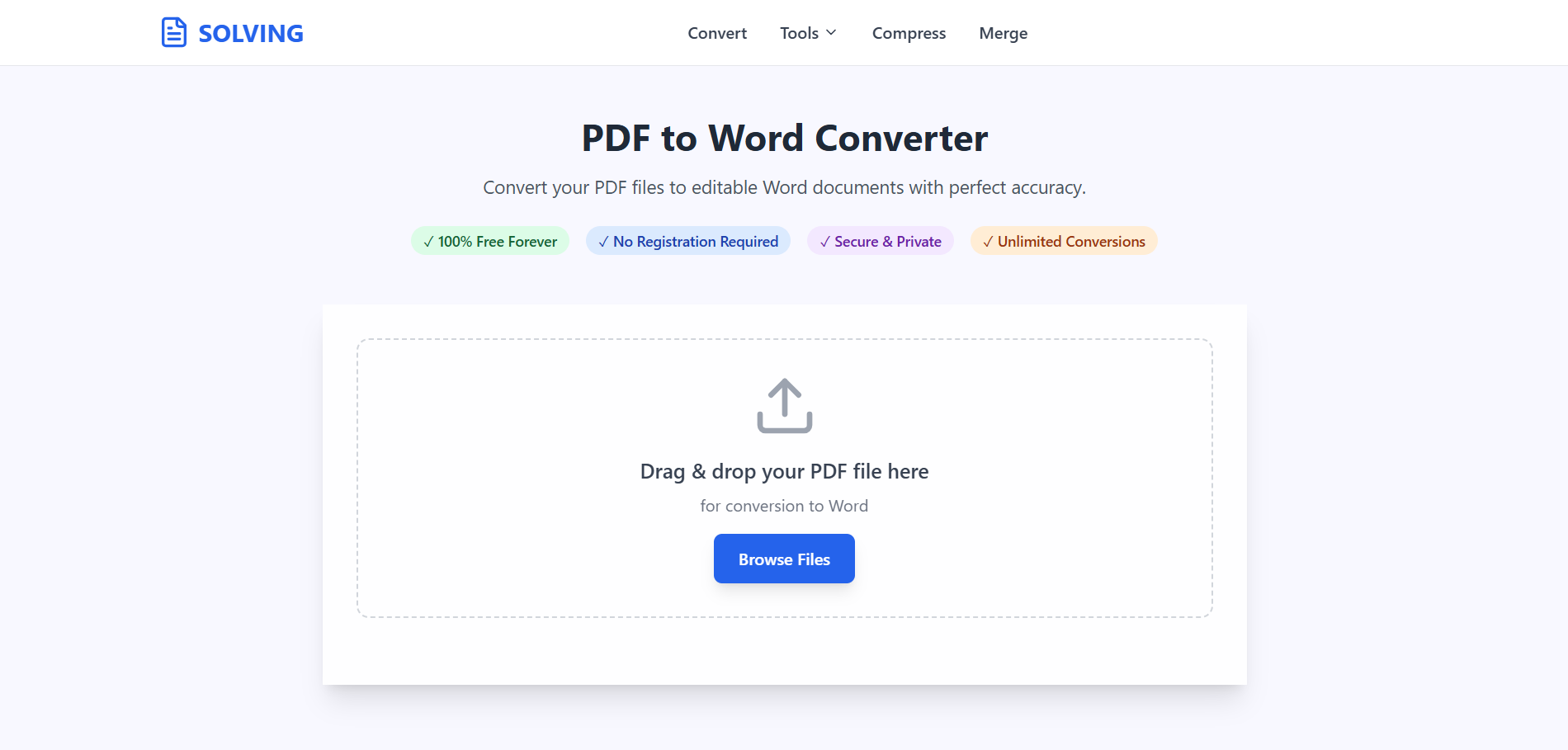
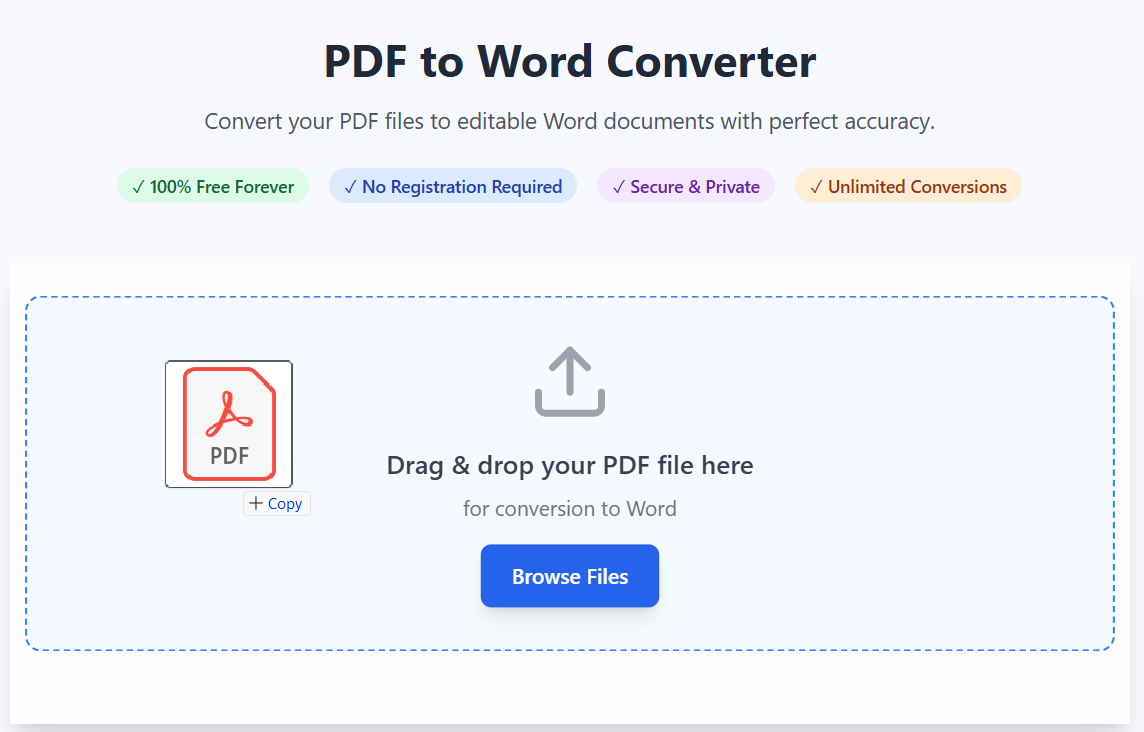
Our advanced PDFSolving technology makes conversion simple and accurate. No technical knowledge required.
Start by uploading your PDF file in any language. Our system instantly detects the document’s encoding, structure, and character set — whether it’s Arabic, Japanese, Hindi, or Russian.
Once uploaded, our multilingual AI engine begins analyzing the file. It reads the document line by line, extracting characters and mapping fonts intelligently. Both RTL and LTR text directions are preserved.
Document Analysis, Content Extraction, Format Conversion, Quality Assurance.

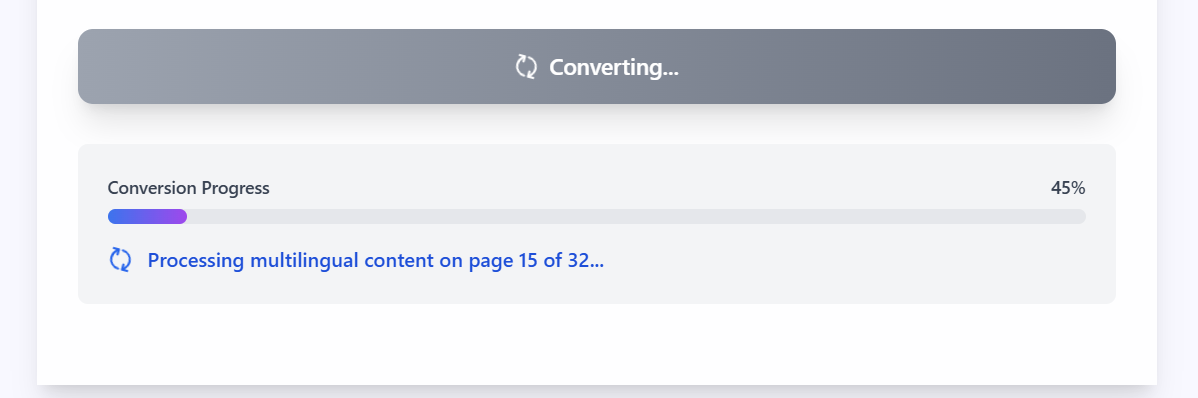
Next, the extracted text is rebuilt into a fully editable Word document. This includes accurate formatting, font replacement, and Unicode compliance. Your new Word file looks professional and ready for editing.
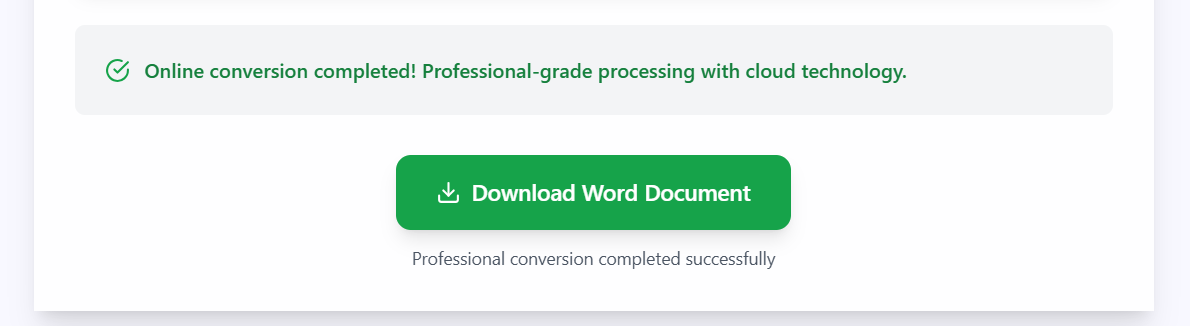
Finally, download your converted Word document and start editing immediately using Microsoft Word or Google Docs. The converted document supports full multilingual editing.
Supports over 150 languages including Arabic, Chinese, Japanese, Hindi, and Russian with advanced AI recognition.
Intelligent processing ensures proper directionality for both right-to-left and left-to-right languages, maintaining structure.
Automatic font selection and Unicode normalization ensure international characters and symbols appear flawlessly.
No software installation needed. Access from any device with an internet connection.
Files are handled securely and deleted after processing for your privacy.
Compatible with Windows, Mac, Linux, iOS, and Android devices.
Latest articles, news, and updates from our team.


