
How to Compare 2 PDF files online?
Learn how to easily compare two PDF files using our online tool.
Our converter achieves 95%+ accuracy in extracting text and table data from PDF documents. It uses advanced algorithms for layout analysis, column detection, and positioning to preserve the original document structure in Excel format. Generate high-quality Excel files suitable for business presentations and analysis. PDFsolving
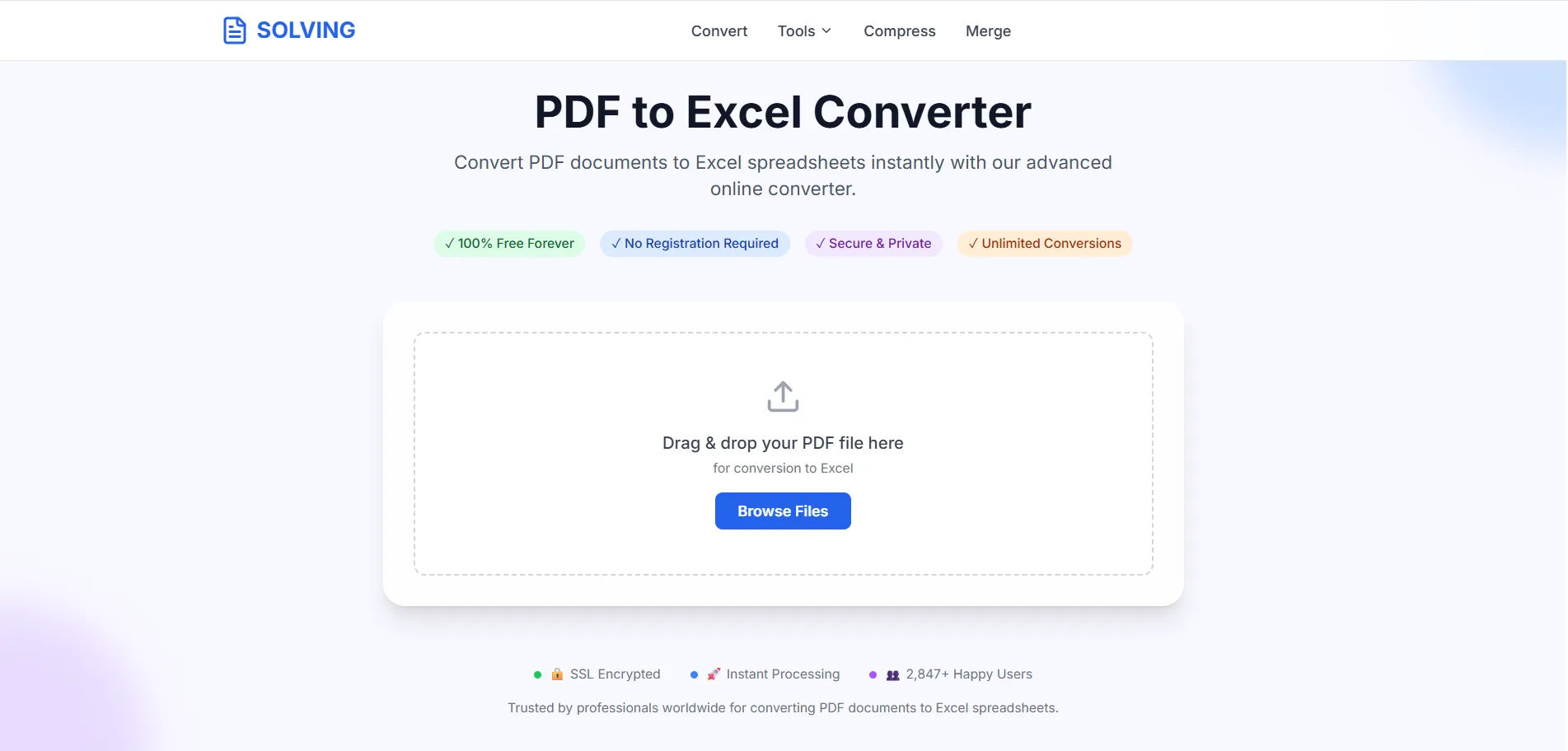
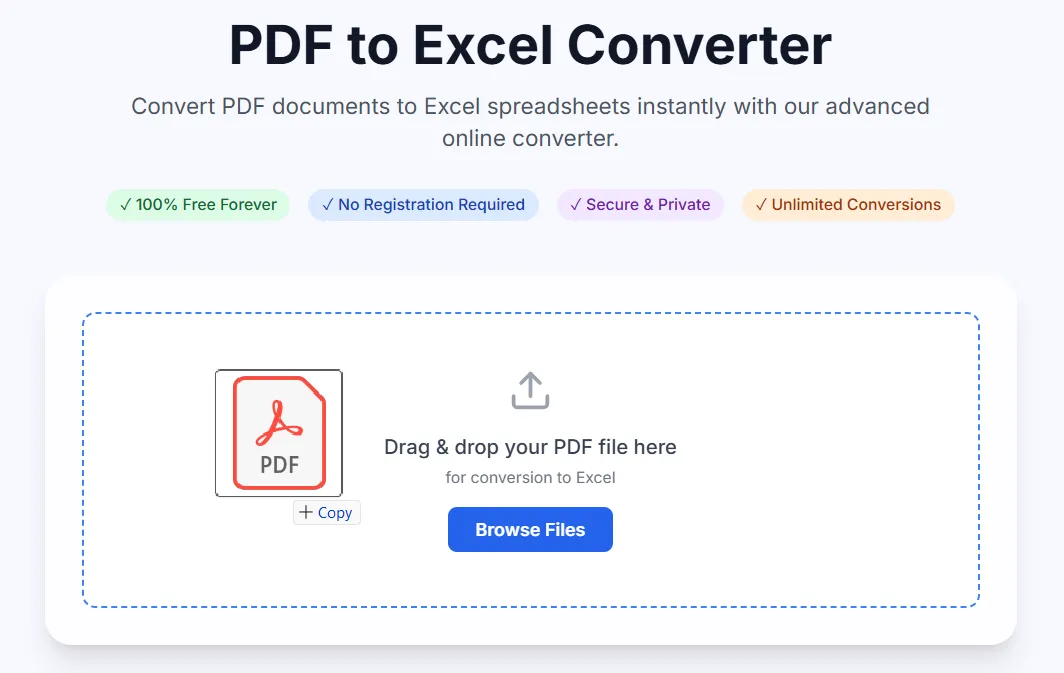
Our advanced PDFSolving technology makes conversion simple and accurate. No technical knowledge required - just upload, convert, and download.
Select your PDF document by clicking the upload area or simply drag and drop it. Supports files up to 50MB with unlimited pages. Works with all PDF versions including complex documents with tables.
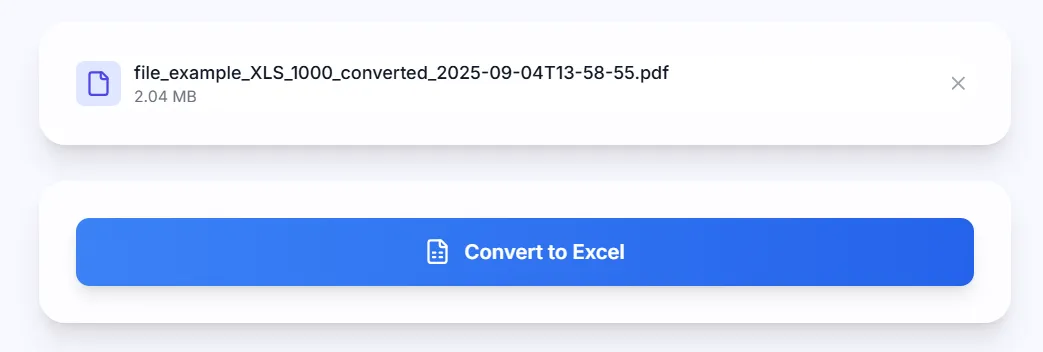
Click "Convert to Excel" and watch our advanced algorithm analyze your document. Real-time progress tracking shows text extraction, table detection, column analysis, and layout preservation as it happens. Visit our PDFsolving website to solve all your PDF problems.
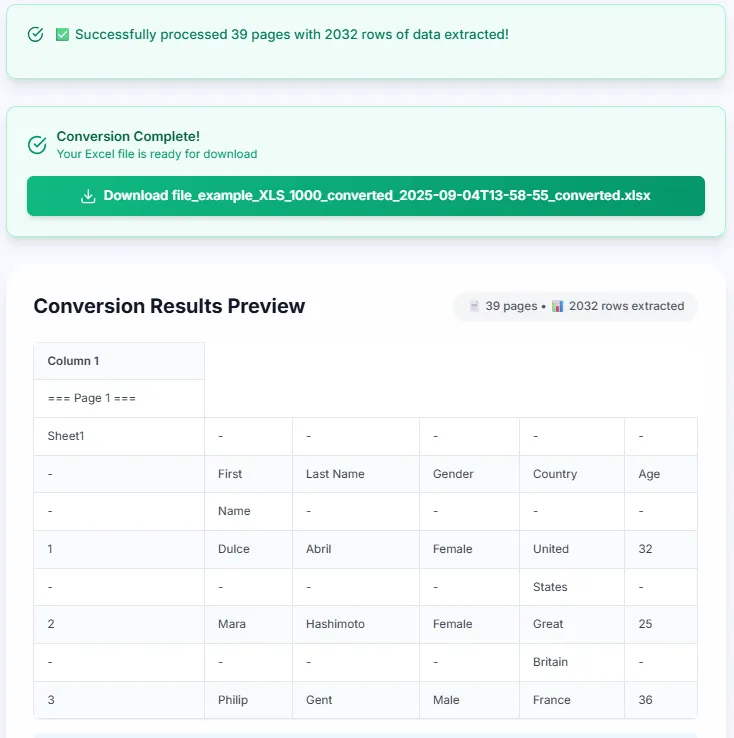
Download your professionally formatted Excel file (.xlsx) instantly. All data is organized into proper rows and columns with preserved formatting, ready for immediate use in Excel, Google Sheets, or any spreadsheet application.
All processing is securely handled online using advanced cloud-based infrastructure. Files are encrypted and automatically deleted, with no persistent storage.
Advanced algorithms automatically detect and preserve table structures, column alignments, and data relationships with 95%+ accuracy.
Generate Excel files with proper formatting, column sizing, and data organization suitable for business presentations and analysis.
Convert PDF files to Excel in seconds with our optimized processing engine. Real-time progress updates and instant results.
Handle complex PDF documents with multiple pages, tables, and layouts. Each page is processed with precision.
Works with all modern browsers. Output files are compatible with Microsoft Excel, Google Sheets, and LibreOffice.
Latest articles, news, and updates from our team.


