
How to Compress PDF files online?
Learn to compress PDF documents in seconds.
Once you upload your PDF to our server, it's handled securely and can be processed using our powerful tools — your privacy and file safety are always protected. Your files are uploaded securely and automatically deleted after conversion. Visit our PDFsolving website to solve all your PDF problems directly in your browser.
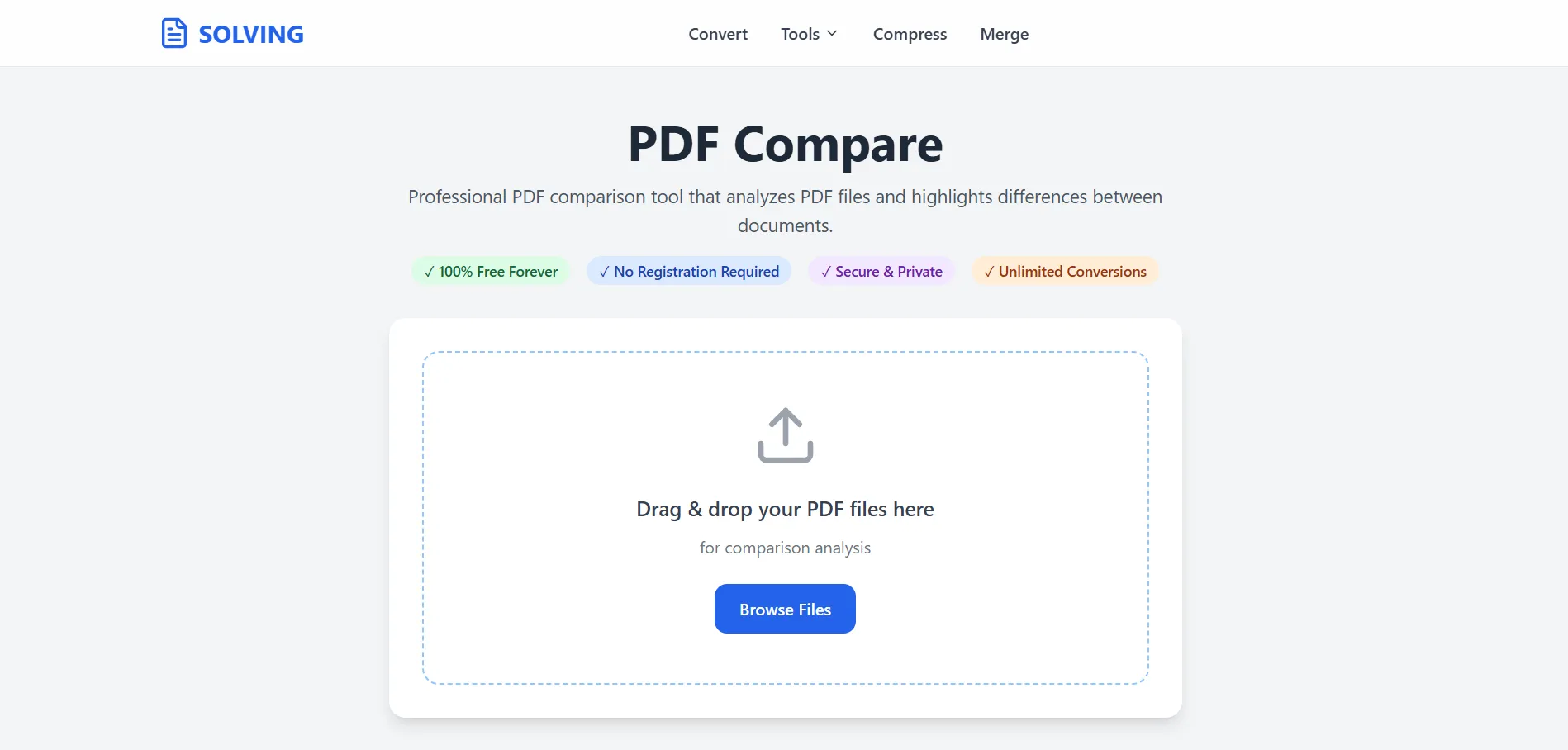
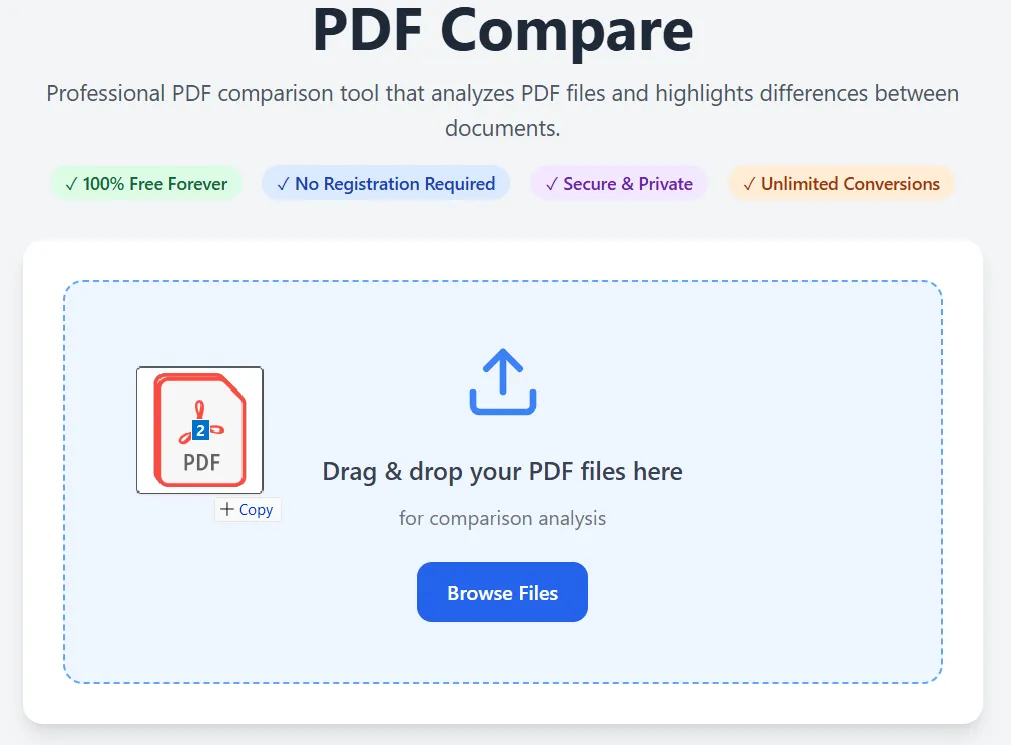
Our advanced PDF Solving technology makes conversion simple and accurate. No technical knowledge required - just upload, convert, and download.
Select your PDF files by clicking the upload area or simply drag and drop them. Supports files up to 50MB with unlimited pages. Advanced algorithms provide instant results.
Our PDF comparison tool uses advanced text extraction and diff algorithms to provide highly accurate results. It can detect additions, deletions, and modifications at the character level.
Generate comprehensive PDF reports highlighting all differences with color-coded changes and summaries.
Sophisticated text comparison algorithms detect even subtle changes between PDF documents with high accuracy.
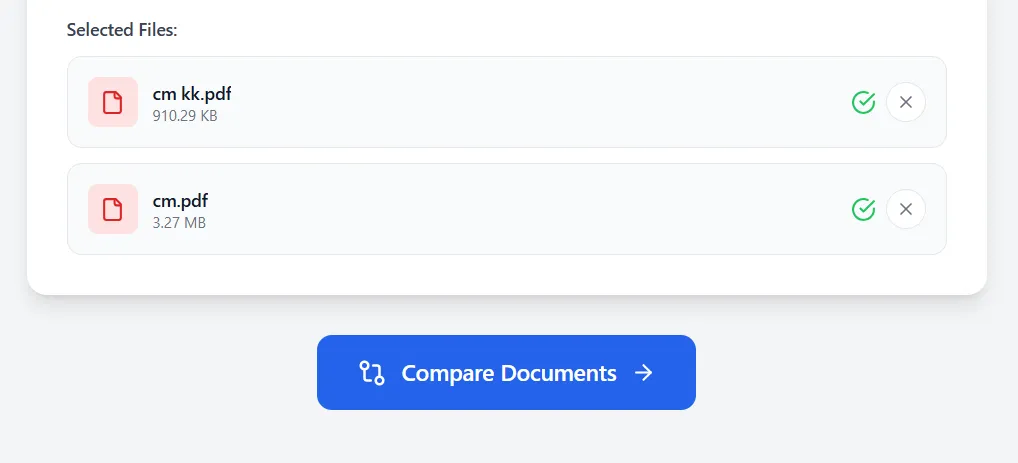
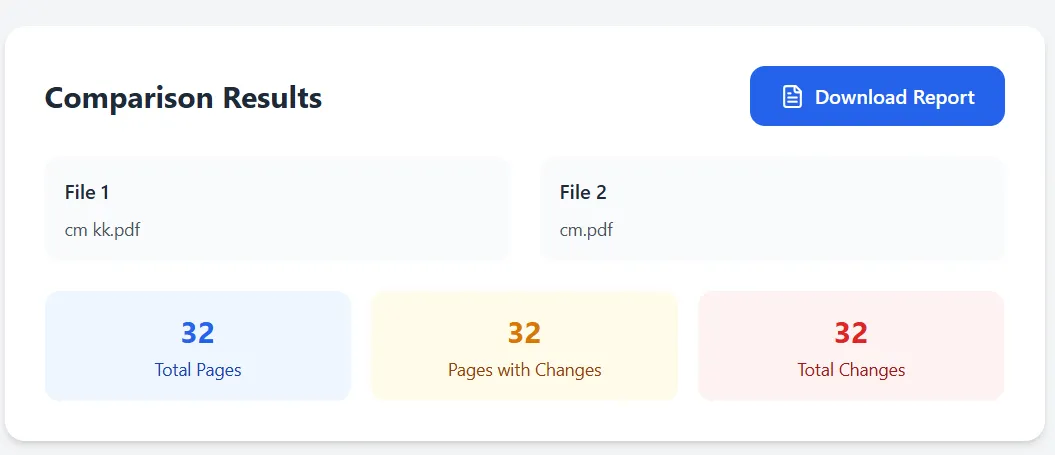
Review highlighted differences and download the report instantly from your browser. No waiting, no email required - immediate online conversion results.
No software needed. Access from any device.
Files are automatically deleted after processing.
No waiting for uploads or processing queues.
Latest articles, news, and updates from our team.


