
How Can I Make a ZIP File
(Free & Zero Upload)
Quick Summary: Wondering "how can I make a zip file" without installing complex software? Our online ZIP creator lets you bundle everything together instantly. Whether you need to compress videos, combine images, or perform a PDF to ZIP or Word to ZIP conversion, our tool handles it all locally. Because it uses zero-upload technology, you won't waste any mobile data (MBs), and your files remain completely private in your browser.
Universal File Support
Easily convert PDF to ZIP, Image to ZIP, and Word to ZIP. You can even compress large MP4 videos seamlessly into one archive.
Save Mobile Data (MB)
Stop wasting data. Because your files are not uploaded to a remote server, you save 100% of your upload internet transfer costs.
100% Privacy & Speed
Your personal photos and confidential documents never leave your device. ZIP creation happens completely offline in your browser.
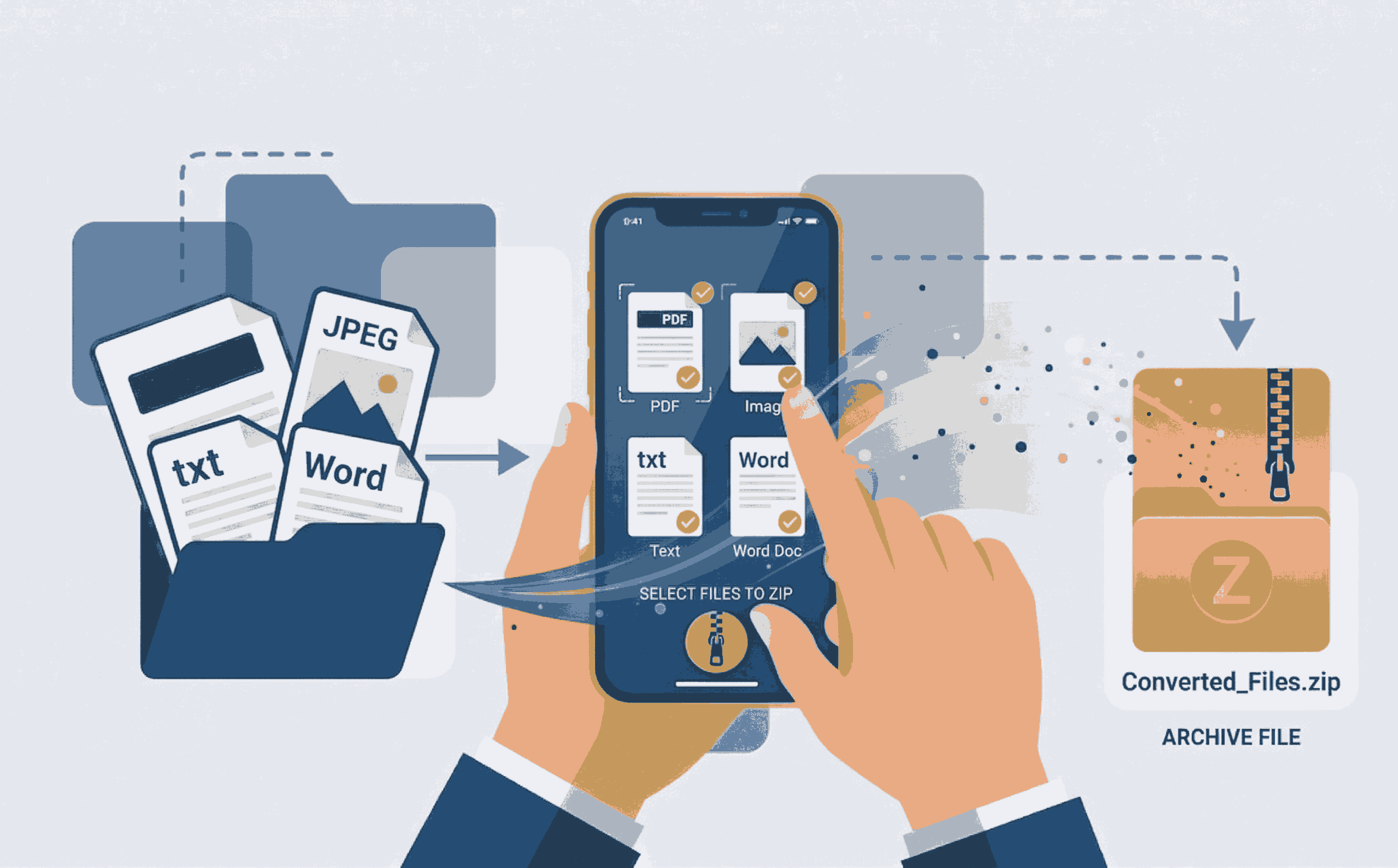
How to Create a ZIP File Online (Step-by-Step)
Bundling your scattered files into a neat, compressed folder is simple. Just follow these steps:
- 1. Open the Tool: Navigate to the Create ZIP File tool on your phone, Mac, or PC.
- 2. Upload Any File: Drag and drop your files. Whether it's a batch of images, videos, or Word documents, the tool loads them directly on your screen.
- 3. Compress & Save: Click the create button. Our system compresses everything instantly, delivering a lightweight ZIP file ready for sharing.
Why Convert PDF to ZIP or Image to ZIP?
When you try to email multiple documents or photos, email clients often block you due to size limits and file count restrictions. By compressing multiple files—such as turning a heavy PDF to ZIP or combining a Word to ZIP folder—you drastically reduce the file size.
Our platform empowers students, teachers, and professionals to bundle their work. Instead of sending 20 separate attachments, you send one neat, professional ZIP folder. And because it's a client-side tool, your compression happens at lightning speed without any arbitrary file size limits.
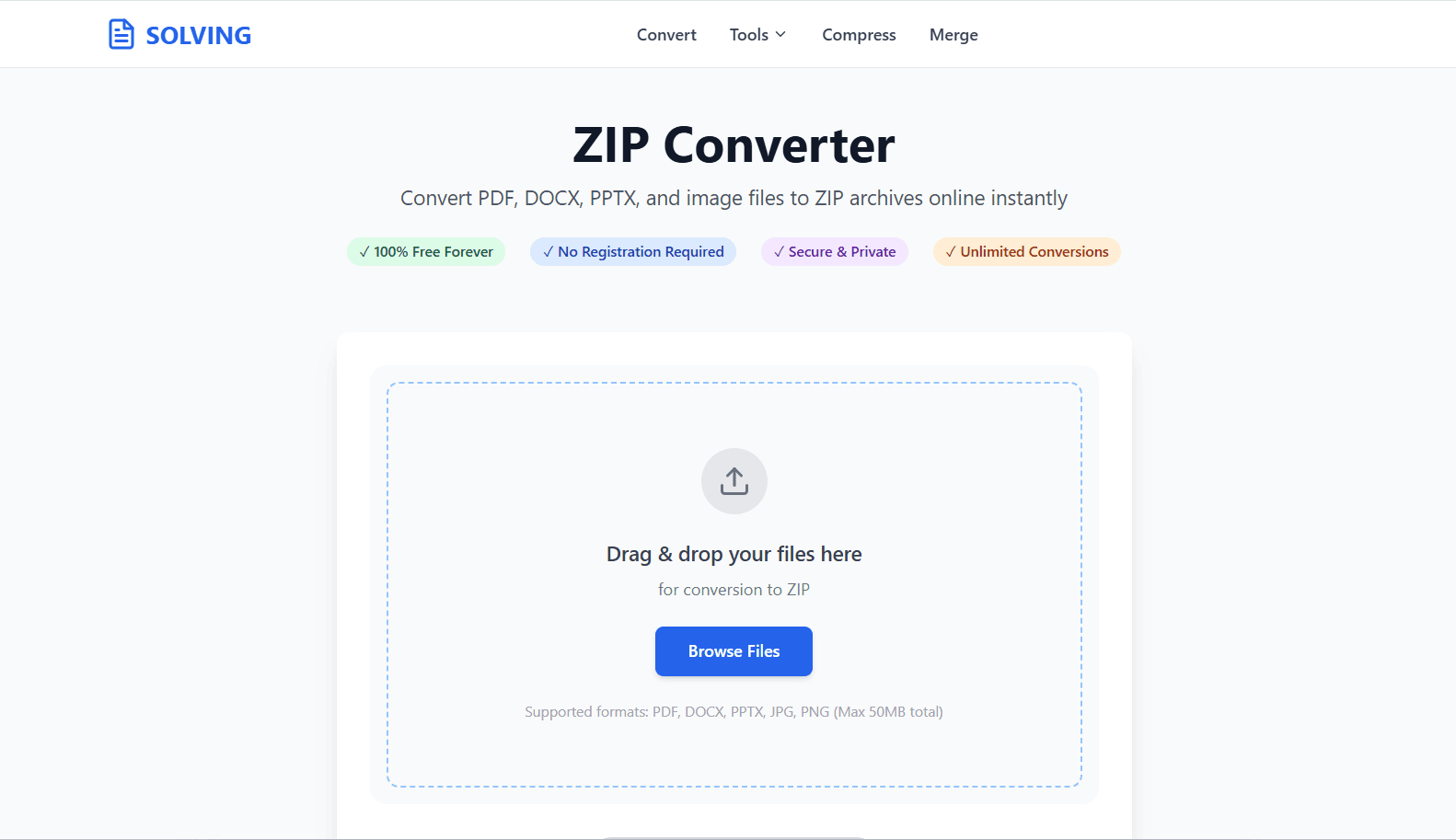
Frequently Asked Questions
❓ How can I make a zip file from different file types?
Using PDFSolving, you can select any combination of files. Whether you need to convert a PDF to ZIP, an Image to ZIP, or a Word to ZIP, simply drag them all into our tool and it will seamlessly bundle them together.
❓ Is it safe to zip personal photos and videos?
Yes. We proudly utilize Zero-Upload technology. Your files are bundled and compressed locally inside your device's browser memory and are never uploaded or stored on any external database.
❓ Can I compress a heavy video into a ZIP?
Absolutely. You can drop massive media files into the tool, and it will efficiently pack the video into a ZIP archive, making it much easier to transfer or store on your desktop.
❓ Will creating a ZIP file waste my mobile data (MBs)?
No! Because the files are not uploaded to a remote server and downloaded back, you save 100% of the upload and download data. It costs zero megabytes (MB) to compress the files offline.
Explore More Document Guides
Learn tips and tricks for managing your files efficiently.
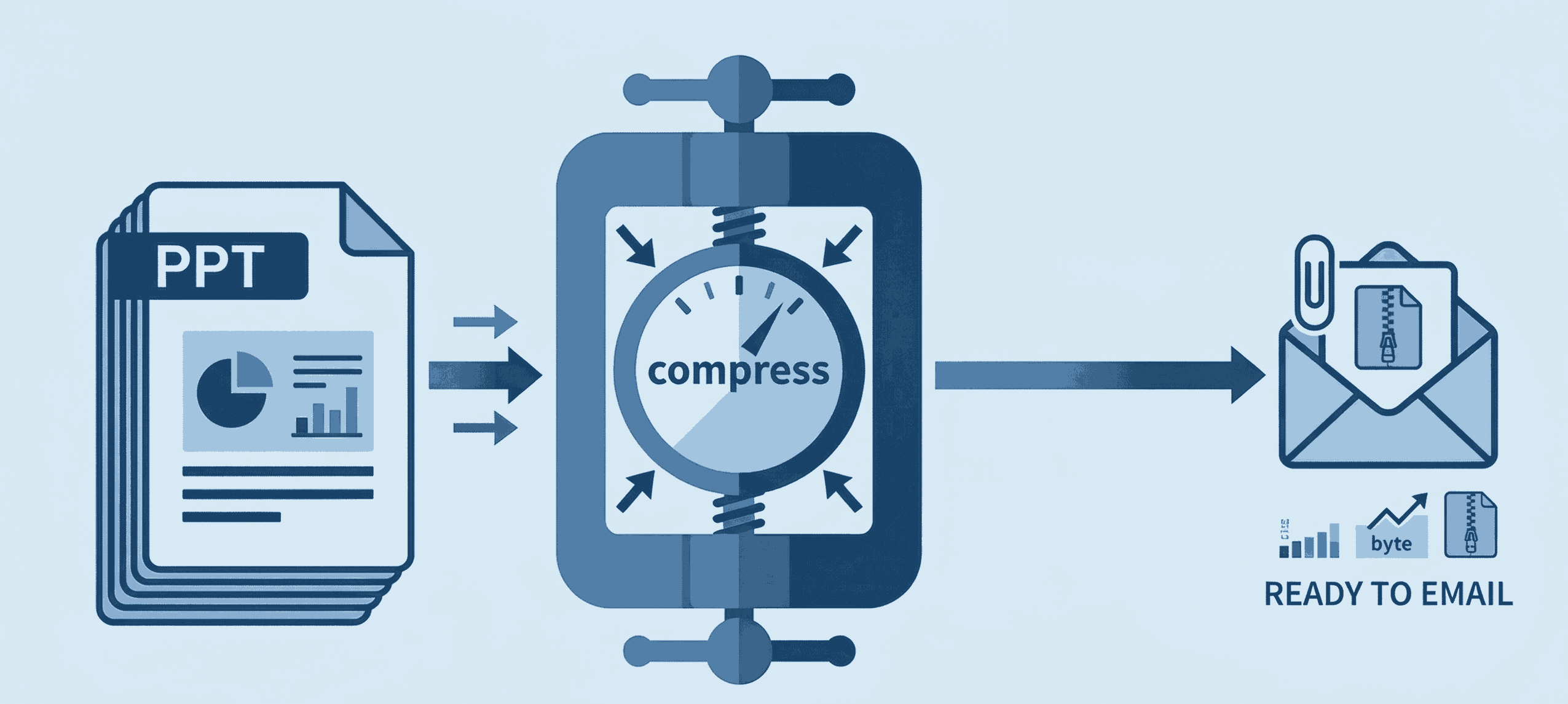
How to Compress PPT for Email
Shrink heavy PowerPoint files instantly to bypass email attachment limits securely.
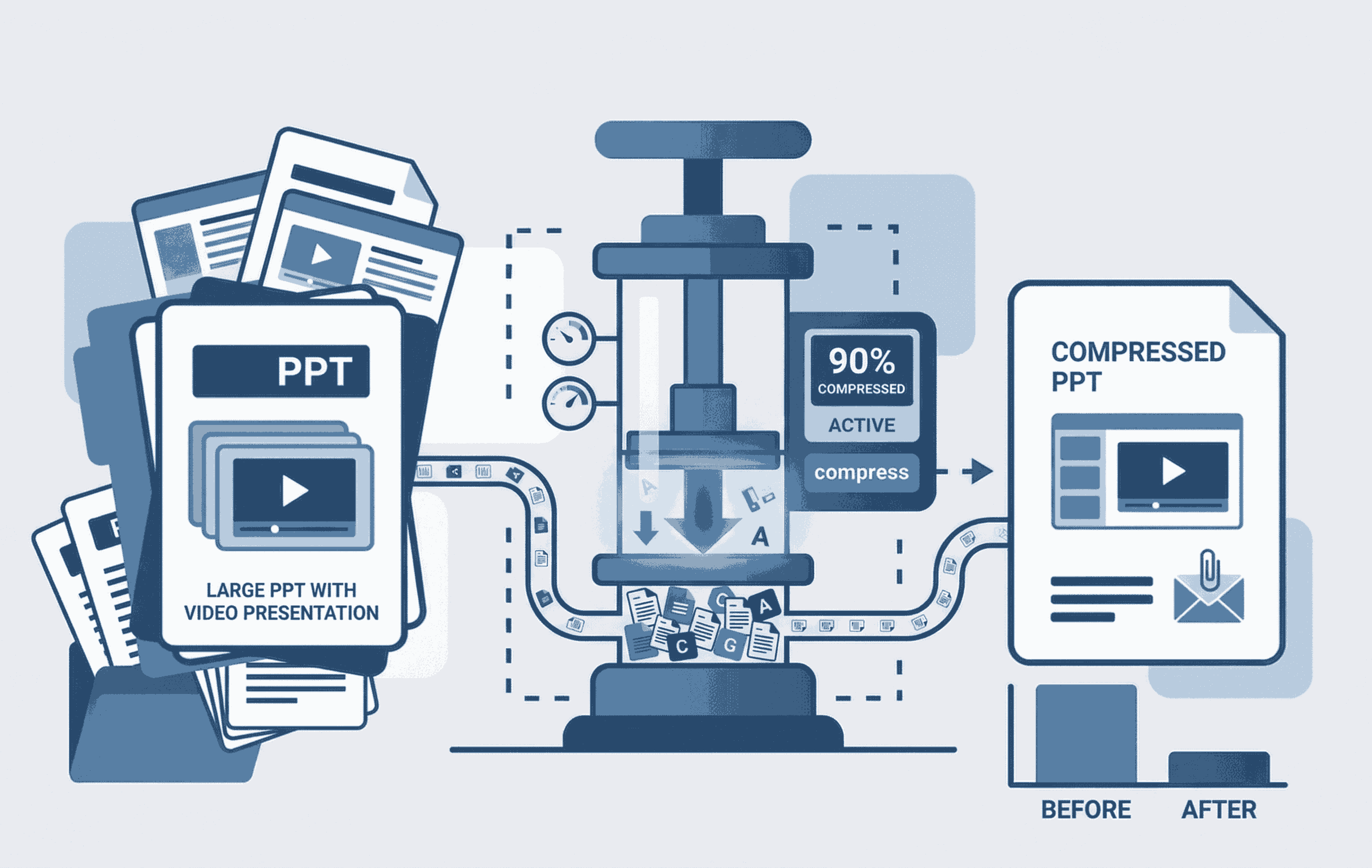
How to Compress PPT with Video
Learn to shrink heavy PowerPoint files containing embedded videos seamlessly.
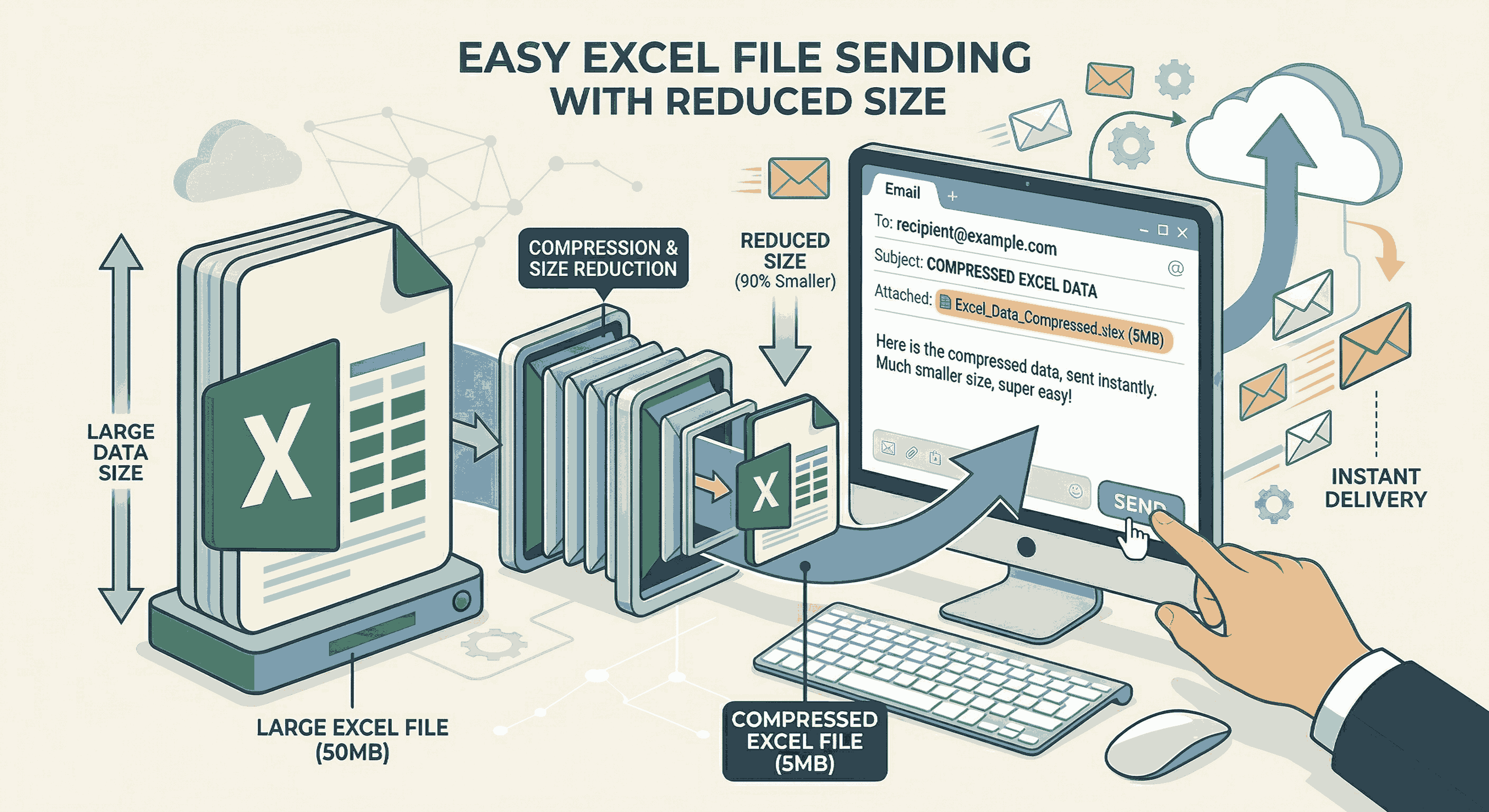
How to Compress Excel for Email
Shrink your large Excel spreadsheets by 90% instantly to fit Gmail limits.