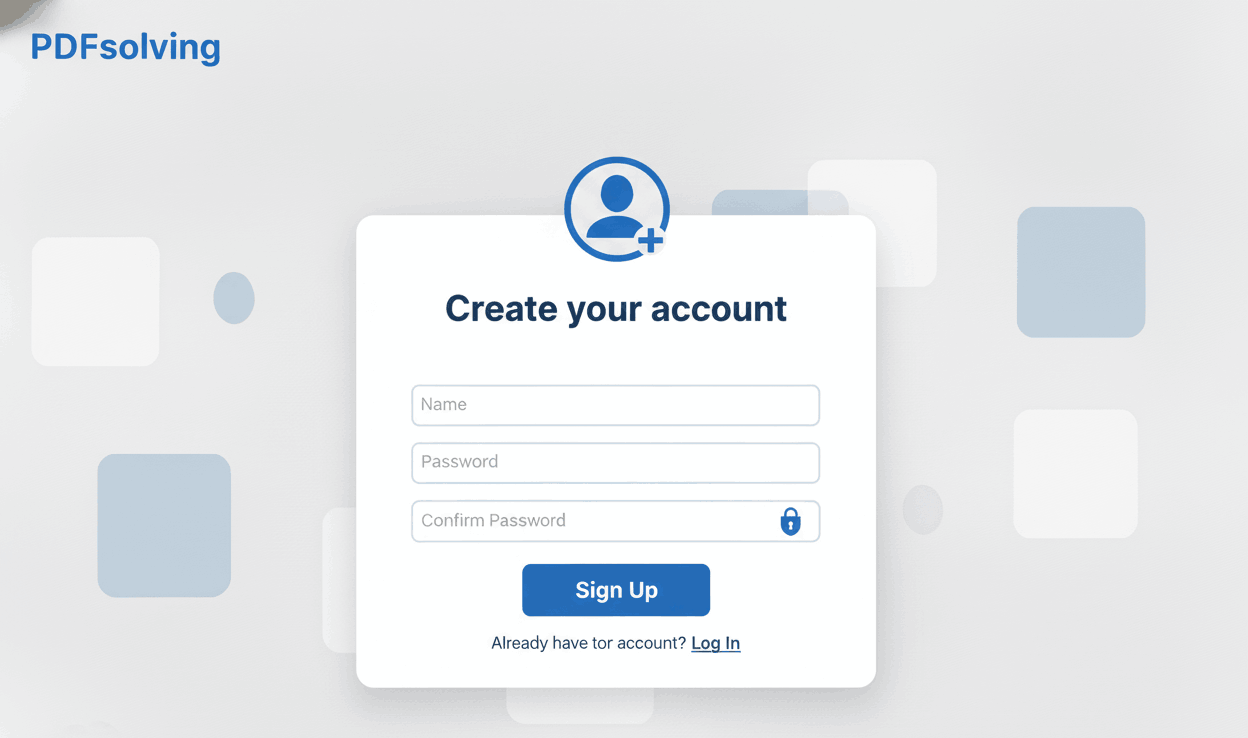
How to Create an Account?
Learn how to set up your free PDFSolving account in just a few seconds to access premium features.

Stop worrying about data breaches. PDFSolving processes your confidential documents directly in your web browser. Your files are never uploaded to any external server.
Unlike traditional PDF editors, we don't store your files. All processing happens locally on your device.
No software installation required. Get the privacy of an offline desktop tool right inside your web browser.
Since files aren't uploaded or downloaded from a server, your PDFs are edited, merged, and compressed instantly.
When you use an online PDF tool, you typically upload sensitive files like legal contracts, medical records, or financial statements to a remote server. This creates a risk of interception or data breaches. PDFSolving completely eliminates this risk. Through advanced WebAssembly and JavaScript technology, your browser does all the work.
When you select a file to split, merge, or compress on PDFSolving, the file is read by your own browser. The modifications happen in your computer's temporary memory. When you click 'Download', the browser simply saves the new file back to your hard drive. We never see, copy, or store your data.
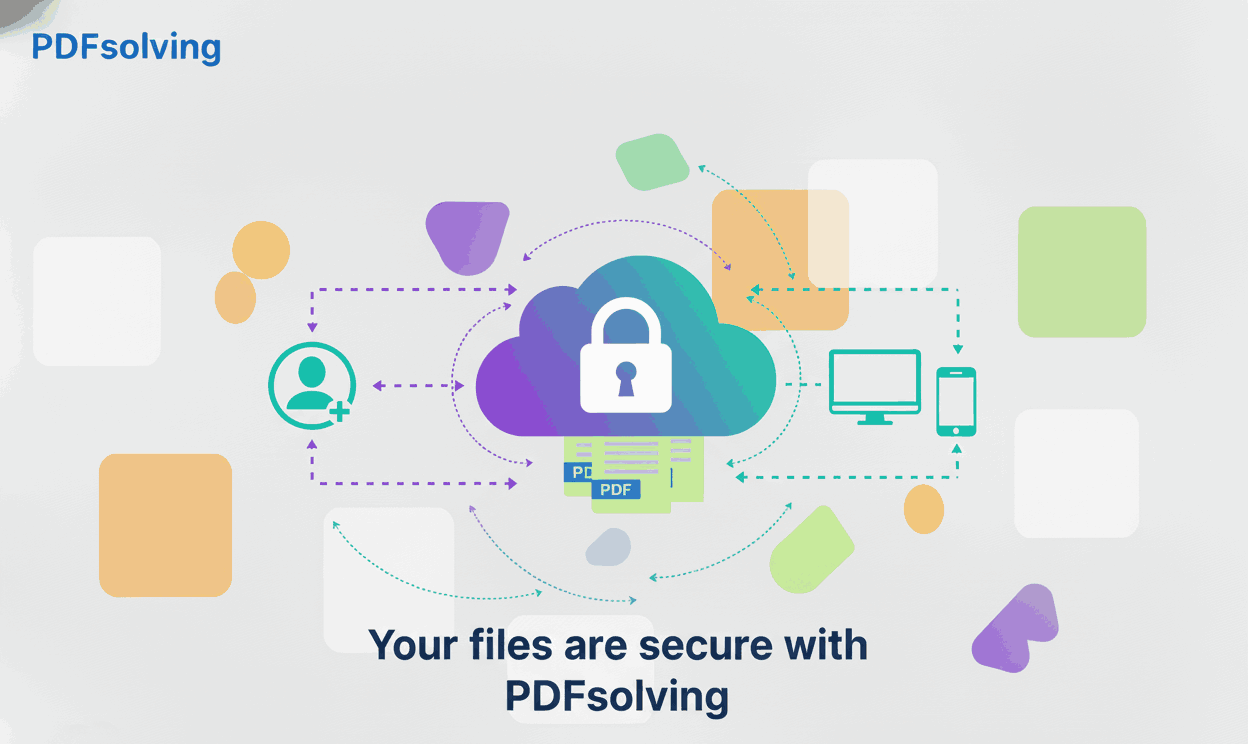
No. PDFSolving operates entirely in your web browser. Your files are never uploaded, stored, or transferred to any of our servers. Everything happens locally on your own device.
Absolutely. Because we use 100% client-side processing, even our developers cannot access your files. It offers the exact same level of security as using offline, paid desktop software.
No. We cannot keep a copy because we never receive the original file. Once you close your browser tab, any temporary memory used by your browser is automatically wiped clean.
You only need an internet connection to load the PDFSolving website. Once the page is loaded, the actual processing of editing, compressing, or merging the PDF doesn't require internet data because it happens offline in your browser.
Learn tips and tricks for managing your documents efficiently.